
Participant
April 16, 2020
Question

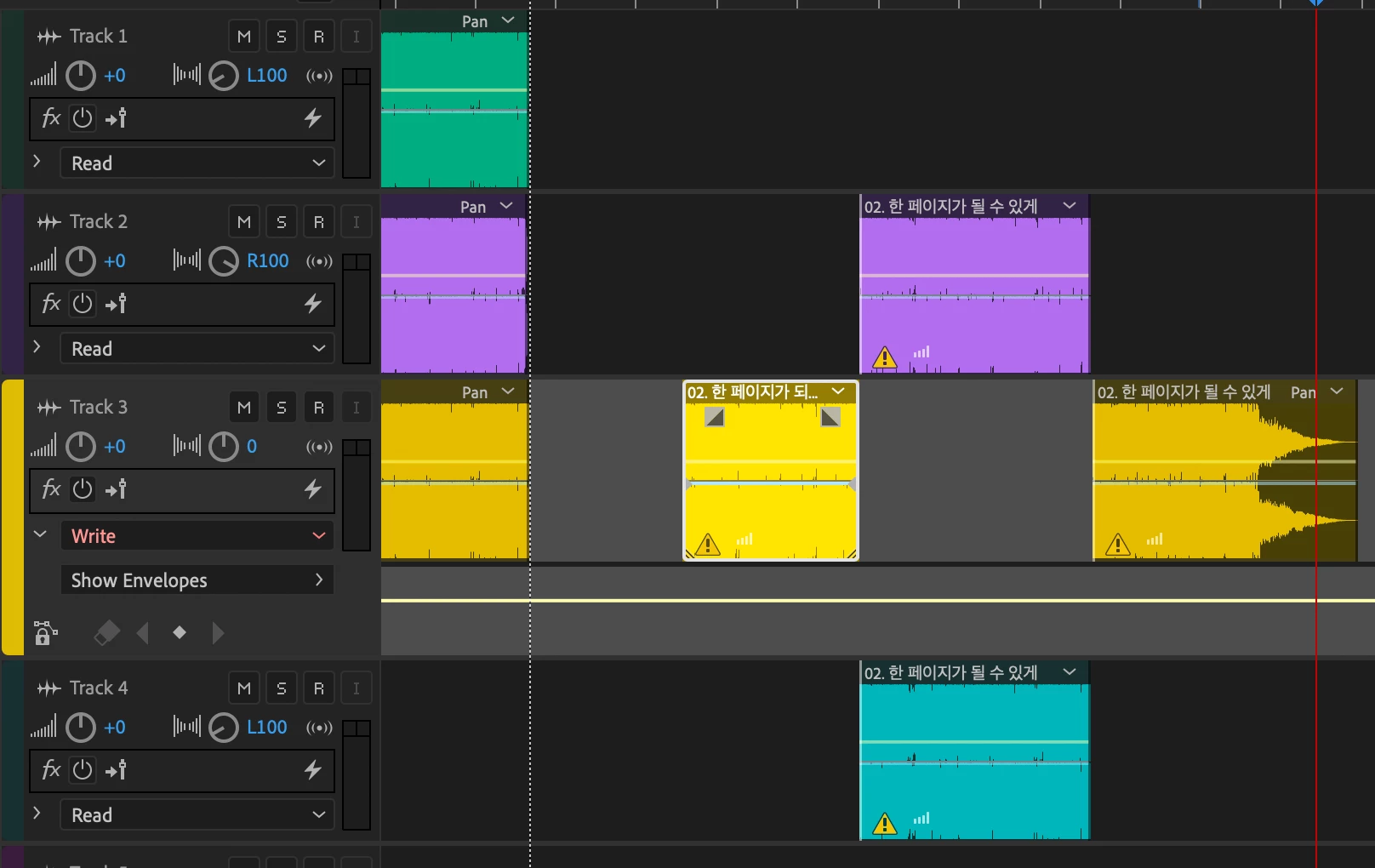
[Audition] How to apply doppler effect to only one specific track?
  • April 16, 2020
  • 3 replies
  • 391 views

I'm trying to apply doppler effect on the selected section. However instead of one specific section of a track, Audition applies the effect to all sections in all tracks. I've also tried keyframe but didn't help much. Thank you!

This topic has been closed for replies.

3 replies

SteveG_AudioMasters_
Community Expert
Community Expert
April 16, 2020

Need more information. For a start, I can't see how you've applied the effect - nothing about the actual FX chain that would be useful is showing. But in general, to get an effect to apply to all tracks rather than just one, you'd have to apply it to the Master channel... and it should either be a track or clip effect to do what you want.

Ann Bens
Community Expert
Community Expert
April 16, 2020

Moved to Audition forum.

Legend
April 16, 2020

Is this a question about Premiere Elements?