
Answered
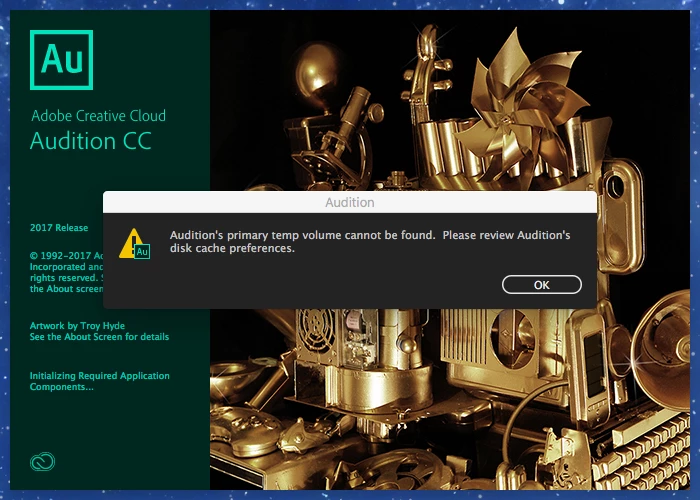
Audition's primary temp volume can't be found.
When I open Adobe Audition 2017 I get the following error message: Audition's primary temp volume cannot be found. Please review Audition's disk cache preferences."
I go to the preferences and see an explanation point next to Primary Temp. I click browse and I am in the Document's folder in my Mac. From there I get lost.
Can anyone give me advice on how to correct this problem?

 AdChoices