


New Participant
April 14, 2018
Answered

Blue Raspberry Mic not detected in Multitrack

  • April 14, 2018
  • 3 replies
  • 1735 views

I am so pissed that Adobe Audition didn't save my Waveform. Literally, I just recorded a 2 hour podcast and when I went to merge the tracks (because I had to record in two separate programs - Audition and Garage band) it overwrote the track and there's no recovery on waveform.

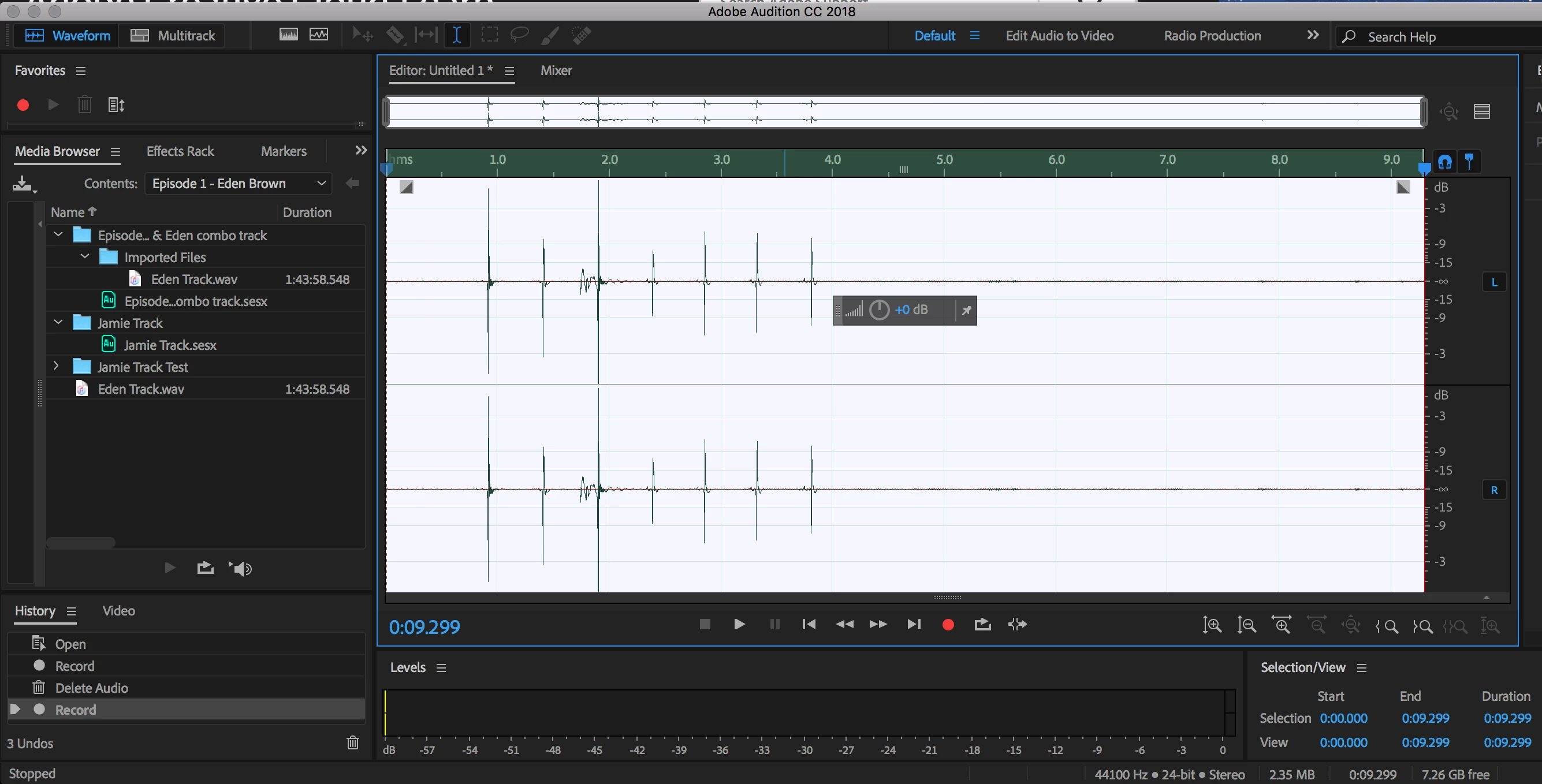
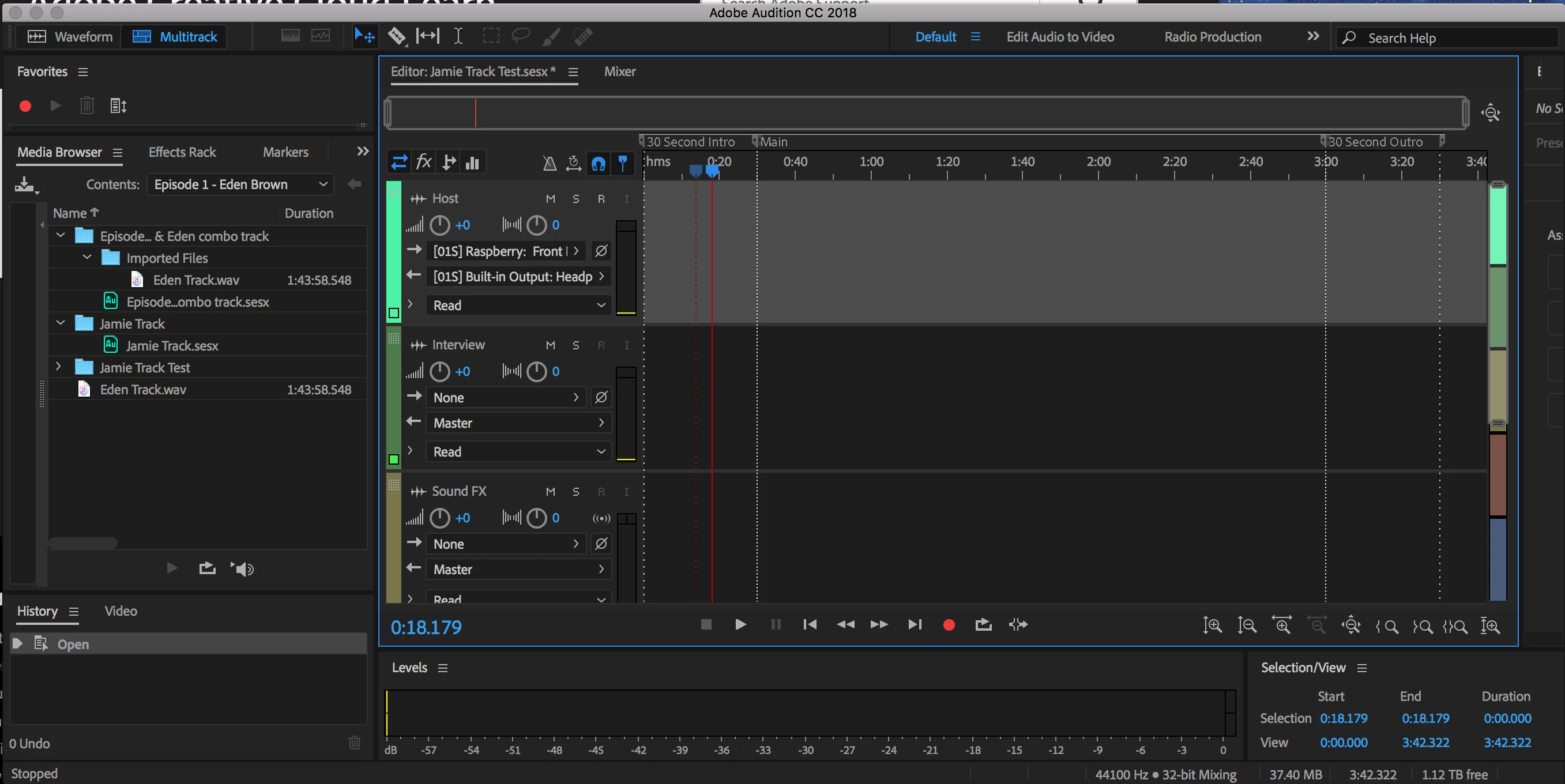
Here's the rub, I'm running a Blue Raspberry mic on Audition 2018 on the most recent Macbook pro. I can get a level detection in waveform, but not in multitrack, even when I select it from the device dropdown.

What's even more frustrating is that I bought two Blue Raspberry mics hoping for a consistency of sound and they aren't able to be detected using the aggregate devices. But why would using one mic work in waveform, but not on the mutlitrack.

Here's the waveform level pick up:
And then the same :30 recording in multitrack (note that there's no difference when I select Mono or stereo).
And yes, of course the audio hardware and clock are set to the raspberry. That's how I got the waveform recording in the first place. I am able to record simultaneously in Audition and GarageBand. I just bought these mics last week, so I've never been able to get this to work.

Thoughts?

This topic has been closed for replies.
Correct answer cheers4jamie

Hey everyone, I tried to update the firmware with Blue's update and it failed rendering the mics useless, so I just returned them. I'm a little frustrated as now I have to move into the category of more equipment as I'm going to use two condenser mics into a mixer and patch that into Audition.

Does anyone know if I'll be able to record the tracks separately or if the mixer will just blend them together into one track in audition?

3 replies

cheers4jamieAuthorCorrect answer
New Participant
April 24, 2018

Hey everyone, I tried to update the firmware with Blue's update and it failed rendering the mics useless, so I just returned them. I'm a little frustrated as now I have to move into the category of more equipment as I'm going to use two condenser mics into a mixer and patch that into Audition.

Does anyone know if I'll be able to record the tracks separately or if the mixer will just blend them together into one track in audition?

ryclark
Participating Frequently
April 24, 2018

If it is a stereo mixer you will be balked to keep the two mics separate by panning one fully left and the other fully right. You can then select them each as Mono on separate tracks in Audition's Multitrack view. How are you planning to feed the mixer into your computer? It will probably be easier if it comes with an integrated USB interface.

New Participant
April 24, 2018

Correct. I'm getting the Focusrite Scarlett 2i2, which has a native USB interface and analog mic input. Fingers crossed.

New Participant
April 24, 2018

I found this at Blue Microphones on their FAQ page for USB mics =

If you want to use 2 identical Blue USB mics at the same time, here's what you need to do. First off, identical mics have the same “digital thumbprint” so to speak. This makes it difficult for your computer to distinguish the two microphones from each other, leaving one unusable.

However, we do have the ability to alter this “digital thumbprint” of your mics so that it’s possible for your computer to recognize both of them simultaneously.

In order to take advantage of this service we offer, you must currently be under our 2 year manufacturer warranty, and you must have purchased your mics from an authorized dealer. It can take some time for this process to get completed, so do allow at least 5 business days. If you're interested in having this done, please visit our Customer Service request form (requires a Blue Web Store user account).  "

Hopefully this will help.

SteveG_AudioMasters_
Community Expert
April 24, 2018

Hmm... sounds like BS to me. What they're suggesting is that your computer has no idea which usb port a device is plugged into! Last time I checked, ASIO4ALL (free) could identify two separate USB mics without difficulty. The real issue with using them is that their internal clocks aren't synchronised, so an in-line resampling has to take place on one so that the outputs from both of them use an identical clock source. Without this, no software could record them anyway.

You might well benefit from reading this: https://www.soundonsound.com/techniques/using-multiple-audio-interfaces-together especially the bit about ASIO4ALL...

ryclark
Participating Frequently
April 24, 2018

Maybe Blue have some way of changing the USB ID of the mic so that two appear as different devices to the operating system?

ryclark
Participating Frequently
April 15, 2018

To help us see what might be going wrong can you post a screen grab of your Audition's Audio Hardware set up page please?

Using two USB microphones is, at the best of times, fraught with problems due to the fact that you are having to aggregate two completely separate digital systems that don't have their sample clock rates synchronised except by using your OS to sample rate convert one of the mics to match the other. OS SRC is not known to be the best way to get the best audio quality, I'm afraid.