
ssbean
Participant
August 25, 2018
Answered

Clip Duration is Longer than Source

  • August 25, 2018
  • 4 replies
  • 3446 views

Trying to export multitrack Audition sesx file to OMF for a friend to use on ProTools.

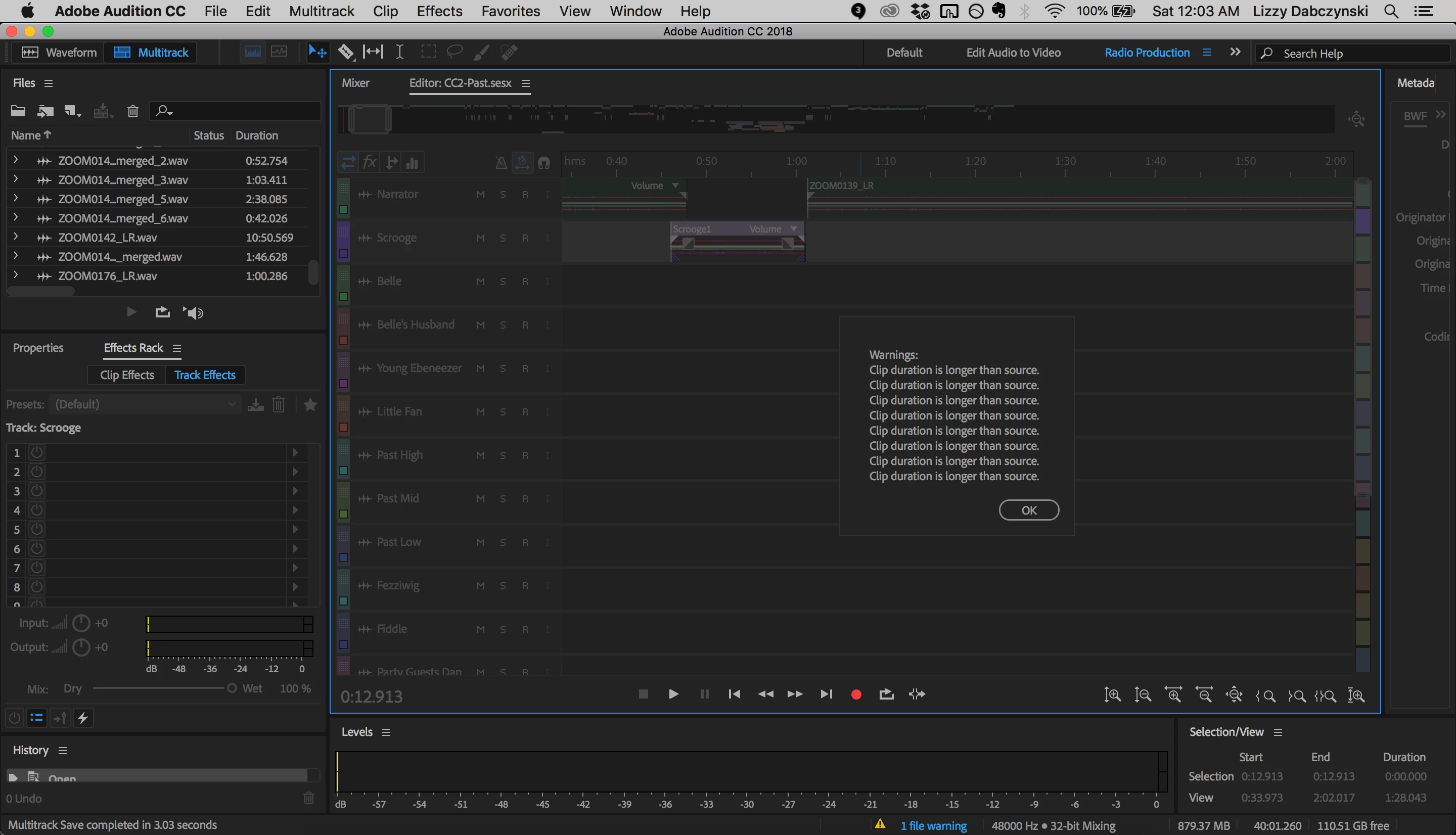
I do "File," "Export," "OMF" and try to run the export but it always fails, resulting in the same error: "Warnings: Clip duration is longer than source." I cannot seem to find ANYWHERE what this may mean, or how to fix it. Help, please?

The first stages seem to go well:
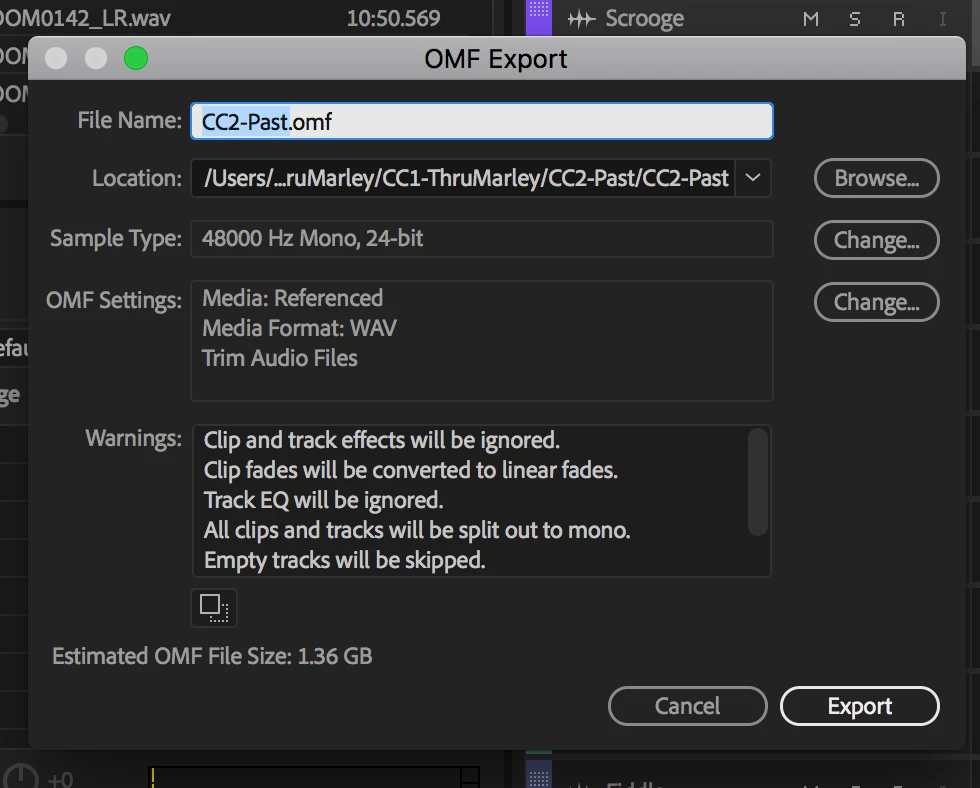
  • "Generating audio files for OMF export" - goes through this phase 2x and both seem to work. The second time goes faster than the first.
  • There is another something that goes by too fast to see.
  • "Making composition tracks" does not finish and results in: "Warnings: Clip duration is longer than source."
This topic has been closed for replies.
Correct answer SuiteSpot

Just in from a gig

This means that you have 'stretched' some clips - if you can't find them email me the sesx and I will tell you which clip or clips it is

Email:info@aatranslator.com.au

4 replies

codyt56749822
Participant
May 23, 2024

I've been getting the same message on every OMF i try to export for the past two months. I've spent hours on the phone with Adobe tech support and each thing they tell me does not fix the problem. The latest suggest was reinstall OS. Well I did that and I still am unable to export an OMF in audtion. Any suggestions? This has happened on projects I have not stretched or manipulated the files in any way beyond a basic cut. 

codyt56749822
Participant
May 23, 2024

The message I get btw is "Warning: Clip duration is longer than source" 

SuiteSpot
Inspiring
May 23, 2024

Like the Phantom Agents reinstalling your OS should always be the last resort. 
look for any looped clips or clips where the source is an mp3

send me the session (info at aatranslator dot com dot au) and I will check it out when I return to the studio later today

Participant
July 14, 2021

Hi there, 

i'm having the same warning message when trying to export an OMF with encapsulated audio, for an engineer to mix in ProTools. I've tried Clip > Stretch > Enable Gobal Stretching (which was not originally on, I've turned it on and off again to see if this would revert any accidnetally stretched clips) - no luck. I've also tried manually searching each clip to see if there are stretch markers, nope - and also trying to check sample rates of each clip but they're all at 44100. Totally stumped. 


Would love to hear how this issue was resolved, or how to search for stretched (or otherwise?) clips - thank you! 

SuiteSpot
Inspiring
July 14, 2021

I think you may have emailed me direct but if not email me the sesx file (info@aatranslator.com.au)

It is easier if I have the media but if not I can work with just the sesx

Participant
January 24, 2022

Can you please just show us how to find them ourselves? I mean for all the people who find this thread and not only the person who asked?

SuiteSpot
SuiteSpotCorrect answer
Inspiring
August 25, 2018

Just in from a gig

This means that you have 'stretched' some clips - if you can't find them email me the sesx and I will tell you which clip or clips it is

Email:info@aatranslator.com.au

hugop6607118
Participant
January 2, 2023

Hi! I'm having the same problem. Can't find any "stretched" clips. May I email you my sesx? Thanks!

SuiteSpot
Inspiring
January 2, 2023

Yes of course

SteveG_AudioMasters_
Community Expert
Community Expert
August 25, 2018

This is one for either the developers or Suite Spot...