
Inspiring
January 16, 2017
Answered

Copy & Paste Beat markers on Timeline.

  • January 16, 2017
  • 1 reply
  • 1423 views

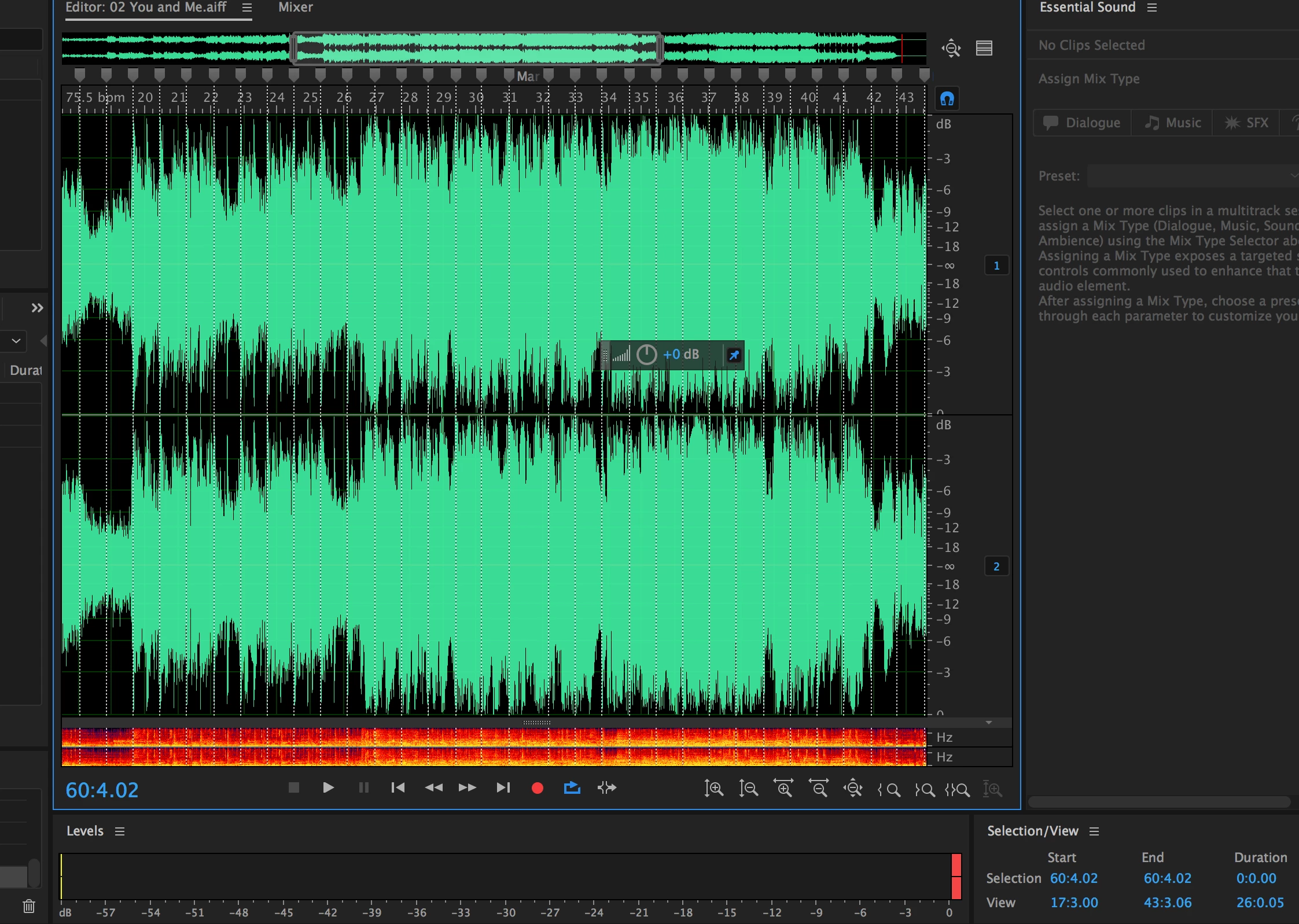
I want to copy and paste beat markers on a track. Once i have marked the first 5 or 6 beats on a track its laborious to keep marking all the way to the end of the track i should be able to copy the first six the continue pasting that would give me a more accurate row of beat markers. Is there another way to accomplish this task?
This topic has been closed for replies.
Correct answer ryclark

There is no way that I know of to copy and paste markers. However you can invent your own Time/Tempo scale to match whatever the tempo of your music is to show on the Time Ruler at the top of the display. Then you will have your own customised Tempo Timeline to match your beats. Go to preferences/Time Display try entering suitable numbers for the various tempo, beat and subdivision settings. If you can't make Bars and Beats match the timing you need you could also try customising the Frame Rate instead and using that in the Time bar.

1 reply

ryclark
ryclarkCorrect answer
Participating Frequently
January 17, 2017

There is no way that I know of to copy and paste markers. However you can invent your own Time/Tempo scale to match whatever the tempo of your music is to show on the Time Ruler at the top of the display. Then you will have your own customised Tempo Timeline to match your beats. Go to preferences/Time Display try entering suitable numbers for the various tempo, beat and subdivision settings. If you can't make Bars and Beats match the timing you need you could also try customising the Frame Rate instead and using that in the Time bar.

CipiatoneAuthor
Inspiring
January 17, 2017

That's disappointing I'm sure lots of video editors would love to have this feature. I'll post to the future request forum.

Thanks.

Participating Frequently
October 13, 2020

its sadder than you think it is. after so many years and still no features like that available.