


Files missing from session

Copy link to clipboard
Copied
Hello.
A friend and I spent the whole evening recording in a multitrack session. After the recording was done, we were not able to either save the session, nor export it. The options was greyed out. Google searches taught us to change the output to master, but this didn't work. I an attempt to troubleshoot, I "accidentaly" opened another session to compare. I'm coming from the world of CAD and Solidworks, and if one were to open a new session in SW, it stacks up in a separate tab. When I did this in Audition, the session with all it's recordings disappeared, and the other session showed up with only one file. Now this other session is actually the original "new session" save file, the one you create when starting a brand new multitrack session, but now it only contains one file (out of dusins) which is also greyed out.
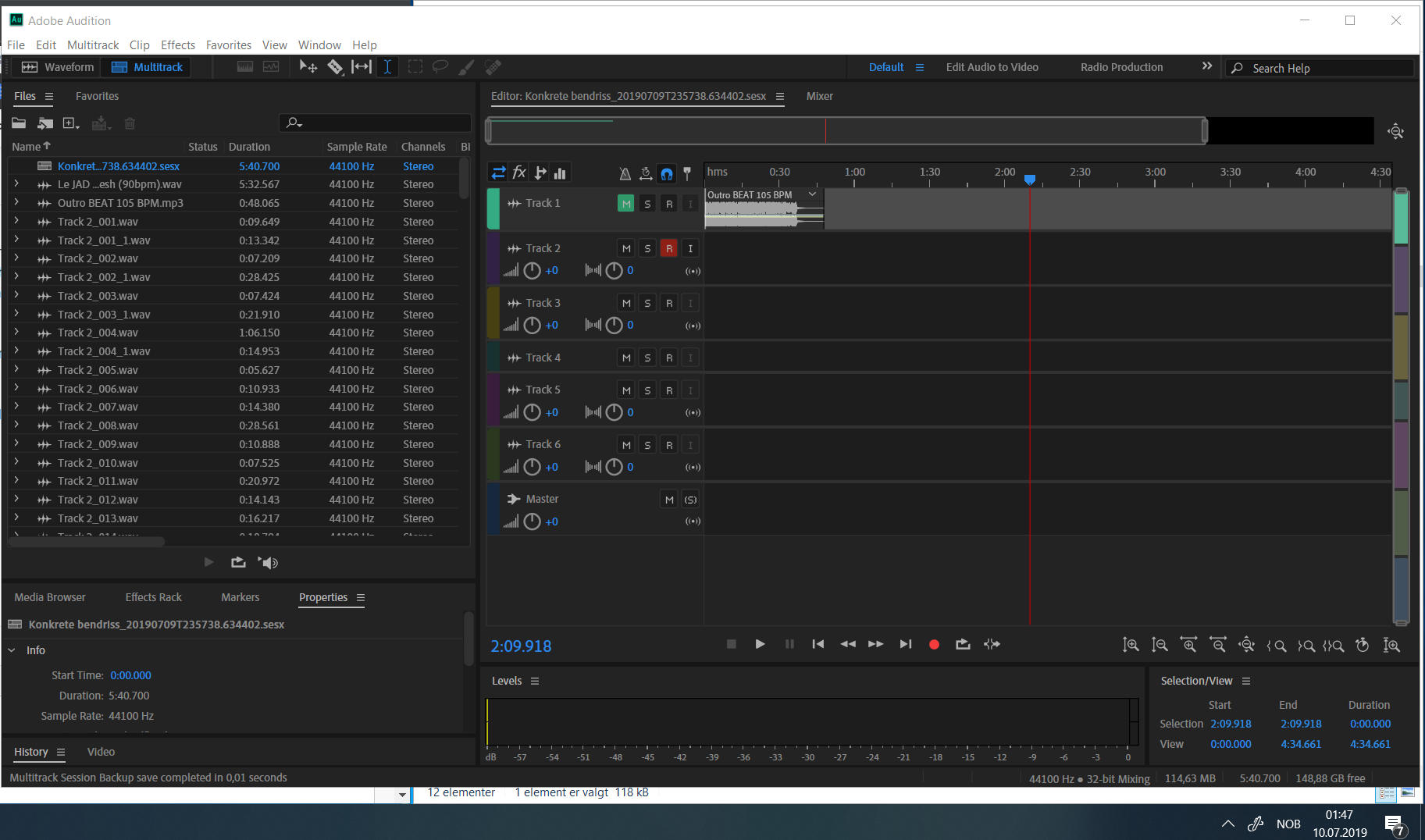
In fear of lost work, we quickly found the backup folder and found a backup session with a time stamp of a session we know was "healthy" (from before I opened another session).

This session is missing all the recordings, except the baseline audio file. We first added an instrumental beat and then recorded scratching in separate stereo tracks, which then was edited. There is 11 backup files, and all of them are missing the recordings (and the editing and placement of files, so re-linking is not possible). BUT, the recordings are saved on the hard drive as separate .wav files.
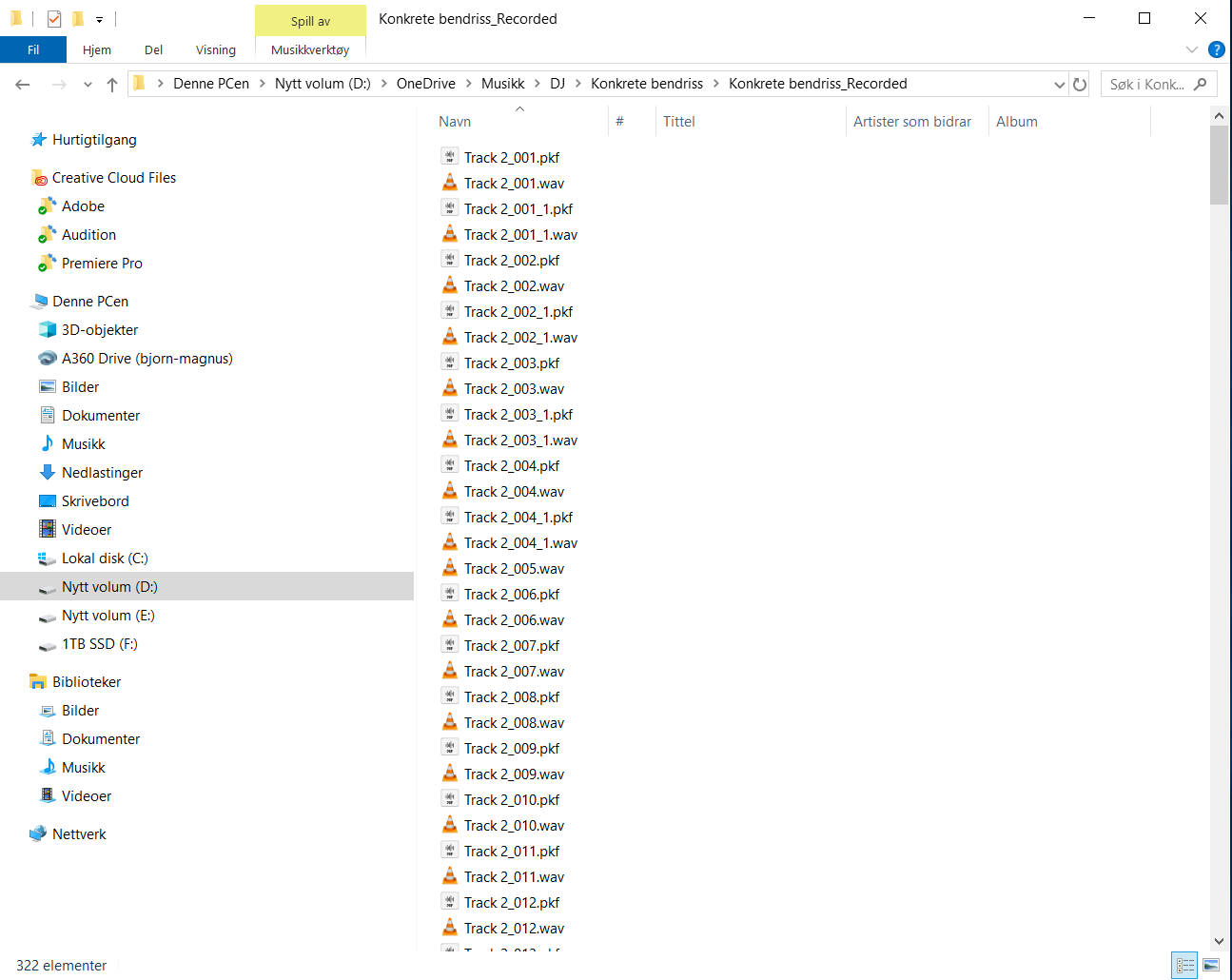
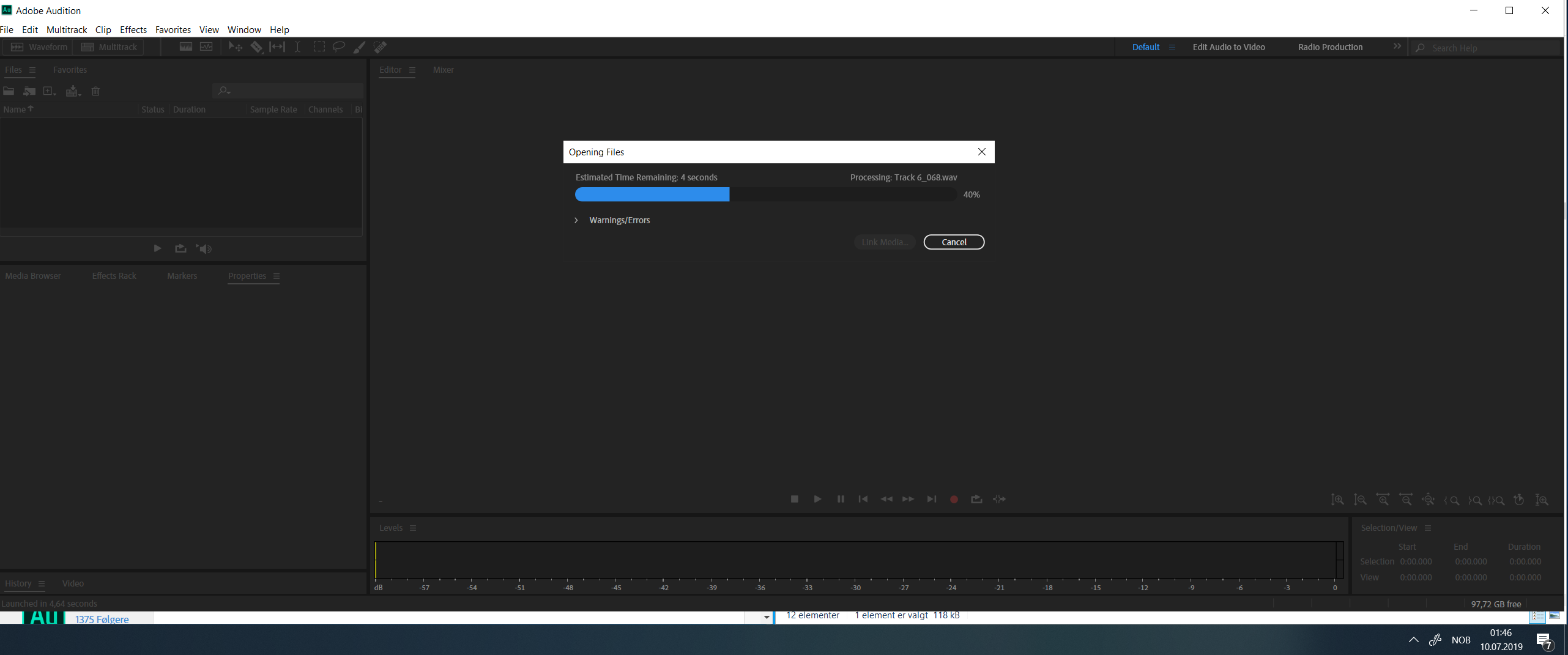
When opening one of the backed up .sesx files, it says that Audition are opening all the files, including the recorded files (i.e Track3_003 and so on).
I was hoping it would be possible to just re-link the "_Recorded" folder and then the session would restore with all it's editing, but Google searches has not given us the right answers yet.
The real value here is the editing and placement of tracks around the session. That the .wav recordings still exists in the _Redorded folder is a blessing, but it's almost impossible to re-do the editing as there was a lot of short recordings and placements.
Hope someone can rescue us in this time of need.
Original session file:
Dropbox - Konkrete Bendriss.sesx - Simplify your life
Backed up session file:
Dropbox - Konkrete bendriss_20190709T235738.634402.sesx - Simplify your life
_Recorded folder:
Dropbox - Konkrete bendriss_Recorded - Simplify your life
Instrumental ("baseline track"):


 2
Replies
2
2
Replies
2



Copy link to clipboard
Copied
When you try to open the backup session file in Audition do you get the error message warning that Audition can't open the 185 files referenced in the session? If so you should be able to click on the Link Media button at the bottom and point it to where the files are stored.
Just for reference all the files and their paths are listed in the .sesx file OK. Here are the first few if you want to know where Audition is looking for them.
<files>
<file absolutePath="D:\OneDrive\Musikk\DJ\Le JAD - WARTABLISM\Le JAD - WARTABLISM - 34 Beat 1 - Taste of Flesh (90bpm).wav" id="0" importerPrivateSettings="Compression:0:0;LargeFileSupport:0:0;SampleType:0:40;" mediaHandler="AmioWav" recoveryID="21ff18f1-c555-4e4a-aae5-e8b9baa7d75e" relativePath="../../Le JAD - WARTABLISM/Le JAD - WARTABLISM - 34 Beat 1 - Taste of Flesh (90bpm).wav"/>
<file absolutePath="D:\OneDrive\Musikk\DJ\Konkrete bendriss\Konkrete bendriss_Recorded\Track 2_001.wav" id="1" mediaHandler="AmioWav" recoveryID="b653d9fc-cfe6-4295-98ec-d362ecfd87b8" relativePath="../Konkrete bendriss_Recorded/Track 2_001.wav"/>
<file absolutePath="D:\OneDrive\Musikk\DJ\Konkrete bendriss\Konkrete bendriss_Recorded\Track 2_002.wav" id="2" mediaHandler="AmioWav" recoveryID="b55ca7bd-4c00-4b0a-b536-02036ccab2de" relativePath="../Konkrete bendriss_Recorded/Track 2_002.wav"/>
Copy link to clipboard
Copied
I get no warning at all. It spends some time opening all the files, and when done the session is almost blank, except for the instrumental at the top.

Get ready! An upgraded Adobe Community experience is coming in January.
Learn more
 AdChoices