
Question
How do I manually import all media files into a multitrack session folder?
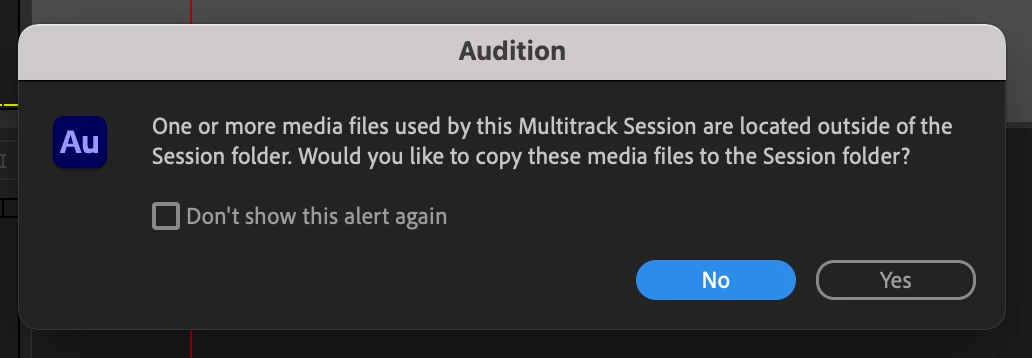
How do I manually Import All Media Files to the session folder on my own accord (i.e. at a later time, after hitting 'No' on this warning), or is this auto-prompt the only way that Audition can perform such a function? Is this function executable from somewhere on the dropdown top-menus, and I'm simply overlooking it? Thanks forum.
 AdChoices