

Answered
How to reload an Older version of Audition (or any other software)
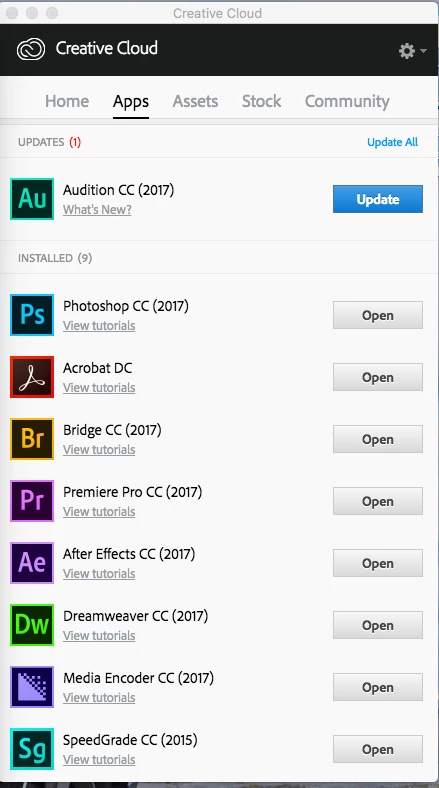
When you open up your Creative Cloud app it will look roughly like this (mac version)
Your going to want to scroll down till you see something that looks like this:

Then your going to want to choose one of the older installations:
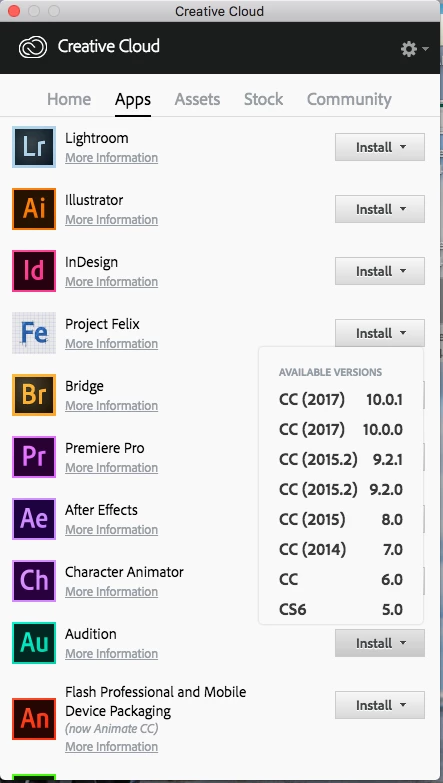
Now you should be able to pick one and re download it and your back up and running.
Once I reloaded the older version of Audition all my programs started functioning normally and I was good to go.
If someone could make this a stick so people know how to reload a previous version of software it would be appreciated.
-David and Dexter
 AdChoices