
In audition how do you save audio channel label information in wav files?
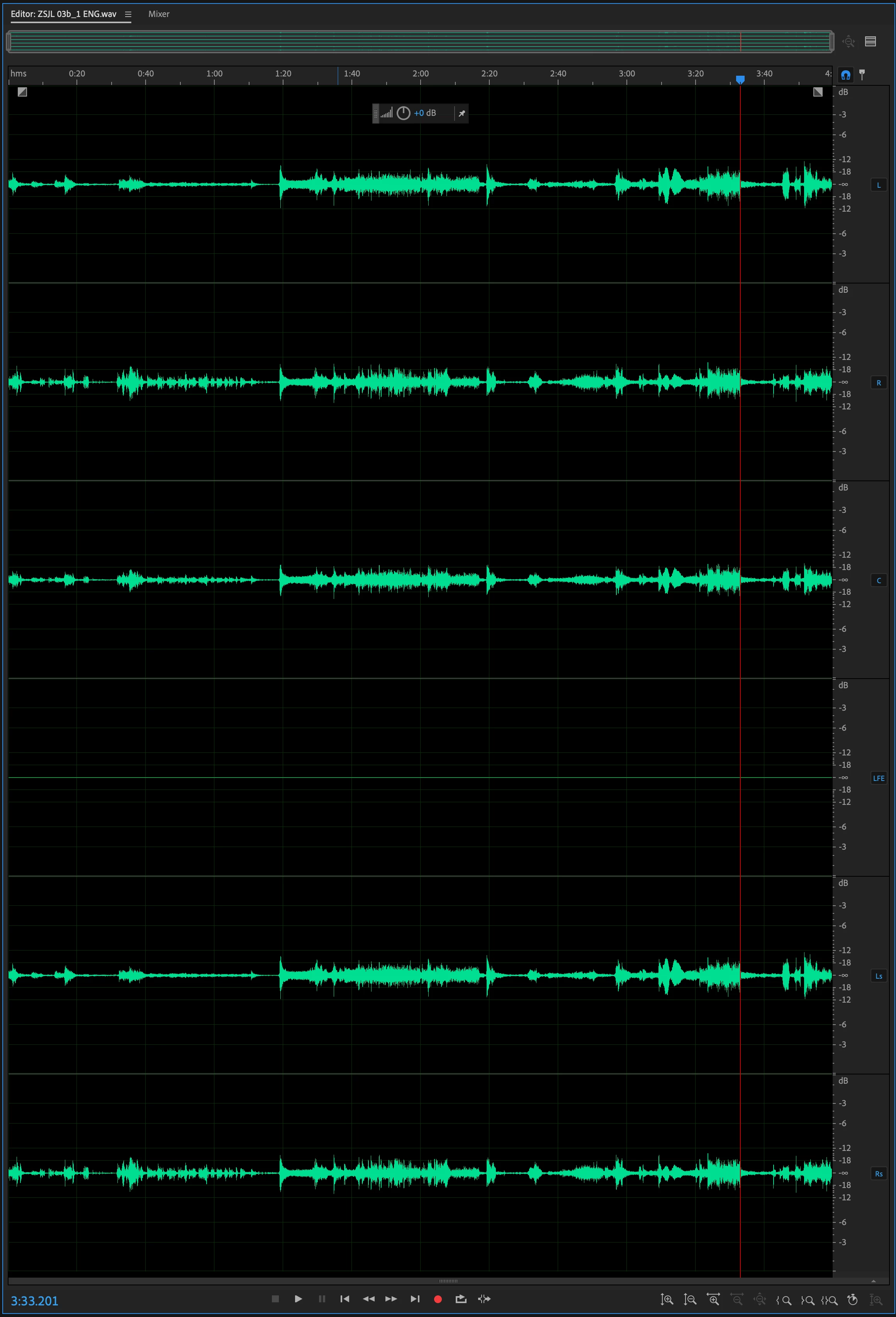
I used audition to extract the soundtrack from a video which has 5.1 audio and when I open that wav file in audition I can see that each channel has a label to the right (L, H, C, LFE, etc.) (click here to download file 1) (screenshot below).
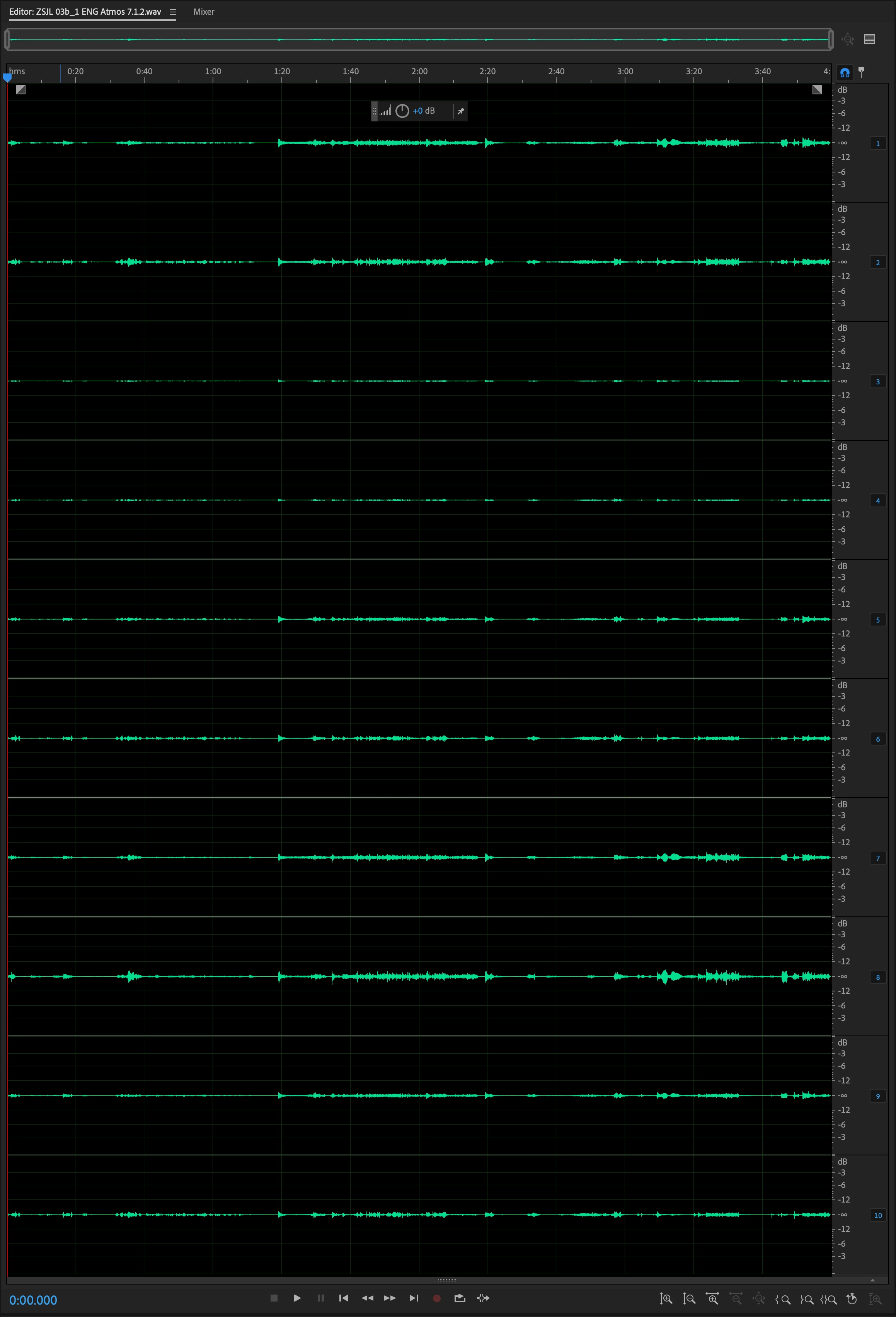
However if I create a new file with multiple channels (click here to download file 2) which is basically an upmix of the above audio file from 5.1 to 7.1.2 and then I try to name the channels manually on the right by right clicking and assigning each channel to a speaker (L, R, C, LFE, etc.) and then save it back to WAV (file 2 here), when I reopen it, all channel information is lost and all the tracks go back to being numbered 1-10 (screenshot below).
This is really annoying. I am sure I am doing something wrong but I can't work out what that is. Could someone please help me? The output does not need to be in wav format as long as I can retain the channel information when adding this audio file as the sound track in programmes such as Premiere. Thanks in advance.
 AdChoices