
Participant
January 31, 2020
Question

MixPre-6 recording levels are too low

I bought a Sound Devices MixPre-6. I hooked it up to my Windows 10 computer using the provided USB-Y cable in order to use Audition to record multiple channels. 


It was recording L/R just fine, but I wanted to get it to record individual channels into separate tracks. I downloaded and installed the ASIO (2.9.92.6) and installed into windows. I updated the firmware of the mixpre to 6.00.


When I reopened audition I switched the audio hardware to ASIO. This allowed me to set the input for each track. But now when I record, the waveform appears silent. 
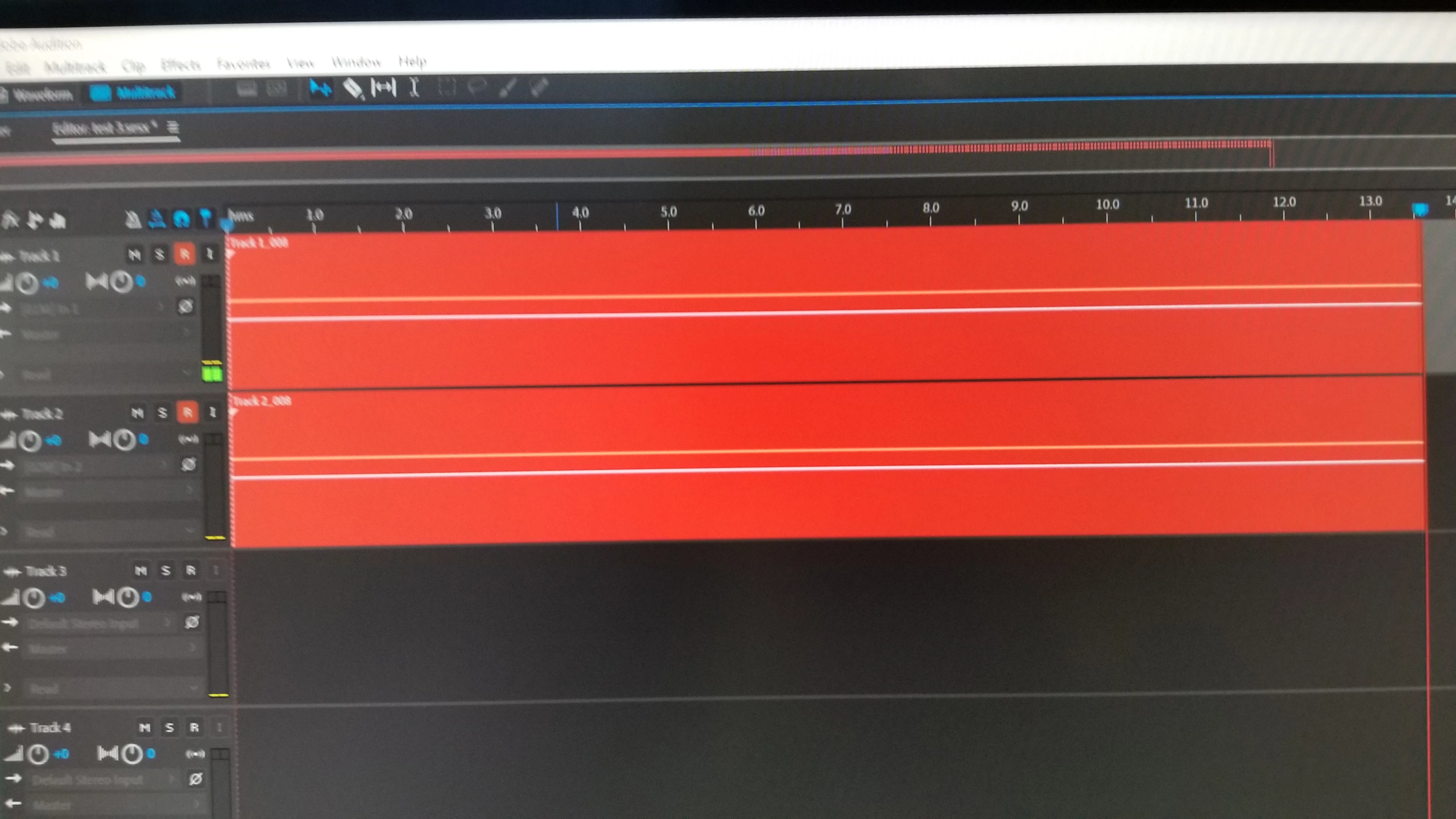
 

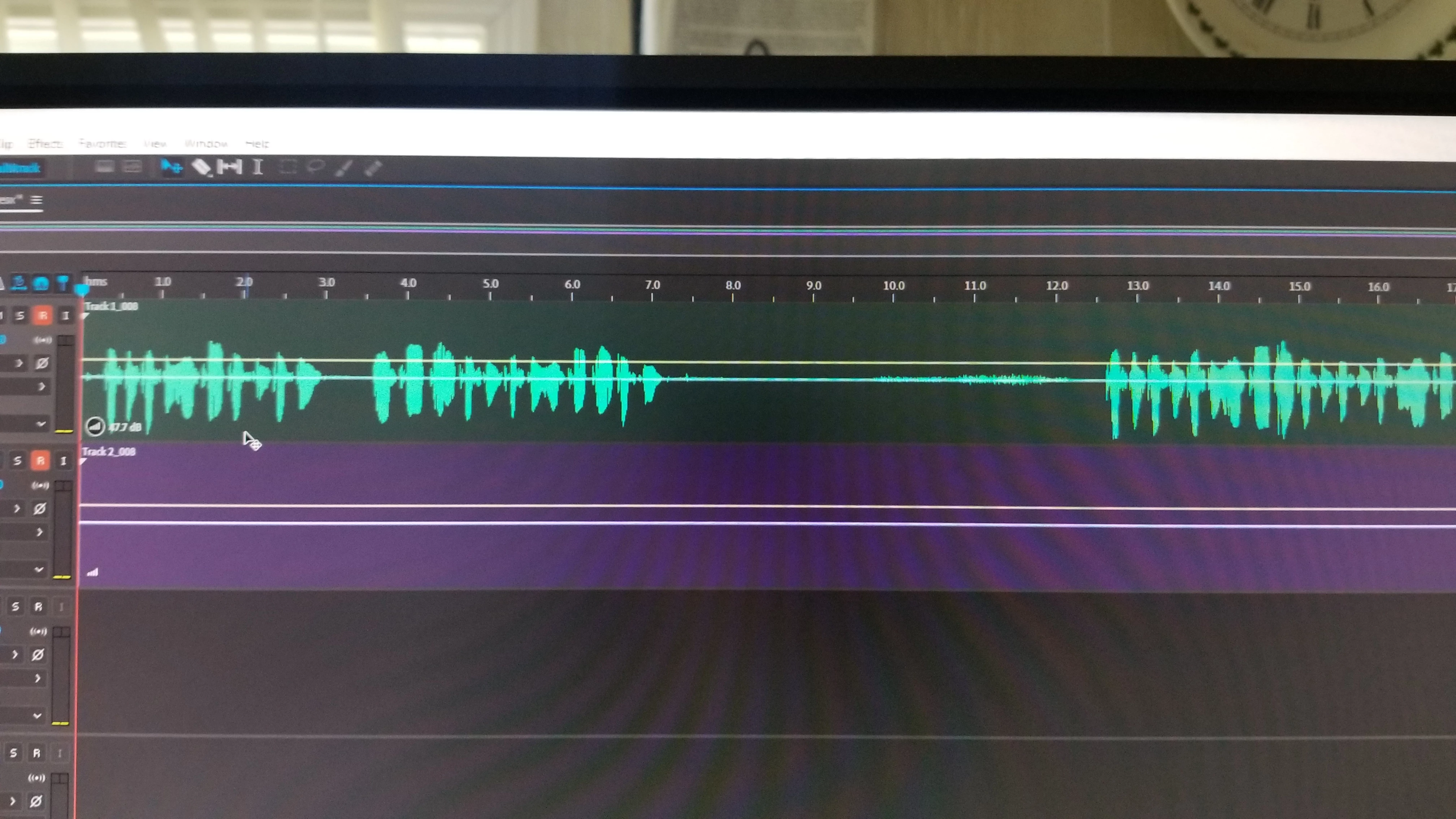
But if I go into the clip gain and bump it up by 37db then I can see that there was a waveform recorded. 
 

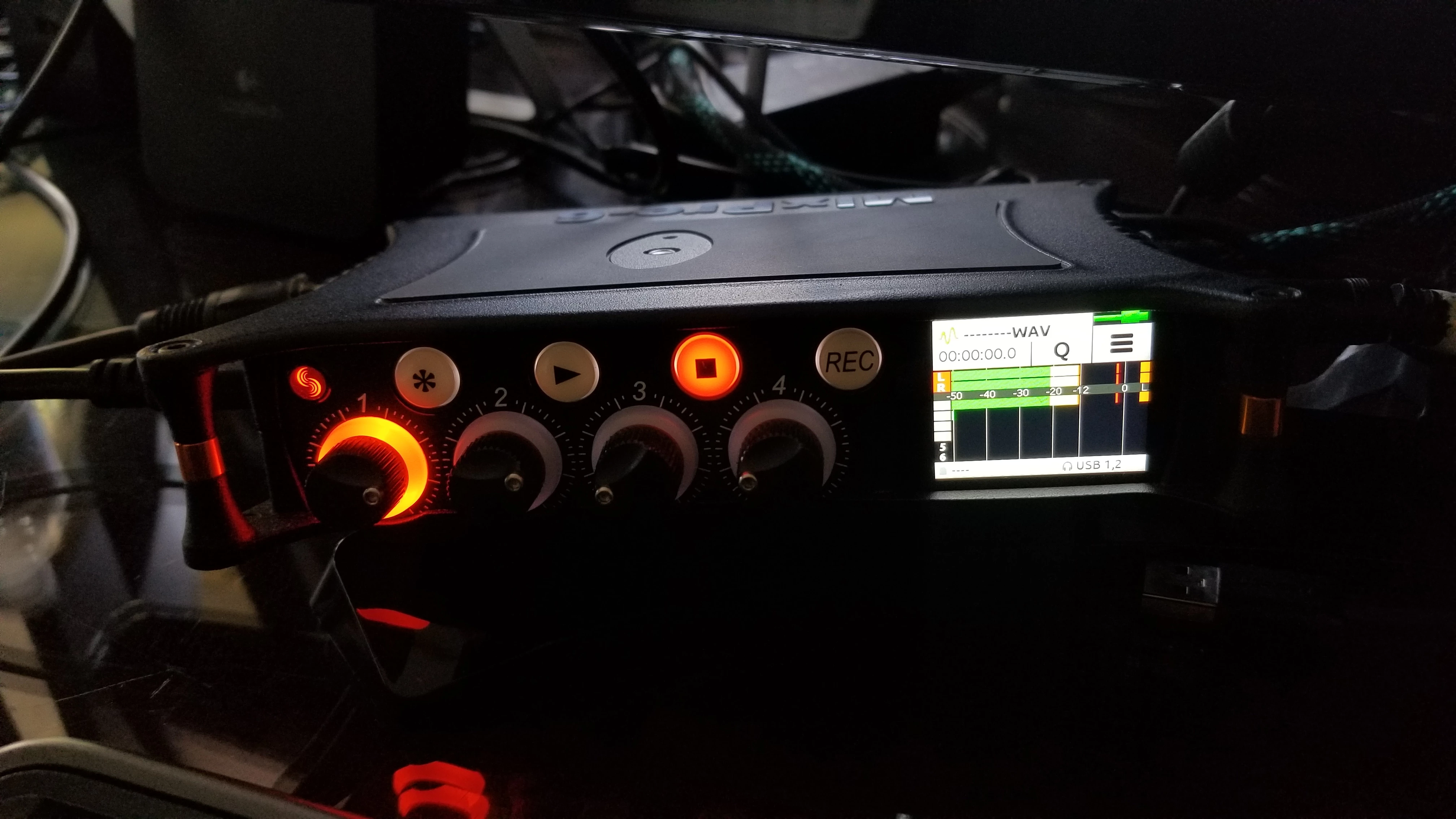
However on the mixpre the levels appear normal. 


I've tried to adjust every setting in the Audio Hardware menu. But there's no change. When I record it on the mixpre at the same time as audition, the mixpre's playback sounds fine.


What is going on? Please help. 

Ce sujet a été fermé aux réponses.

1 commentaire

jchao111Auteur
Participant
January 31, 2020

update. Figure out some stuff, can't figure out others.

I changed the mixpre to advanced mode. Now under outputs, I can send each USB to a certain track. Then making sure it does postfade (blue box), I can adjust both the gain of each channel using the channel menu and headphone knob then use the channel knob to do postfade. 


But there's a new problem now: All my audio goes through my computer monitors even though I have my windows audio set to go back to the premix. 


Solve one door and God closes a window. 

SteveG_AudioMasters_
Community Expert
Community Expert
January 31, 2020

What are your computer monitors connected to?


If you select ASIO in Audition, it should only be possible to send and recieve audio from a single ASIO device - that's inherent in the ASIO specification.


The only exception to this (actually it isn't an exception, but it looks like one) is if you accidentally use ASIO4ALL as the driver. This can concatenate I/O devices, but I wasn't aware that the Sound Devices one did, I must say.