
johng0953
Participant
February 22, 2019
Answered

MP3 created on a PC will NOT play on a Mac. Why?

  • February 22, 2019
  • 2 replies
  • 741 views

Our church is starting to use video announcements and I'm putting that together. Using Premiere Pro for the graphics but recording the voice-overs in Audition. I use a PC. The church has a Mac. The MP3s I created on my PC will NOT play on the Mac. I can see the waveforms and the sound level bars move, but no sound. This is making me crazy. Can anyone help, please? An MP3 is an MP3, isn't it? Does it matter what system it was created on? Many thanks.
    This topic has been closed for replies.
    Correct answer SuiteSpot

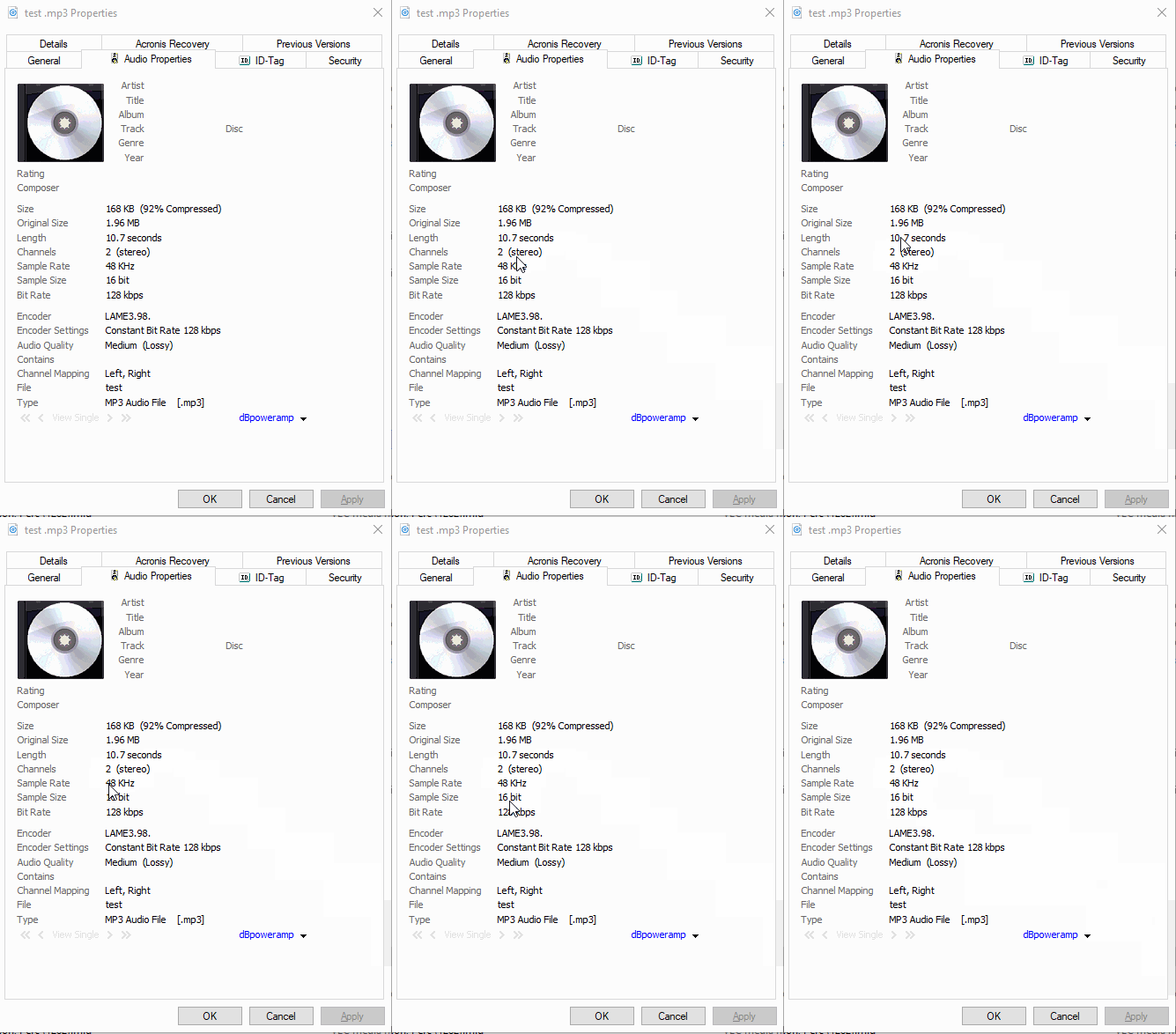
    SuiteSpot...OK, what am I looking for in the properties?


    It may differ on a Mac but hopefully it will tell you the sample rate and bit depth (or in the example below, the sample size)

    Ideally these would be 44100 and 16 respectively though 48k is fine as long as the sample rate matches your Mac's audio playback settings

    2 replies

    SteveG_AudioMasters_
    Community Expert
    Community Expert
    February 22, 2019

    johng0953  wrote

    An MP3 is an MP3, isn't it? Does it matter what system it was created on? Many thanks.

    You're correct - it shouldn't matter. Have you tried playing the file on any other system?

    johng0953
    johng0953Author
    Participant
    February 22, 2019

    Yes, the files play perfectly on three different PCs, but there is no sound on the Mac. The files are there, I can see the waveforms, the sound level bars move, but there is no sound. The Mac plays other MP3s just fine - the background music track for the video, for example, or other music MP3 tracks. It just won't play the narration MP3. Not as part of the video. Not when I try to play it as a stand-alone file. Mind-boggling.

    SuiteSpot
    Inspiring
    February 22, 2019

    SuiteSpot...your 44.1K suggestion looks like it's the answer. Thank you, thank you, thank you!

    Recorded a test on my PC making sure the setting was at 44.1K (it wasn't the default) and just came back from testing it on the church's Mac. It worked!

    I'm not a "real" sound guy, just an enthusiastic amateur, and your suggestion was so far off my radar I NEVER would have looked at that.

    Thanks again. You're a lifesaver.


    Excellent - glad to be of assistance

    SuiteSpot
    Inspiring
    February 22, 2019

    Are they 44.1k?