marcusg76182800
Participant
June 6, 2019
Answered

Restore or fill missing frequency bands?

  • June 6, 2019
  • 1 reply
  • 921 views

Hi guys,

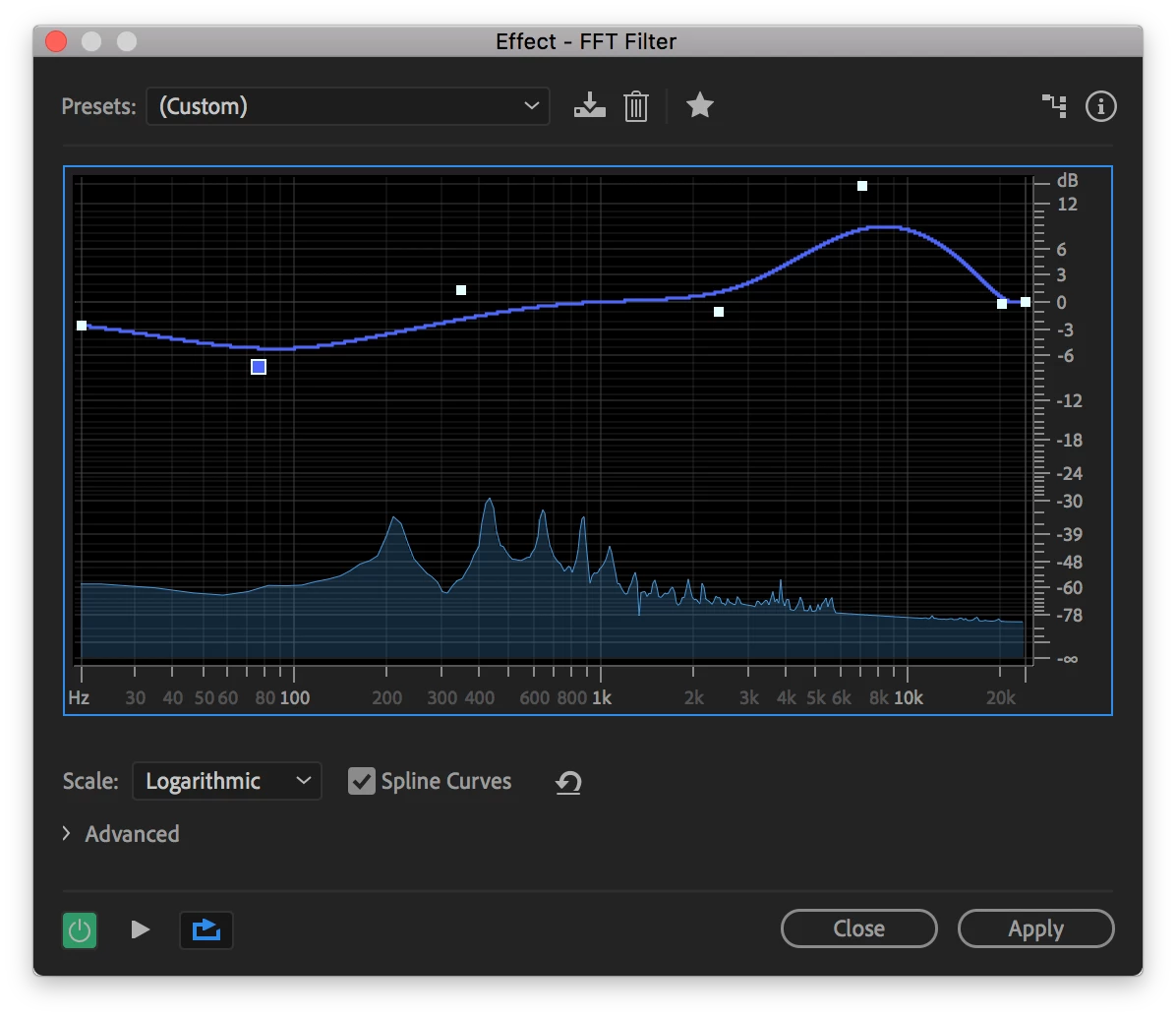
I regularly work with a lot of news and radio clips, of which I have no control over quality. Sometimes I'll get particularly bad audio with missing frequencies, I'm wondering if there's a way to intelligently fill missing bands, perhaps by shifting or extending surrounding frequencies to fill the gap? So far my best option has been to use the FFT filter to boost/reduce as needed, but it's not perfect. Any ideas?

(I've attached the audio below)
AUDIO FILES:

http://www.mediafire.com/folder/50d8da42v9z66jq,lk2i2z60kl27au0/shared

    This topic has been closed for replies.
    Correct answer SteveG_AudioMasters_

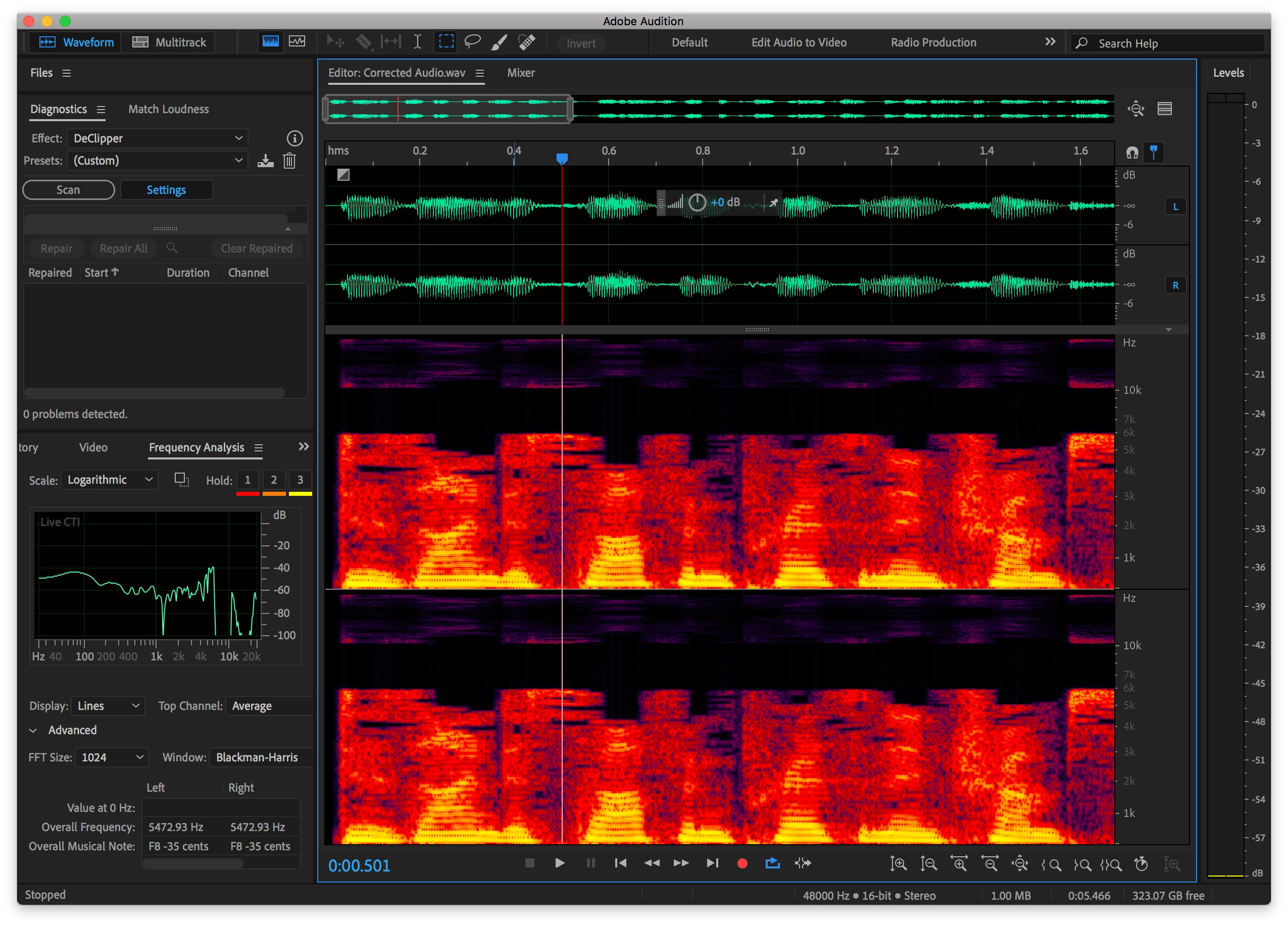
    On that particular clip there is no content above 6kHz. You can't shift or extend frequencies as you're suggesting - they'd just be wrong, and sound like it! What it comes down to is that if there's zero content at a given frequency, that's exactly what you've got - and in the absence of any information about what should have been there, there's nothing you can do to fix that. When I tried to boost the frequencies around 6k, all I got was added sibiliance - which effectively made everything worse.

    1 reply

    SteveG_AudioMasters_
    Community Expert
    SteveG_AudioMasters_Community ExpertCorrect answer
    Community Expert
    June 6, 2019

    On that particular clip there is no content above 6kHz. You can't shift or extend frequencies as you're suggesting - they'd just be wrong, and sound like it! What it comes down to is that if there's zero content at a given frequency, that's exactly what you've got - and in the absence of any information about what should have been there, there's nothing you can do to fix that. When I tried to boost the frequencies around 6k, all I got was added sibiliance - which effectively made everything worse.