
Question
Sample Rate Error Message
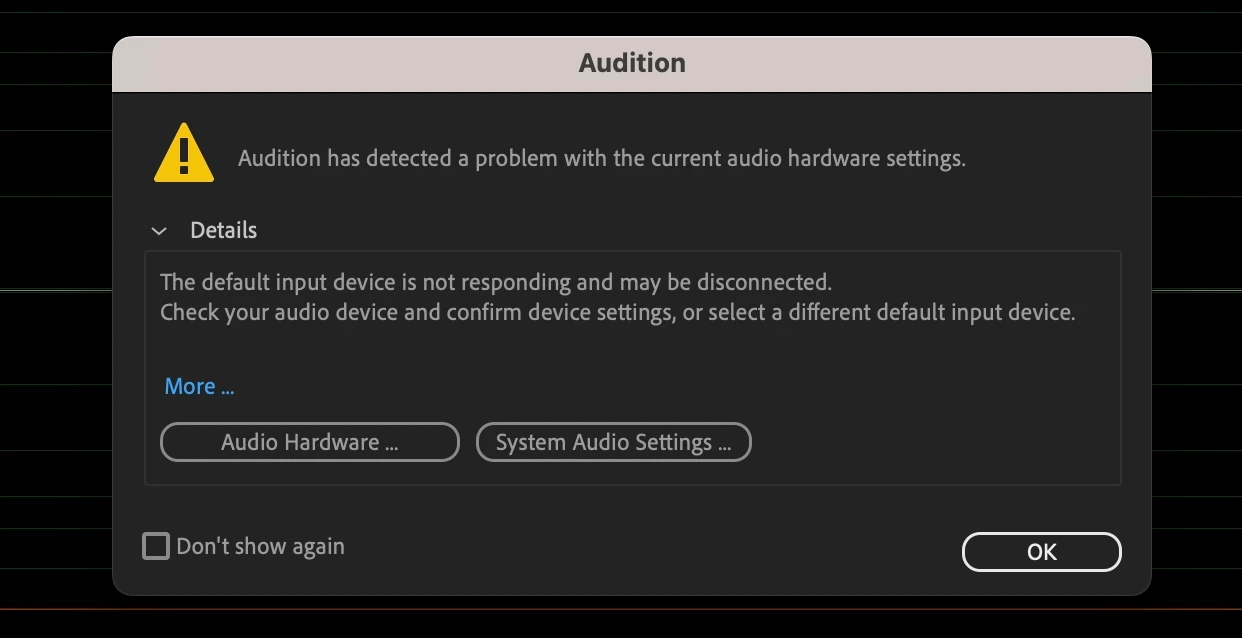
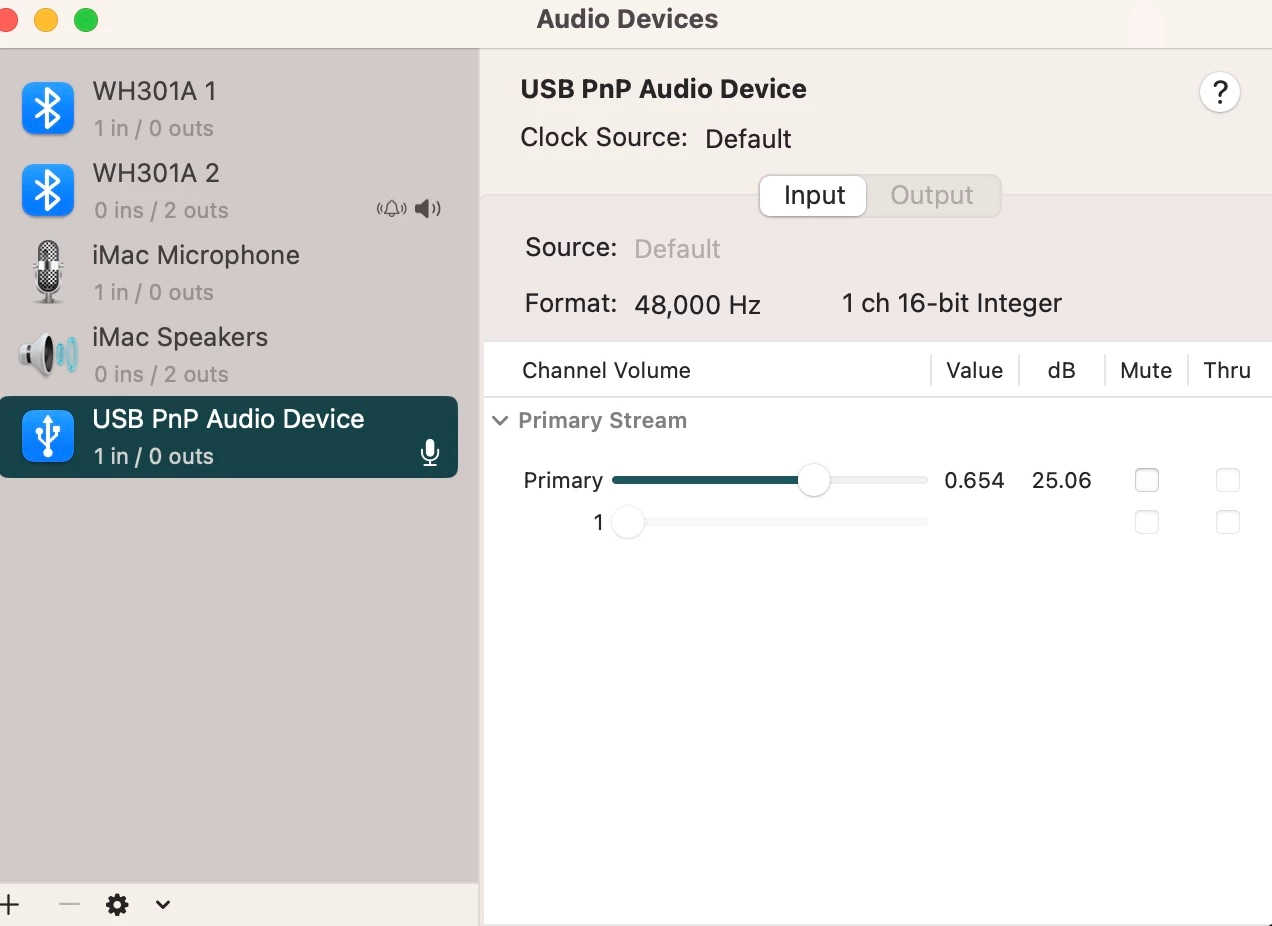
Hello everyone, this is my first time using adobe audition. When I tried to record using my mic, I got an error message mentioning there was a sample rate issue. I watched several videos to change the sample rate, but now I'm getting a message suggesting that my device is not connected. I know that to not be the case because my mic is working fine on my other apps. Could someone take a look and see what I done wrong? I attached a few pics of the preferences setting and the error message I keep getting, but please let me know if more information is needed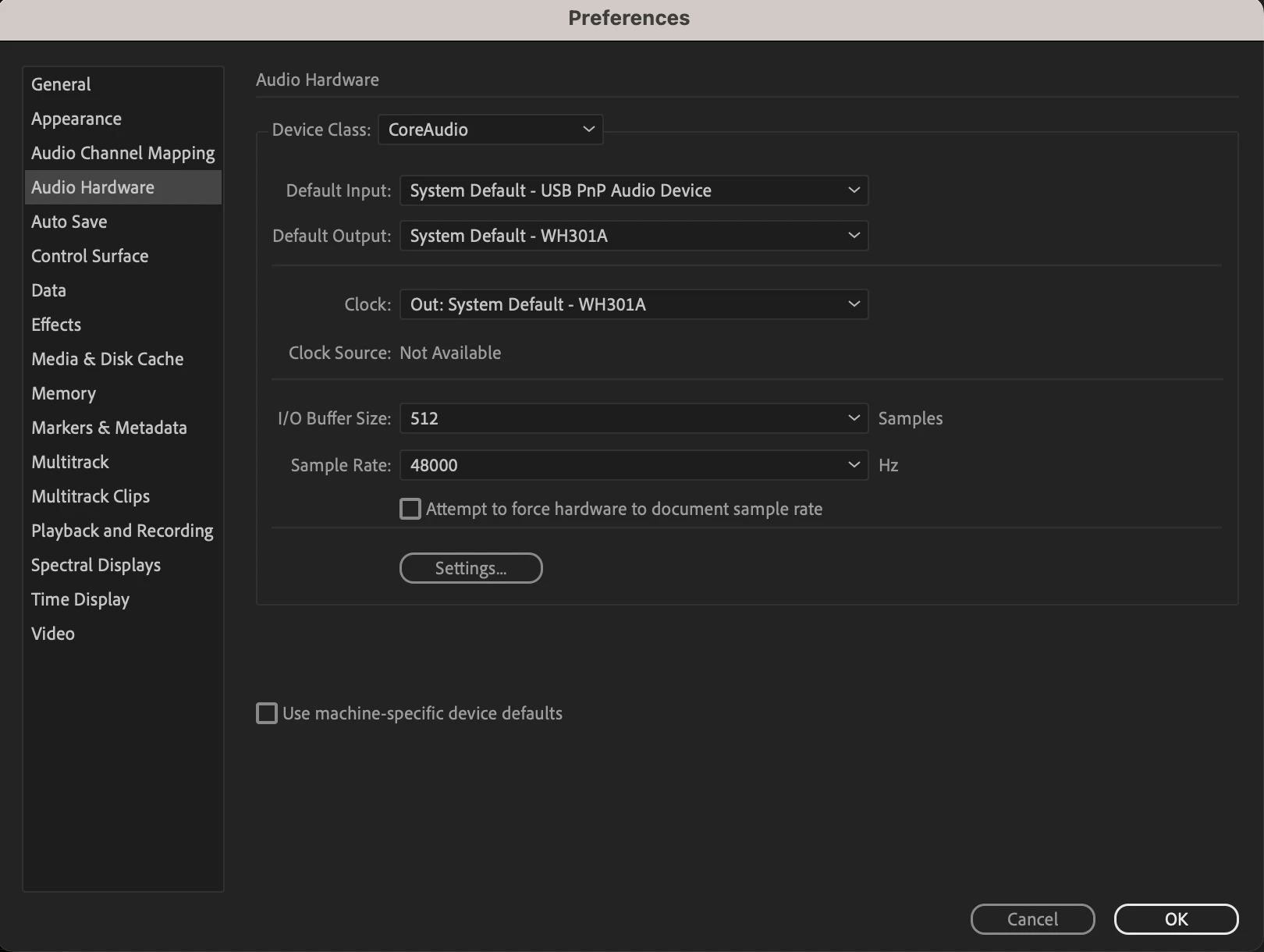
 AdChoices