
Exit
  • Global community
    • Language:
      • Deutsch
      • English
      • Español
      • Français
      • Português
  • 日本語コミュニティ
  • 한국 커뮤니티
0

Taking a noise print from one channel and subtract it from another

Community Beginner ,
Dec 30, 2021 Dec 30, 2021

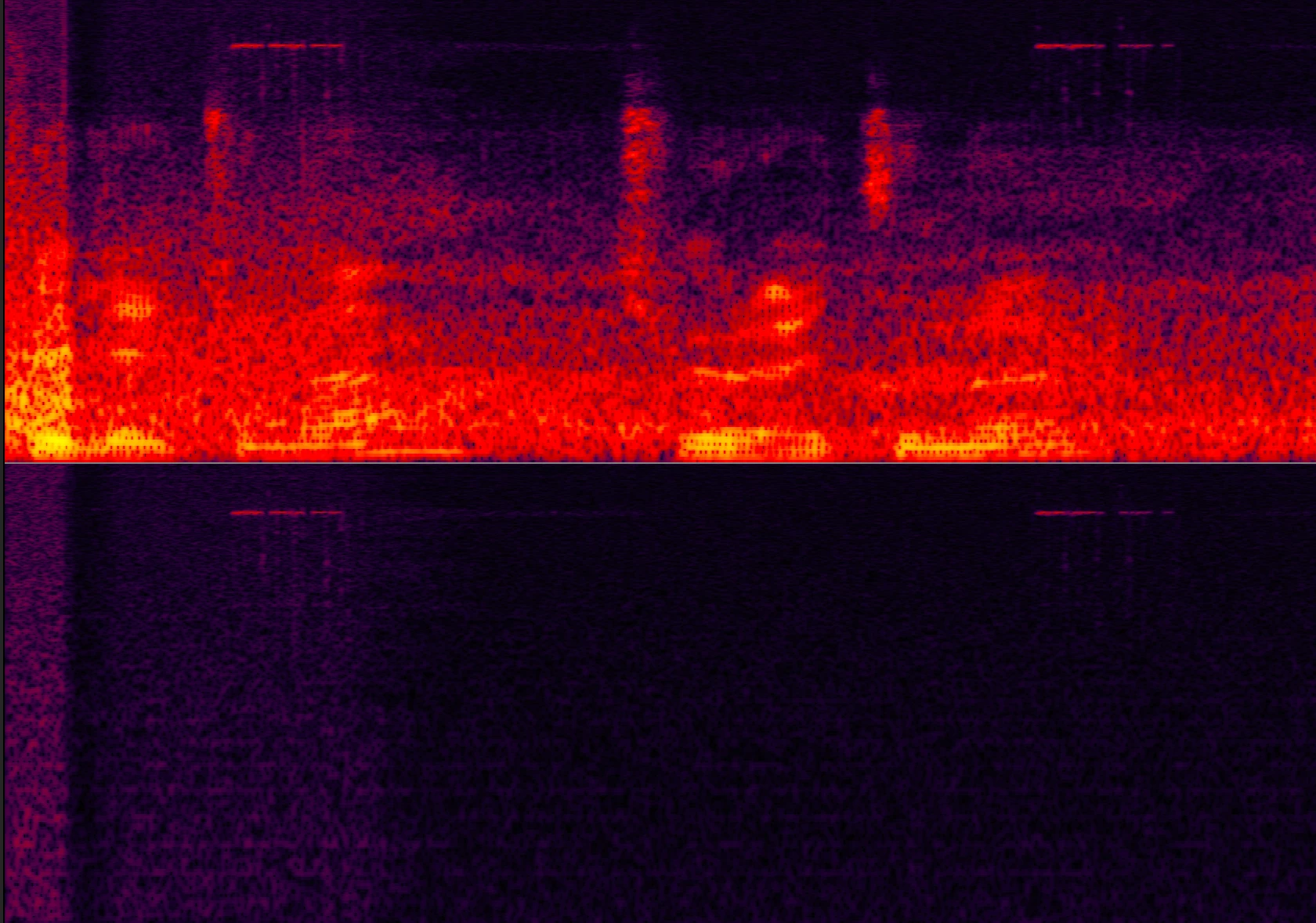
Hello, I have audio files where I recorded only on the left channel. Due to some error with the camera or the cable, there is a specific hiss noise in intervals and some other more silent noise. I noticed that you can clearly see the noise in the right channel sine that one should be empty. My question is can I tell Audition somehow to "take what exists in the right channel and extract exactly the same thing in the left channel"?
Screen 2021-12-30 at 17.32.41.png


TOPICS
How to , Noise reduction
298
Translate
Report
Community guidelines
Be kind and respectful, give credit to the original source of content, and search for duplicates before posting. Learn more
community guidelines
Community Expert ,
Dec 31, 2021 Dec 31, 2021
LATEST

If you seperate the channels into individual files, you should be able to copy the contents of the noise file (Ctrl+C) and then open up the other file and use Mix-Paste. This will give you the option to invert what you're pasting, and if you are really lucky with the levels and correlation, then it will subtract that noise from the sound you want.

Translate
Report
Community guidelines
Be kind and respectful, give credit to the original source of content, and search for duplicates before posting. Learn more
community guidelines