
Exit
  • Global community
    • Language:
      • Deutsch
      • English
      • Español
      • Français
      • Português
  • 日本語コミュニティ
  • 한국 커뮤니티
1

When recording an audio file, the waveform is shown completely zoomed in at random occasions.

New Here ,
Mar 15, 2022 Mar 15, 2022

Audition 2022 Build 22.2.0.61


When I record a new audio file and click the record button, the waveform in the editor is zoomed in completely at times. This happens randomly and in most occasions, clicking the record button shows a normal non-zoomed-in waveform. 


I'm not fluent in Audition so I've attached links to a couple of videos that show Audition recording normally and with the zoomed in waveform. I've also attached the video files in case the links don't work.


Has anyone encountered this issue before? Is there a setting I can manage that will prevent this zooming into the waveform? Any help is appreciated. Thanks.


Audition recording normally:

https://vimeo.com/688631745 


Audition recording with a zoomed in waveform:

https://vimeo.com/688631736 


These are the settings I have when creating the audio file.
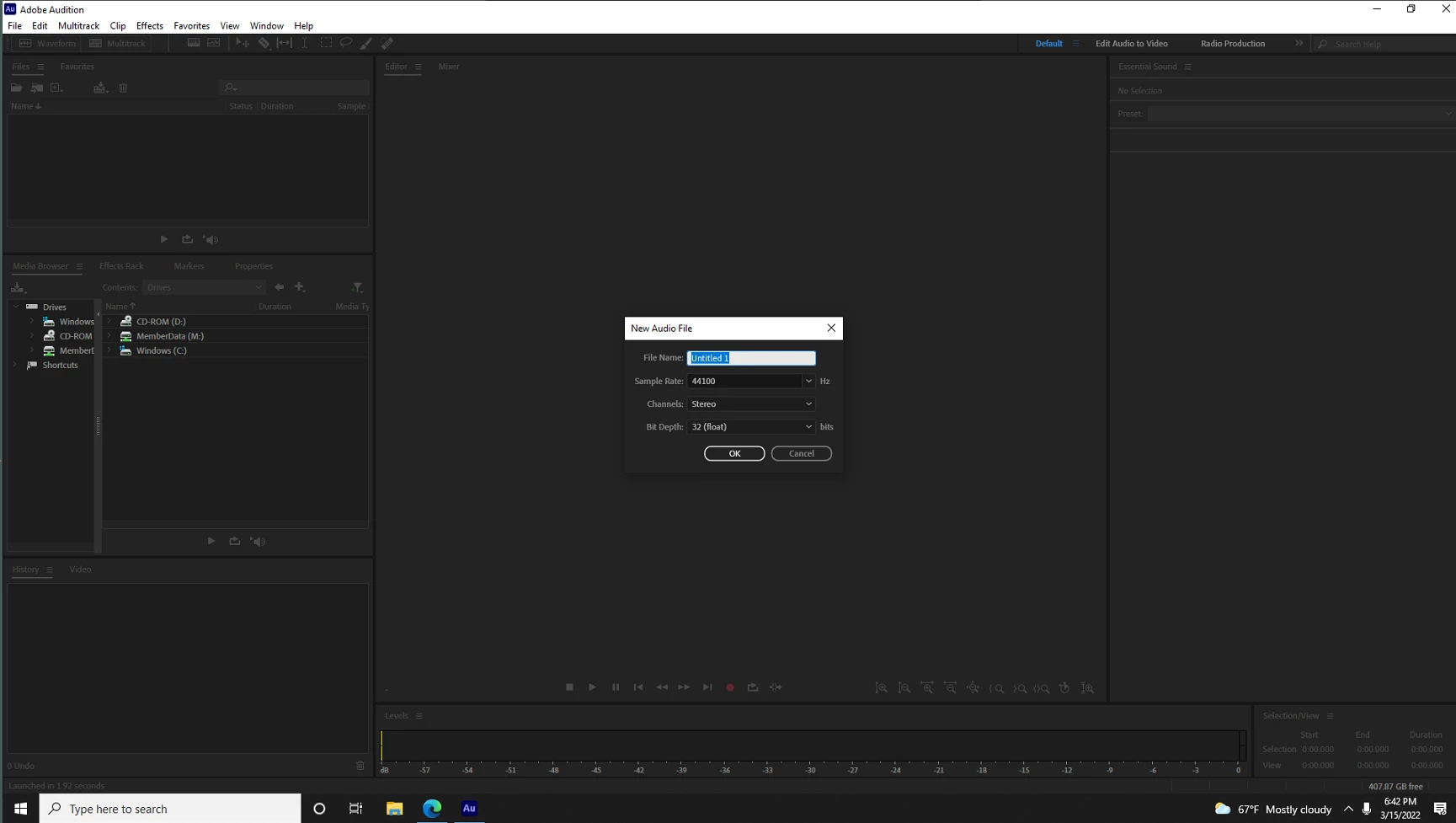
image (1).png

TOPICS
User interface or workspaces
195
Translate
Report
Community guidelines
Be kind and respectful, give credit to the original source of content, and search for duplicates before posting. Learn more
community guidelines
Community Expert ,
Mar 16, 2022 Mar 16, 2022
LATEST

I can't presently think of any obvious reason for this happening, but it might be a good idea to check whether your video driver is up to date - this has been known to cause all sorts of visual anomalies.

Translate
Report
Community guidelines
Be kind and respectful, give credit to the original source of content, and search for duplicates before posting. Learn more
community guidelines