
brettdavid61
Participant
March 8, 2019
Pregunta

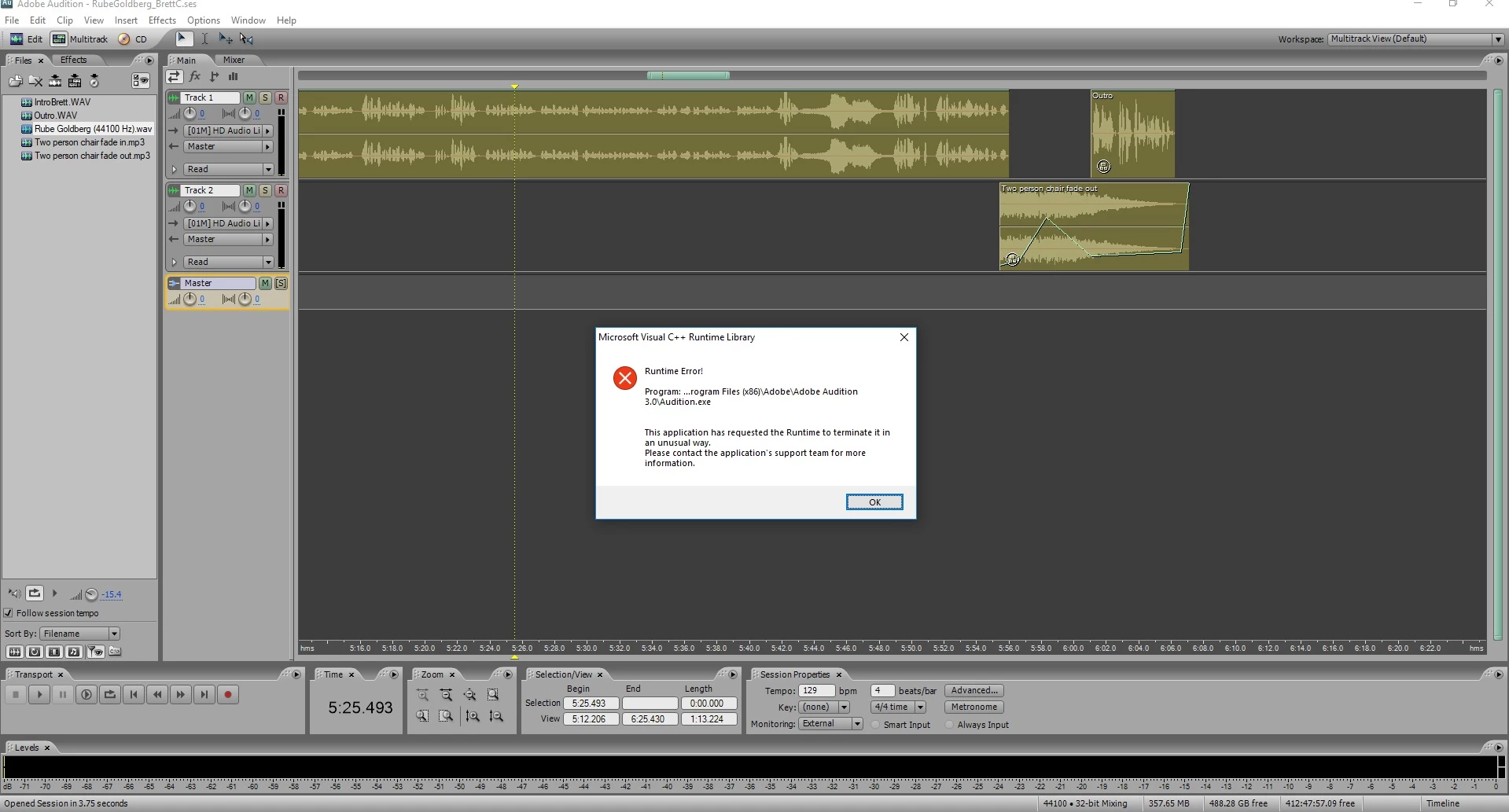
Adobe Audition 3.0 crashes in multitrack when attempting to play

  • March 8, 2019
  • 2 respuestas
  • 2195 visualizaciones

I can no longer play files in multitrack. I don't know why.

I'm using Windows 10, Adobe Audition 3.0, ASIO4ALL v2 driver and it has worked in the past.

Any ideas?

This is the screen I see when I press play.
Este tema ha sido cerrado para respuestas.

2 respuestas

Fuzzy_Melon
Participant
April 11, 2020

Same issue. Just started this week. Random, in the middle of working in multitrack and hitting playback, popup error (same as image), crash. I also get a message right before that stating my audio driver is being used elsewhere and is unavailable (motu 24io). P.S I also installed the 3.0.1 update, same issue. I was recently running it in Winodws 7 compatibility mode but now all the modes have the same issue.

SteveG_AudioMasters_
Community Expert
Community Expert
April 11, 2020

This can happen if, for some reason, system sounds get turned back on. They will grab your sound device, and often reset the sample rate too, so that when you get the sound device back, your audio plays at the wrong speed. Look at that for a start...

SteveG_AudioMasters_
Community Expert
Community Expert
April 19, 2020

Well, follow-up. The Software is still doing the same thing. On a 12 track song that has worked previously for years, playback sits for a good 15 seconds and then returns with a ," The currently selected audio device is not available. Another application may be using the same driver". If I try again I get either the Microsoft Visual C++ runtime error, "The application has requested it to terminate in an unusual way. Please contact the application support team for more information" or the "Audition has encountered an error. [\premiere2.0\MediaLayer\Src\Audio\AsioHost.cpp-635]" error. To recap, I have tried all the different compatibility settings, Uninstalled and reinstalled, deleted settings, shutoff system sounds, reinstalled audio hardware and drivers.

Bunk.I'm hoping I don't lose the ability to access all of the work I've done for the past 5 years.


Do you have Premiere2.0 installed on your system? It looks very much like it's trying to steal the same ASIO channel that Audition is using...

ryclark
Participating Frequently
March 8, 2019

Does it still play audio files OK in the waveform Edit view? has Windows 10 done an update since AA3 last worked?