

Audition CC 2018 won't start
I've seen this question asked about older versions of Audition, but not Audition CC 2018.
I just installed it through the Creative Cloud app. I have a full CC subscription and am running several of the apps.
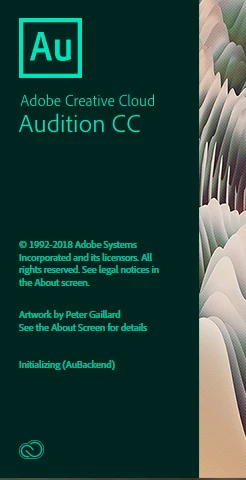
When I try to launch Audition, the startup screen appears and it starts showing which files are being initialized. It gets to "Initializing (AuBackend)" and then stops. It won't go any further.
I have tried logging out/closing/restarting/logging into my CC app, as suggested by the Adobe site. I have warm/cold booted multiple times. Nothing seems to work.
I'm running Windows 10 Pro on a Dell laptop with an i5 processor and 16GB of RAM. Like I said, all of my other apps run fine, but Audition won't even start.
Does anyone have any suggestions?
Thanks!
Tim Huddleston
Charlotte, NC
 AdChoices