
Messed up Noise Removal, is there any way to undo?
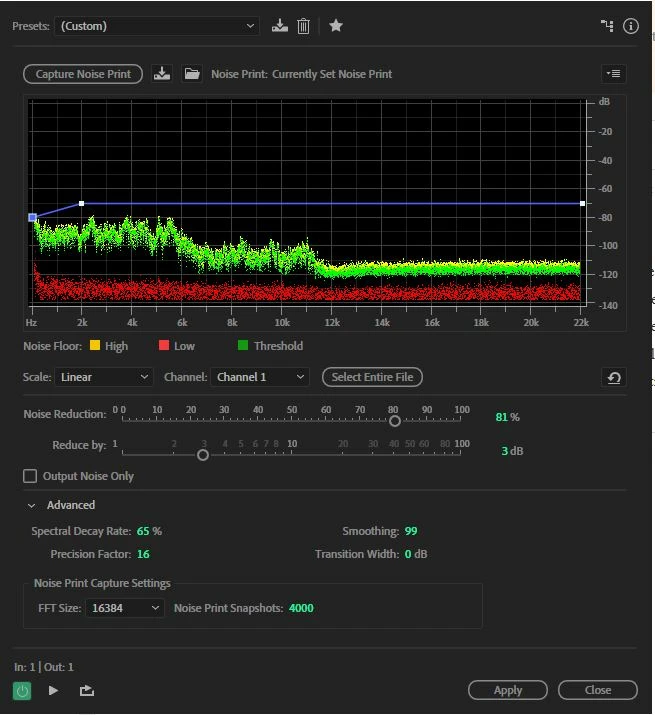
I have a very long audio file of dialogue a friend recorded. I won't have an opportunity to re-record the audio, so I have to work with what I have. I made the mistake of editing the file directly instead of making a copy and I overdid the noise removal, now a lot of the quieter parts of the dialogue sound tinny and muffled. I had already saved and worked a bit with the file before realizing this problem, so now I cannot access the history, but there is no "original" file I can go back and get as I recorded it directly in Audition. I know that this was a stupid mistake and how to avoid it now, but is there any way for me to "undo" Noise Reduction, even partially? Or is there anyway to access backups of the .wav file? (From what I can tell on .sesx files get backed up automatically)
 AdChoices