



Unable to Recover Lost Session - 1 Hour of Recording LOST - Please Help!
I'll keep it simple. Just after I finished recording 4 "Audio Files" (not Multitrack Sessions) my PC crashed. And asusual, upon rebooting and opening Audition the recovery window pops up asking if I want to continue the session, delete it, or cancel to continue later. BUT if I click continue, Audition doesn't open, it's stuck in "Initializing Required Application Components..." (refer pic)
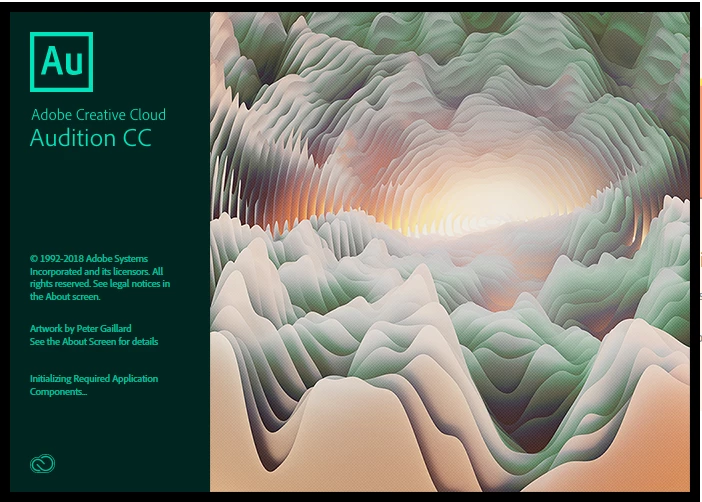
However, when I click 'Cancel' Audition opens and works fine. I'm able to do everything. So the problem isn't with Audition start-up, but has something to do with my previous session? I could also find the temp file of the previous session C:\Users\Ash\AppData\Local\Temp\Adobe\Audition\11.0 - but it doesn't even have a format. I have no idea how to open it. Is there any method to open it from inside Audition?
Btw, I could not find the session in "Open Recent"

 AdChoices