
Participant
September 8, 2025

New Mask tool effects not exporting

  • September 8, 2025
  • 10 replies
  • 904 views

Hey Guys,


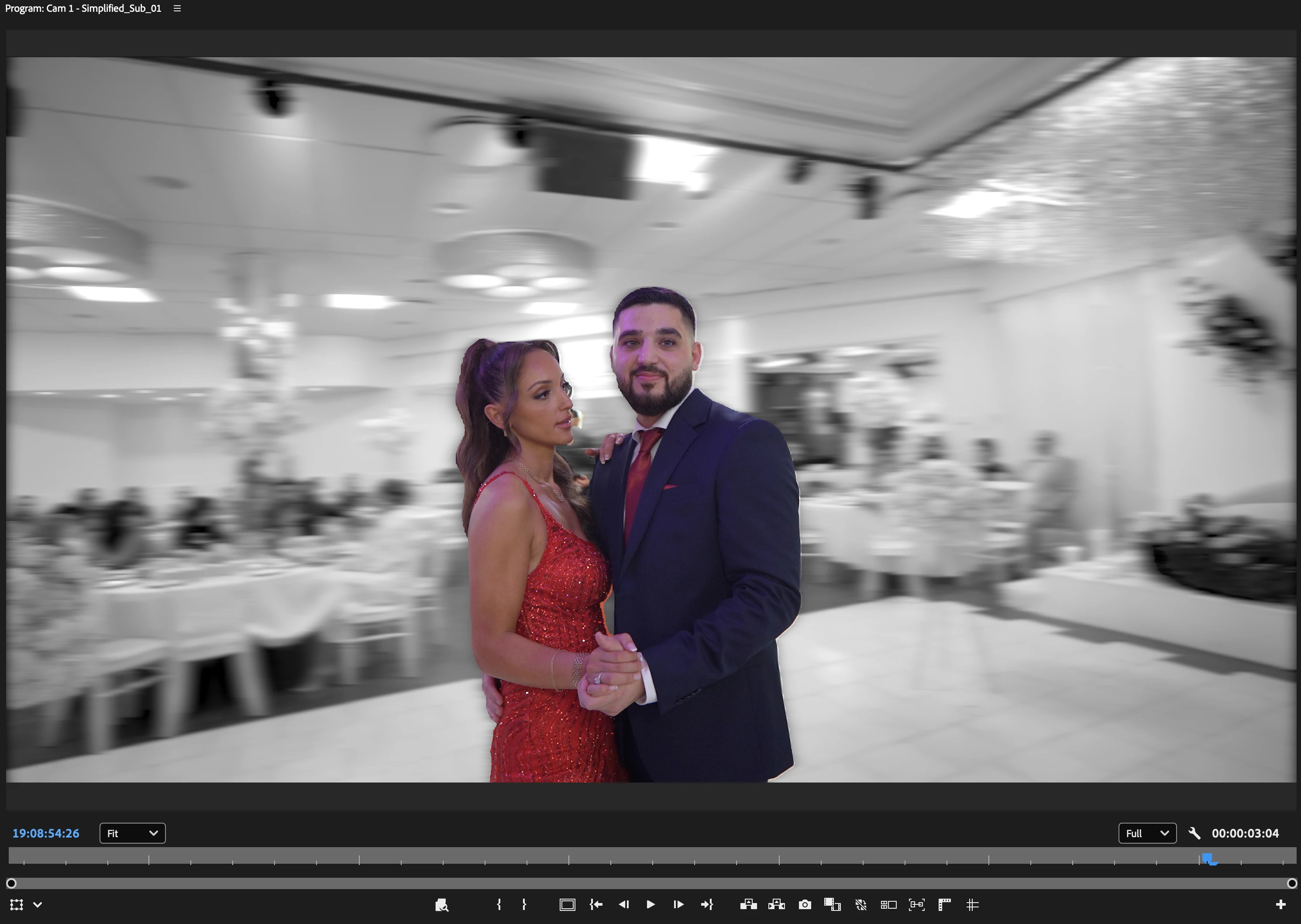
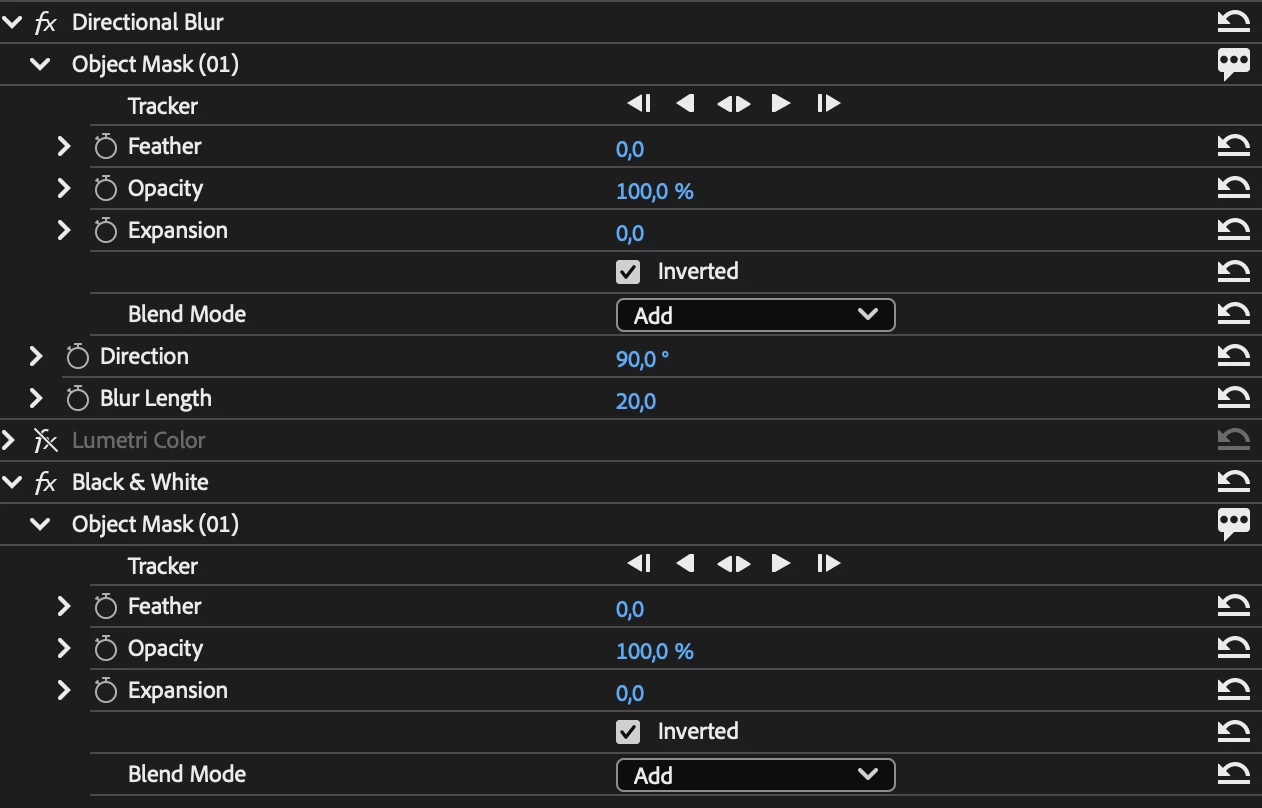
I'm trying to export this effect as shown in the program view where the background of a dancing couple is b&w and blurry but when I export the mask gets ignored completely and the effect is added to the whole clip.


Program view:
 

Exported clip:

 

Efffects settings:
10 replies

Participant
November 14, 2025

Fade in / fade out is also not exporting in encoder

Participant
November 11, 2025

Hey folks,

All right...I spent some time with Adobe Support this evening. The issue seems to be that Adobe Premiere Pro Beta Ver 26.0 is unable to export videos from project files in which the new rotoscoping mask tool is being used...which at least in my case pretty much defeats the whole point of using Beta 26.0.

For whatever reason, however, if you nest every clip in your timeline that you have applied the new rotoscoping mask tool to and then send your export to Media Encoder Beta instead of using Premiere itself to export the video, Media Encoder Beta will export the video correctly. I asked the Adobe Support representative why this works, and their explanation is below.


Adobe really should test the capacity to export video files before releasing beta versions of Premiere to the public. After all, what's the point of using Premiere to edit video projects if it doesn't let you export anything? 

Participant
November 11, 2025

Hello @jamieclarke ! 

When you say "the menu bar under Beta", where exactly are you talking about?
I don't see any specific menu within Media Encoder where I can check a checkbox saying "enable masks" or something to that effect. 

Participant
November 10, 2025

Where is this exactly?? I can't find it and I have multiple variants and I shouldn't have to export them individually for this to work.

Inspiring
November 7, 2025

Where is the option to "check that masking is enabled"? I can't see it. Can you screenshot it please?

Participant
November 1, 2025

FIX   you have to nest the mask clip before exporting and its gonna work

Participant
October 14, 2025

I clicked to have Masking Enabled in Encoder, but it still did not work.  However, I exported directly from Premiere and it worked just fine.

Participant
September 19, 2025

I had this problem, but once I nested the two alpha layers, and exported it as a ProRes 422hq file, it worked perfectly!

Participating Frequently
September 10, 2025

Hi - I'm also having this issue. I enable masking in media encoder and premiere pro beta but the effects will not export. 

jamieclarke
Community Manager
Community Manager
September 9, 2025

Hi @star_2840 - Are you using Adobe Media Encoder to export?  If so, can you navigate to the menu bar under Beta and check that masking is enabled.