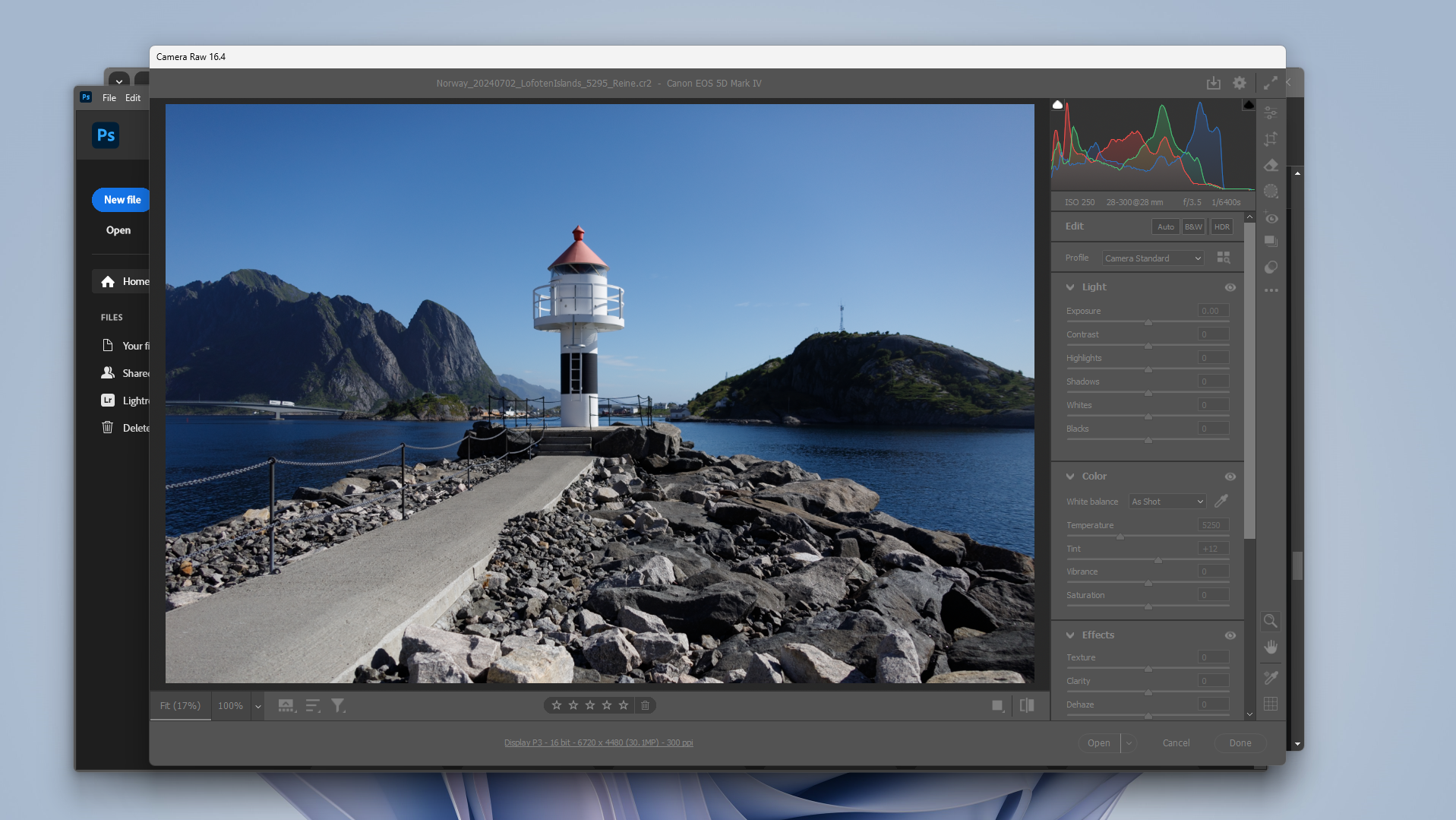
The Camera Raw 16.4 window opens slightly higher for each new image until the window is so high on the screen that I can't reach the top edge with the mouse to pull it back down. How do I force Camera Raw to open in the same place each time? Is there something in Settings where I can set a static position for this window?
A more detailed explanation of what's happening: I'll open a RAW file, which opens the Camera Raw window near the middle of the screen. After I do my edits and transfer to Photoshop (which closes the Camera Raw window), I'll finish the photo and save in Photoshop, then close the image. When I start working on my next RAW file, the Camera Raw window opens, but about an inch higher on the screen. As I repeat this process, eventually the Camera Raw window will open where the top edge (which normally allows me to move the window) will disappear above the top of the screen where my mouse can't reach it. (See screenshots)
I'm currently using Windows 11 (v23H2) on a Surface Pro 9, though this issue also started when I was using Windows 10 on an older Surface Pro. I am using dual monitors (the tablet is one monitor, and I have an Asus monitor for the second), and I am using the Asus monitor to do my editing.






 1
Reply
1
Reply


 AdChoices