
SmileyMay
Participant
November 5, 2015
Question

API Error & how to get rid of the 'play button' at the beginning if you created it as a responsive project and launch it on iPhone/iPad?

  • November 5, 2015
  • 1 reply
  • 230 views


Hi my company works with a LCMS which uses the SCORM 1.2.
I worked with Captivate before but it's the first time that we are creating a Captivate Responsive Project and we are currently testing it.

The first try was not really successful:

  1. If I try to start the elearning in our LCMS I receive an error message (API failure)
  2. After clicking on 'Ok', I got a white screen with a 'Play button'. I have to click on it to start the course. Is there a way to remove it, maybe in the settings?
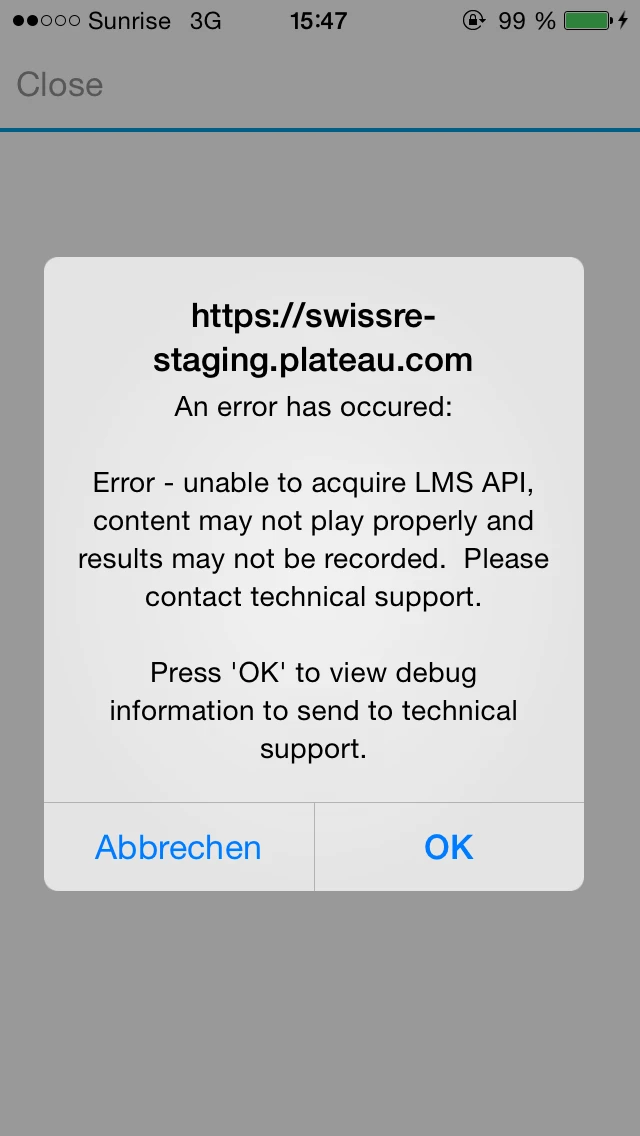
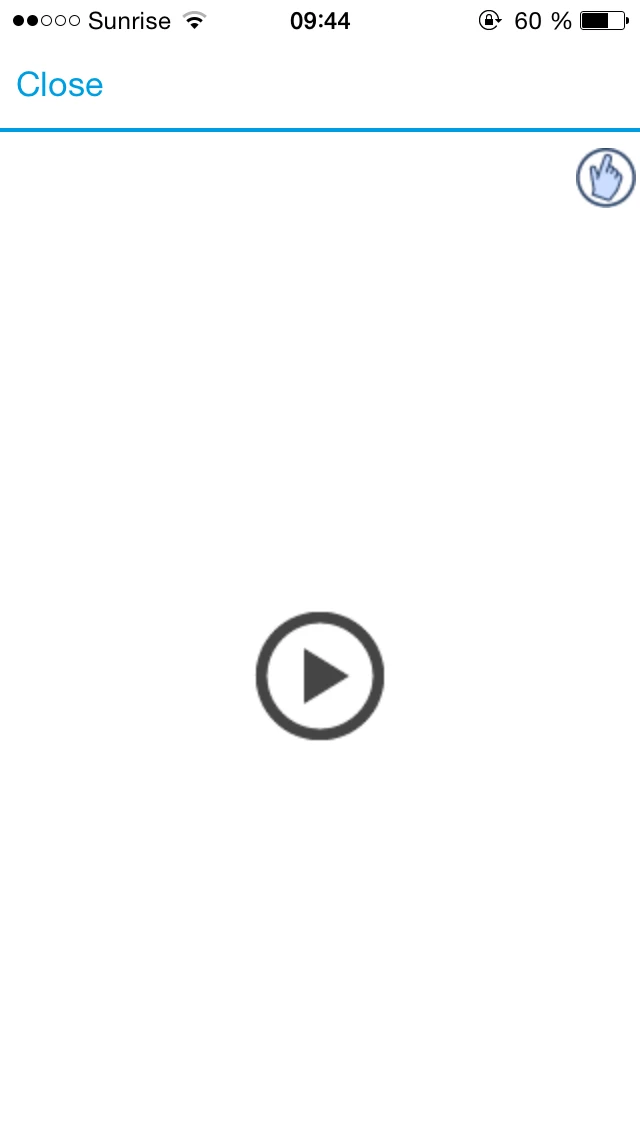


This topic has been closed for replies.

1 reply

BDuckWorks
Inspiring
November 6, 2015

If I recall correctly, there's another thread in these forums that mentions this is a Apple defined 'feature' of iOS, they want the user to actively click to play content. I'm not able to locate it, but I seem to recall it was part of an update to iOS 6 or 7.

(My theory is that it gives content a chance to buffer while the users does the double-take and forehead 'thwack,' saying: "I have to click again to play what I already asked to play.")

The short version is: it's an iOS thing, Captivate can't circumvent it.