
Blue Outline added to Text Entry Boxes - how to eliminate?
I am in the process of republishing several hundred simulations for our tests. These simulations were originally created in Captivate 6, and published as Flash. Many of the simulations do not require updates to the screenshots, and for those I open the old file, save it as version 10 in Adobe Captivate 2017, import a new Text Caption style into the Object Style Manager (containing our new product color scheme); update text box captions (containing the simulation instructions on the first and last slides) to use the new style, and publish it as HTML5.
I'm finding that Text Entry Boxes add a blue outline border when played back in HTML5. (see graphic)
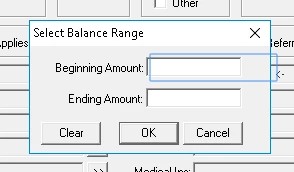
The only way I have found to make these borders go away is to copy all of my slides, one-by-one, into a new project file, save, and publish.
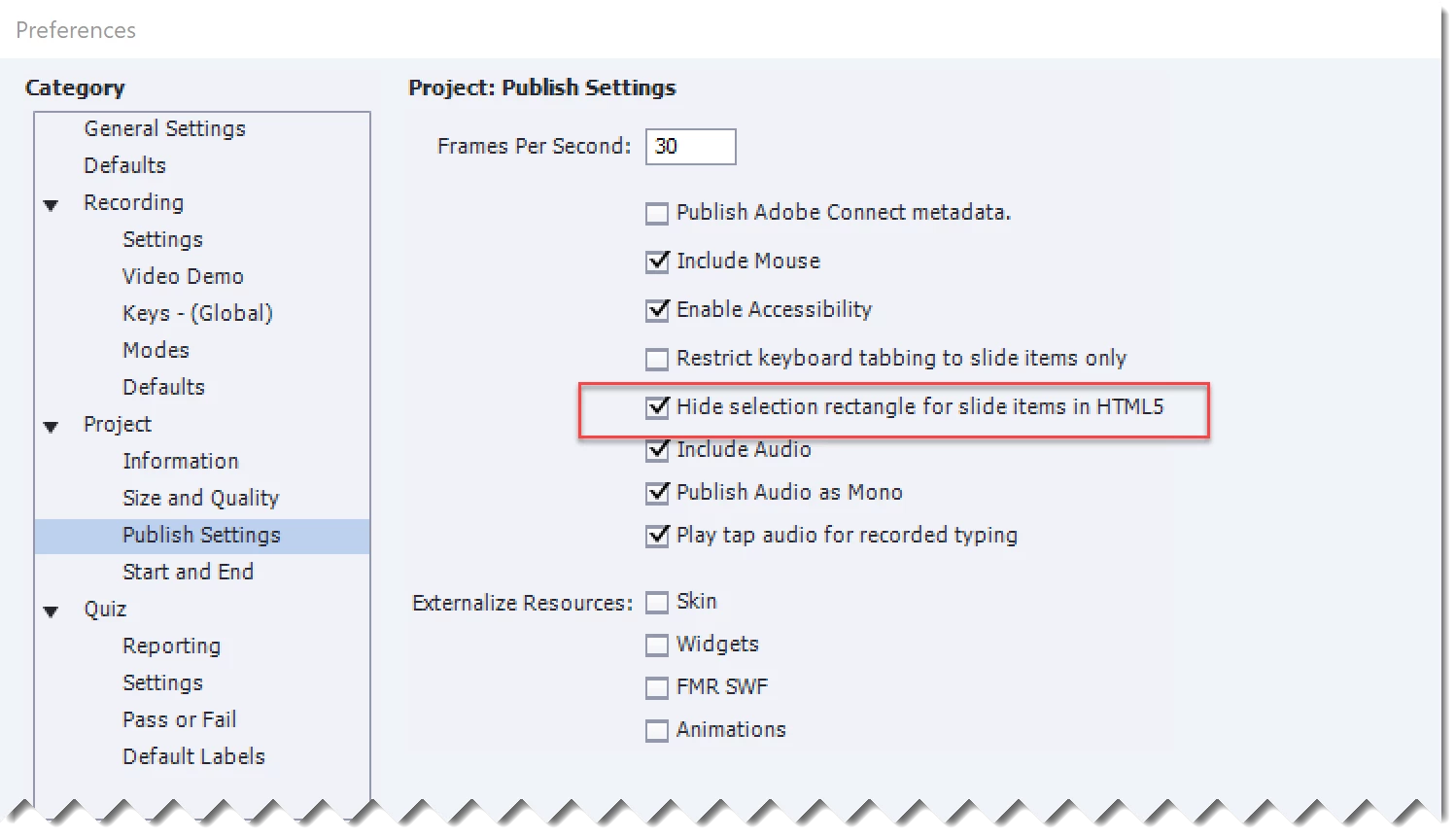
What setting am I missing that could eliminate these blue borders around Text Entry Boxes in my converted/upgraded projects?
 AdChoices