
Participant
March 14, 2022
Question

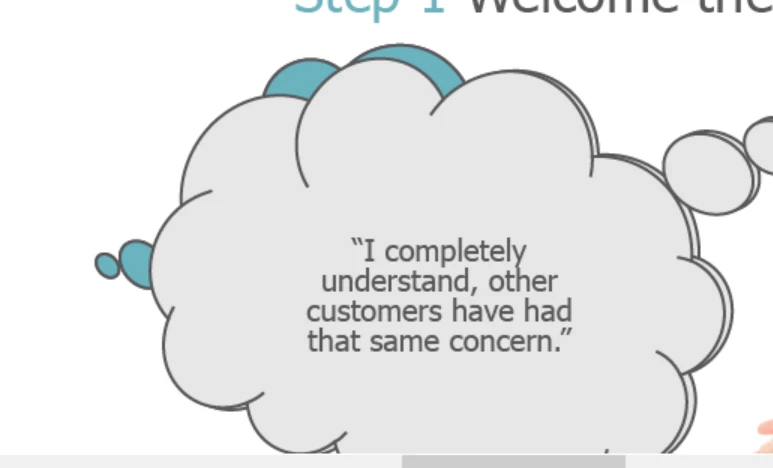
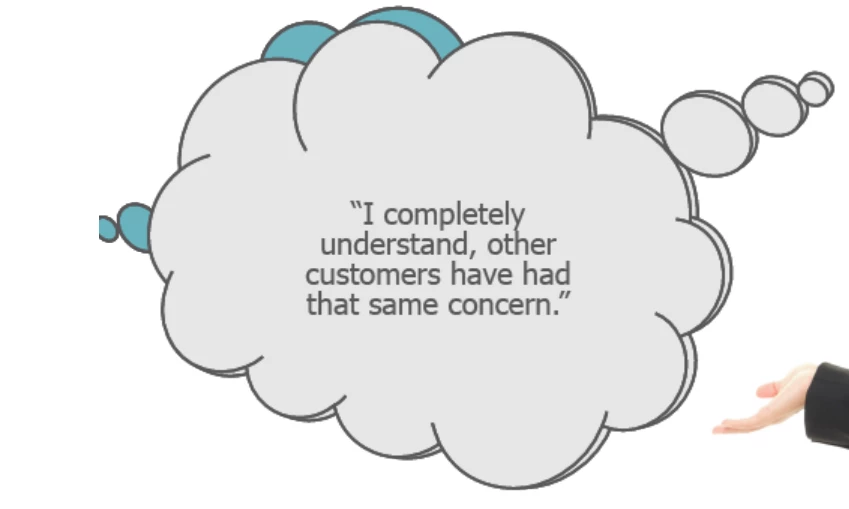
Bubble Shape is Cropping on the left in preview

  • March 14, 2022
  • 2 replies
  • 564 views

We are building an Elearning lesson in Captivate 2019.  When we use the bubble shapes for talking heads, the bubble is full size and uncropped in the filmstrip view, but cropped vertically down the left.  We have checked our browser preview size, and it doesn't do this with any other images - just the talk bubbles.
This topic has been closed for replies.

2 replies

Paul Wilson CTDP
Community Expert
Community Expert
March 25, 2022

It looks to me that your project canvas size is greater than what will show in the browser. What are the dimensions of your project? If your dimensions are relatively normal like the default of 1024 x 627 your browser might be set to zoom in to a higher percentage. When previewing make sure your browser is set to 100% zoom. One solution is to publish with HTML Scaling turned on. This will resize your project to fit within the browser window and should avoid any cropping on smaller browsers or greater zoom percentages.

Paul Wilson, CTDP
Lilybiri
Legend
March 14, 2022

What you show is not one of the included bubbles in Captivate. Where did you get that shape?  Or is this a type of image, maybe a SVG?

CP2019 covers quite a lot of releases. Can you please mention the exact version number as can be found under Help, About Captivate.


Stagprime2687219
Legend
March 14, 2022

That is, indeed, a Captivate shape.

If you draw one out and then duplicate - you can achieve the depth you see in the original screenshot.


Lilybiri
Legend
March 14, 2022

There are three instances of that bubble, and one of them has been flipped and resized.

Were the shapes grouped or not? If not, try grouping them. I tried to reproduce the cropping without any result. 

Which browser did you use for the Preview HTML in Browser?