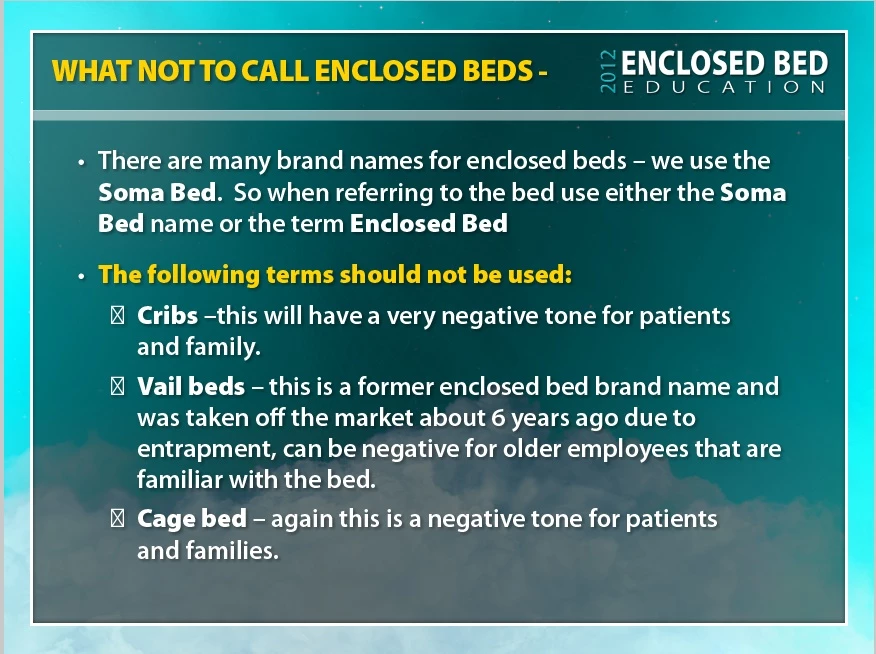
To test whether or not the issue is related to some lack on YOUR system or whether the issue is something inside the actual project file, I would suggest you try sending this slide to someone else that can run the same version of Captivate as you. If they DON'T see the boxes instead of bullets, then we know the issue is probably with a missing font or component on your box. If everybody sees the same thing as you, then I would suggest there could be some corruption in your file.
I'm happy to test it for you if you send me a private message with your email address I will reply with mine so that you can send me a cut down project file with just this slide (and maybe a couple either side of it).
RodWard & Lilybiri ,
Thank you for your assistance. After reviewing Rod's response to my PM (everything looked good on his end). I uninstalled & reinstalled Captivate again - which did not solve the issue.
So, I did a little more digging into the fonts on my system. I looks like Suitcase Fusion (font activation software) was the issue. It had not activated all of my "local" fonts. While, I may not use all of my "local" fonts, Captivate must use at least one of them that wasn't activated. After said activation, I now have my indented bullets back.
So - if anyone knows the specific font(s) that Adobe Captivate uses for it's bullet system, that would be good to know. That information would allow me to deactivate a couple hundred fonts and save some loading time. 
However, my immediate issue with indented bullets is resolved.
Thanks again!


 AdChoices