
Pkoel
Inspiring
May 11, 2018
Answered

Captivate 2017 - 10.0.1.285 - Projects not playing - HTML5 - SCORM

  • May 11, 2018
  • 2 replies
  • 889 views

Hello Friends,

   I updated, yesterday, to the latest version of Captivate 2017. Since the update, and I try to play HTML5 project, after being published, the following screen appears in the web browser:
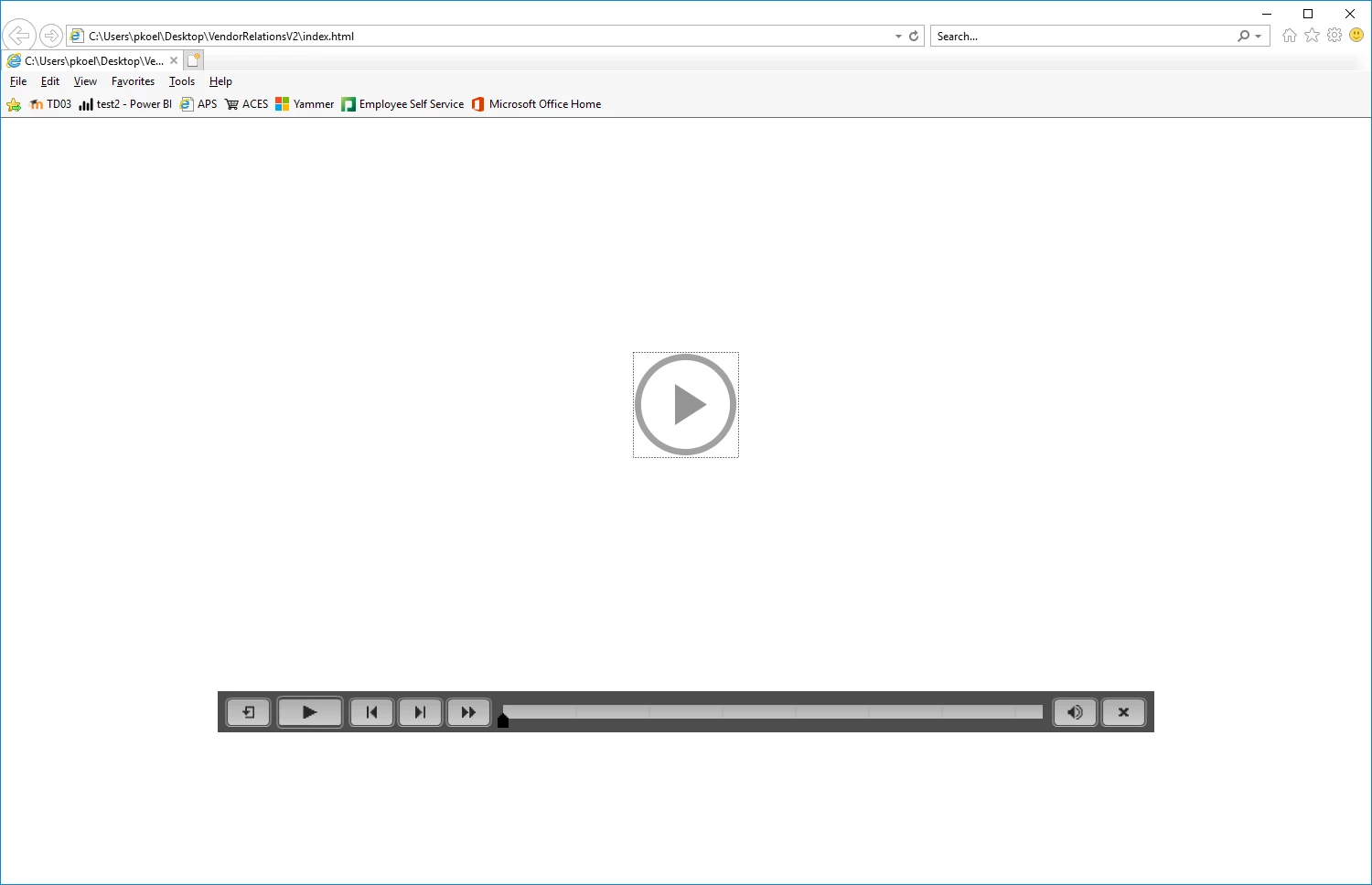
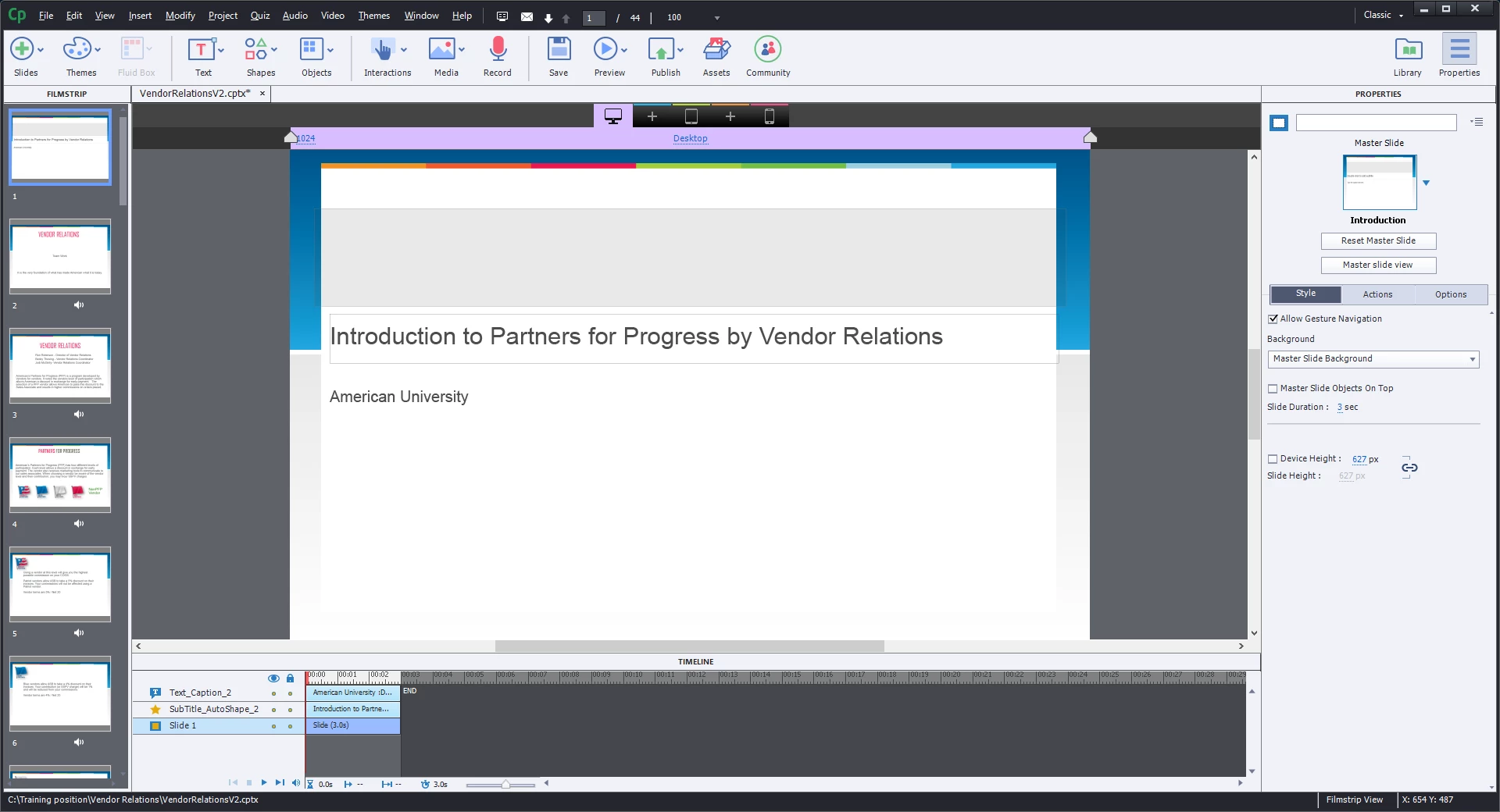
Nothing happens until I press the play button. Auto play is turned on. Below is an image of what the first slide timeline looks like:
When I publish the project as a SCORM file, and load to my LMS, the project never starts. I have tried this on IE11, and FF59. If I go back to my other posted SCORM files, they start just fine; it only seems to be the projects that I publish in this updated version.  Any ideas on why this is happening with the most recent update?

Sincerely,

Peter

    This topic has been closed for replies.
    Correct answer Lilybiri

    There are several threads about this subject, can you have a look at:

    Re: HTML5 isn't autoplaying

    I opened a discussion in the eLearning Community:

    How to cope with Autoplay turned off? - eLearning

    2 replies

    Pkoel
    PkoelAuthor
    Inspiring
    May 11, 2018

    Feature request submitted!

    Lilybiri
    Legend
    May 11, 2018

    Thanks for the support!

    Lilybiri
    LilybiriCorrect answer
    Legend
    May 11, 2018

    There are several threads about this subject, can you have a look at:

    Re: HTML5 isn't autoplaying

    I opened a discussion in the eLearning Community:

    How to cope with Autoplay turned off? - eLearning