Participant
February 8, 2019
Answered

Captivate 2019 - old version captivate files: speech management erroring in new version

  • February 8, 2019
  • 1 reply
  • 558 views

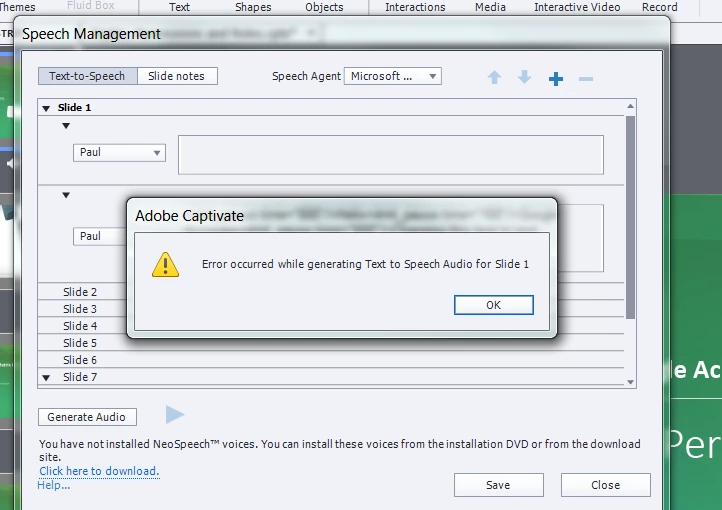
Hi there, I am trying to generate Text to Speech Audio (this is a saved file - created using older version captivate that I'm trying to edit) but when I click on Generate audio an error message appears attached below. I could not find any resolution to fix this - any help would be appreciated. Thanks.
    This topic has been closed for replies.
    Correct answer Lilybiri

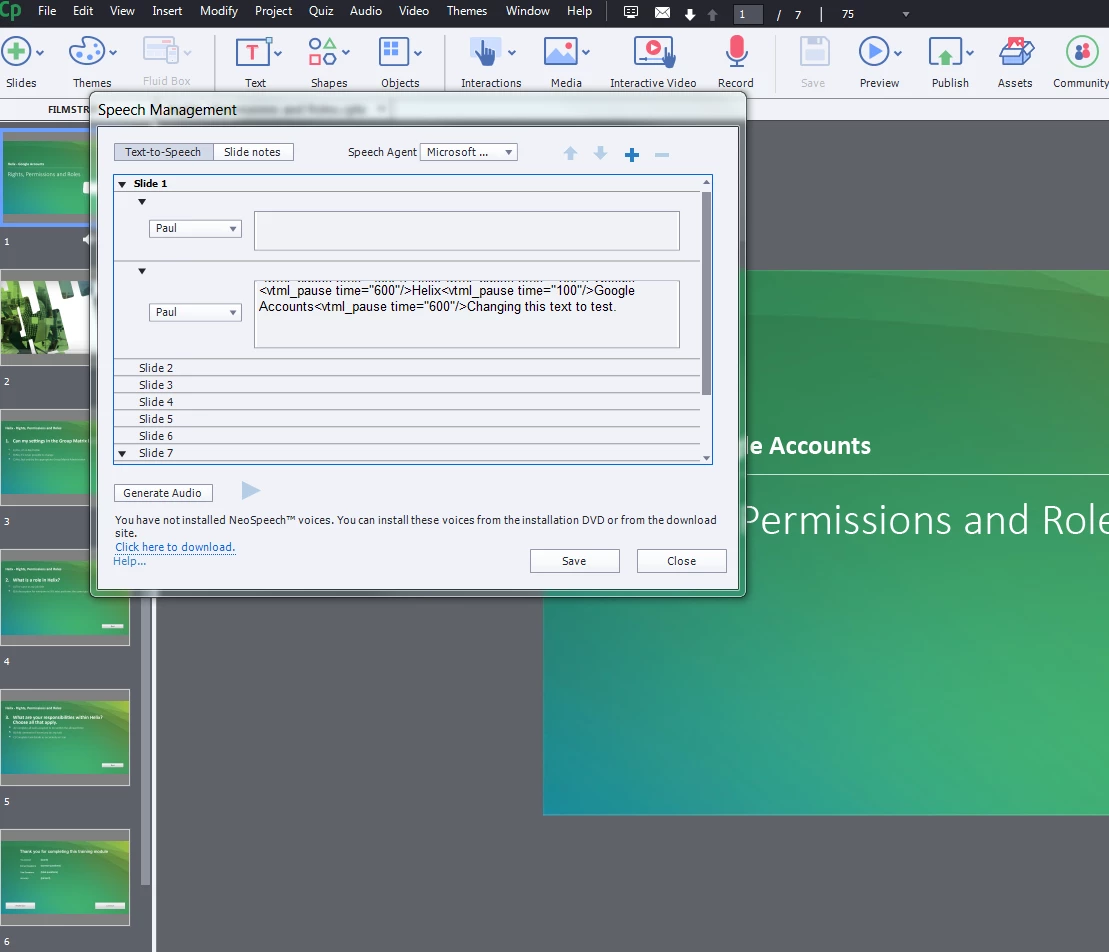
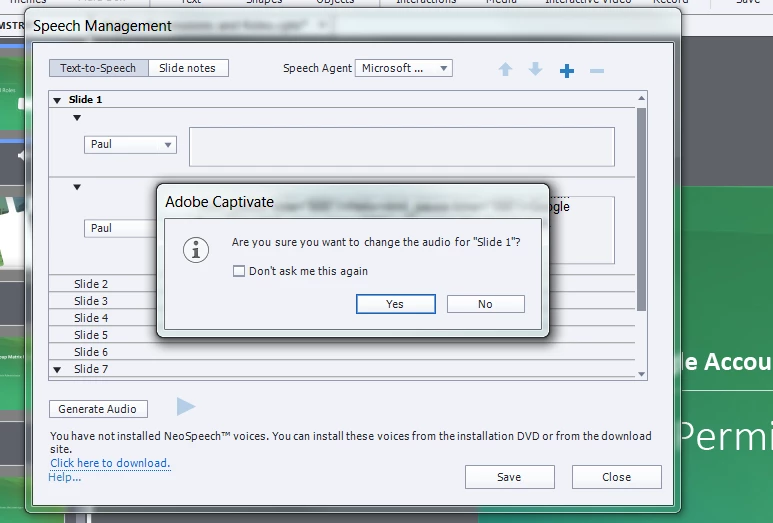
    You didn't install the NeoSpeech voices, that message is at the bottom of the dialog box. Paul is one of those voices. Please install NeoSpeech, there is a hyperlink to download them.

    Version 9 had 3 versions, please check the full version number under Help, About Captivate.

    1 reply

    Eric Dumas
    Community Expert
    Community Expert
    February 8, 2019

    Can you confirm the version of your Operating System and Captivate?

    I seem to remember in Windows there was a link to some Windows audio/speech settings (maybe I get that completely wrong)

    Participant
    February 8, 2019

    I can see Microsoft Anna in my computer settings - 'voice selection'

    Looking at Captivate I can see Anna in the main, but 'Paul' in the slides, wonder if this is the error?

    Participant
    February 8, 2019

    You didn't install the NeoSpeech voices, that message is at the bottom of the dialog box. Paul is one of those voices. Please install NeoSpeech, there is a hyperlink to download them.

    Version 9 had 3 versions, please check the full version number under Help, About Captivate.


    Great thank you!