Known Participant
August 12, 2012
Answered

Captivate 6 - Publishing and view output, strange behaviour compared to previous versions

  • August 12, 2012
  • 3 replies
  • 1101 views

Hi All,

I have been working with Captivate since version 4.

Now with Captivate 6 I see new behaviour in the publishing and output.

Very cumbersome and anoying.

Do you recogniye this behaviour?

Is there anything I can do to get the nice behaviour back from previous versions?

What I do:

  1. Publish project
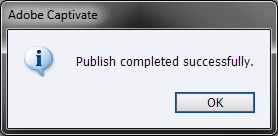
  2. Publishing completed confirmed with dialogue, without the chance to view in browser directly as in previous versions

         

     3. Now I need to browse to publishing folder where I find a ZIP file
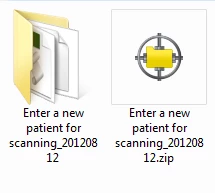
         

     4. Unzip the files to folder

     5. Click on html file

     6. Browser opens and there i get a message that Java script is missing, which it is not )see second screen:

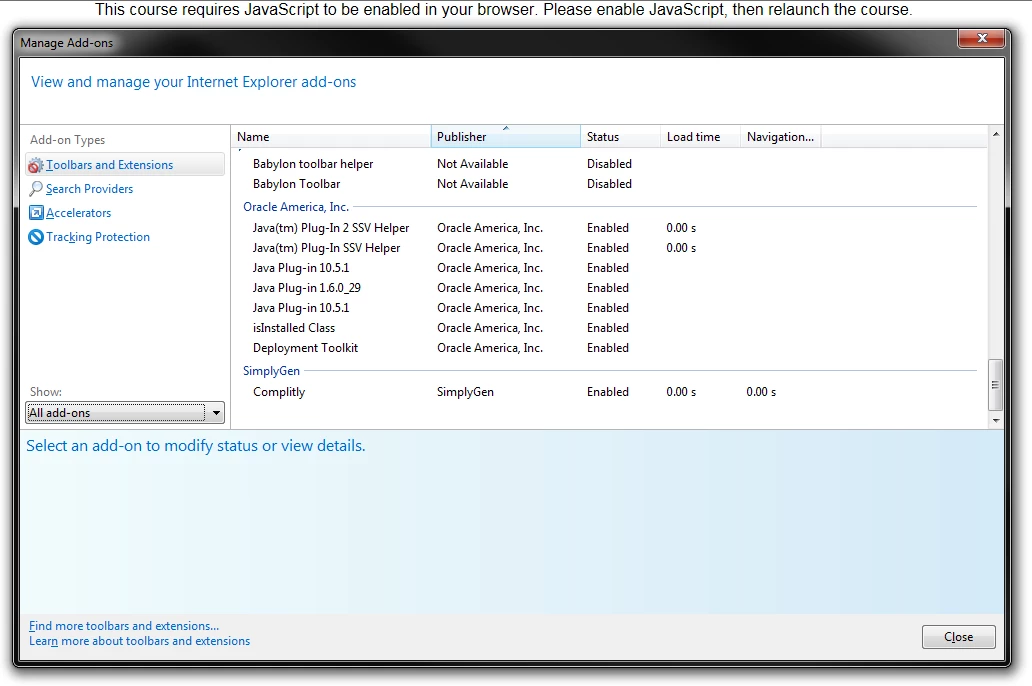
         

     7. I allow blocked content of IE on bottom of screen and there I get the next error message:
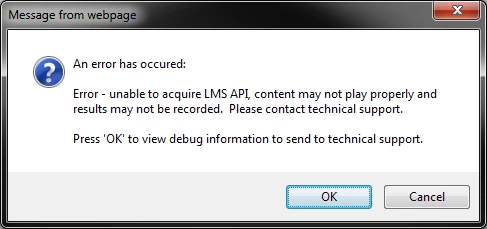
         

     8. And no matter if I press OK or Cancel the project opens, loads and can be viewed. BUT is the project OK? The only diffence in the two oprions is that with OK I get an           error log:


How can I get a less cumbertsome and error prone publihing with CP6? Any idea? Can I make some changes to prevent this behaviour?

Thanks in advance for your input.

Stephanie


    This topic has been closed for replies.
    Correct answer RodWard

    Check your settings on the Publish dialog.

    In particular, check whether or not your Output Options has Zip Files ticked.  Since the error message also talked about being unable to acquire the LMS API, it would indicate you currently have LMS Reporting turned on.  If you are just publishing locally for the moment, you can disable this in Quiz Preferences > Reporting.

    3 replies

    Participant
    September 6, 2012

    Well, there does seem to be a new feature in Captivate 6 which gives me the LMS API error message as well when I attempt to use a course link back to our LMS.  This never happened with previous versions of Captivate, so I assume there's a new feature which tests whether or not the course can properly call to the LMS system.  Is there a way to turn this message off so that, when I load it to the LMS, but link to the course directly in an email message the error message does not pop up for participants?  Of course, they can click on the OK button and the course plays, but I'm worried about the confusion it will cause.  We use the Cornerstone LMS system, but this seems to be a universal issue right now.

    Thanks!

    RodWard
    Community Expert
    RodWardCommunity ExpertCorrect answer
    Community Expert
    August 12, 2012

    Check your settings on the Publish dialog.

    In particular, check whether or not your Output Options has Zip Files ticked.  Since the error message also talked about being unable to acquire the LMS API, it would indicate you currently have LMS Reporting turned on.  If you are just publishing locally for the moment, you can disable this in Quiz Preferences > Reporting.

    Known Participant
    August 12, 2012

    Thanks for the fast answer!!!!

    I guess I clicked the zip in publishing options at a point of time and never checked again

    Known Participant
    August 12, 2012

    Hi All,

    I could not really belive that the behaviour with publishing was true so I went on searching...

    I found a solution to part 1 of my question:

    Reviewing a project in html

    - simply click on Preview and select in web browser

    Never the less the second part of my question wrt. published data opening strangely in IE is still open.

    Can anyone help with that part?

    Thanks!!!