
Question
Captivate 8 Cache location
Hi,
Was wondering if i could get a firm response on whether the standard cache location can be modified for users of the application by defaut from
C:\ My Documents\My Adobe Captivate Projects.
We require the location to be set to D:\My Adobe Captivate Projects area(without manual intervention), we have tried to replace the objects.cpo (which holds a D Drive location) file for our test users but it seems to cause issues with the startup menu not displaying correctly. We have confirmed this with the following test.
- Login as Administrator
- Start Captivate and make configuration change. This creates and then updates Objects.cpo.
- Copy Objects.cpo to standard user profile
- Login as Standard User
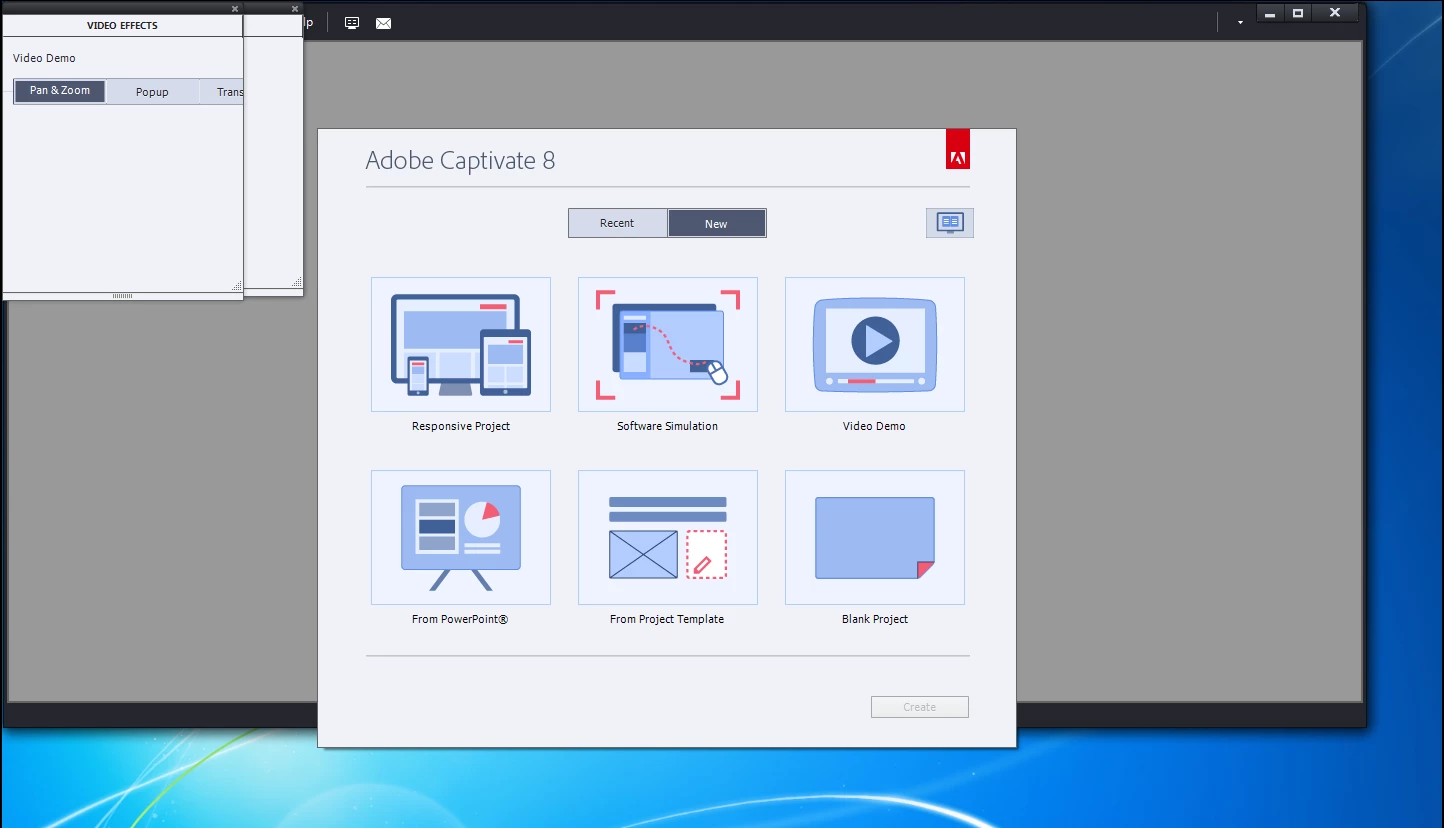
- Start Captivate. Menu does not display correctly
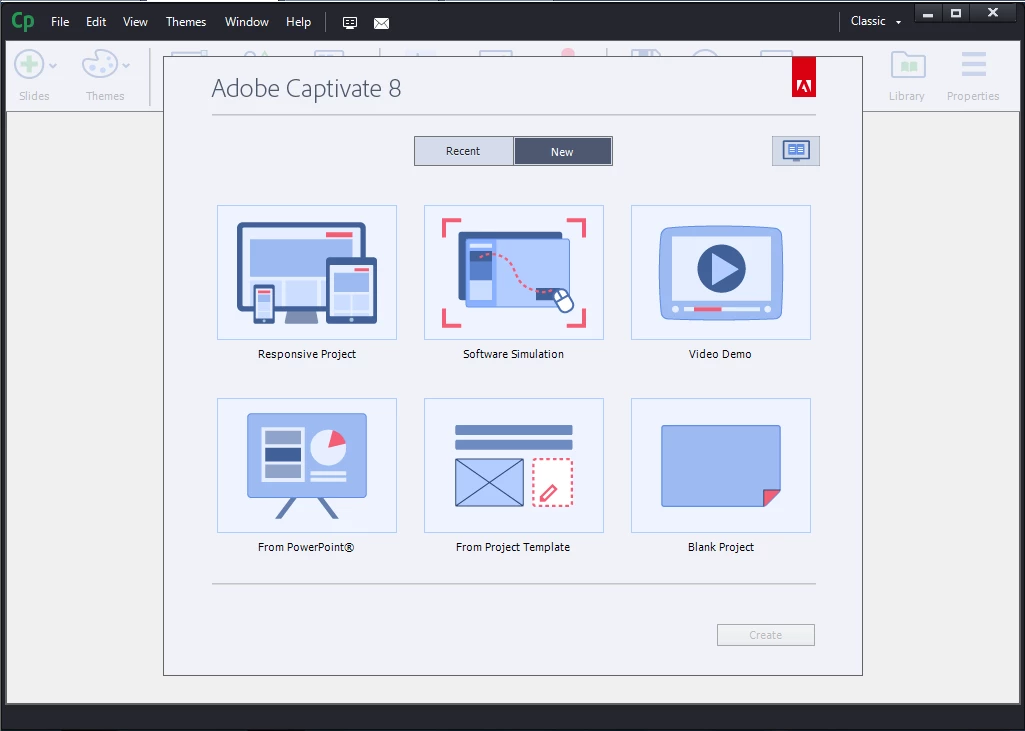
- below is the default view that we expect from the application (this is when no changes are made)
Any help to get to the botton of the issue will be greatly appreciated.
 AdChoices