
Participating Frequently
May 31, 2022
Answered

Captivate project shutting down unable to update or change
  • May 31, 2022
  • 1 reply
  • 669 views

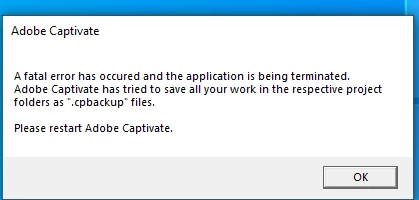
I have been asked to make some changes to a project I made in April.  I changed some audio on it and mid save it got stuck.  I had multiple copies of the project, but every time I open any of them and try to make a change I now get this message and the project / all my copies shut down.  Help me.  How do I get this project to work for me?  
This topic has been closed for replies.
Correct answer RodWard

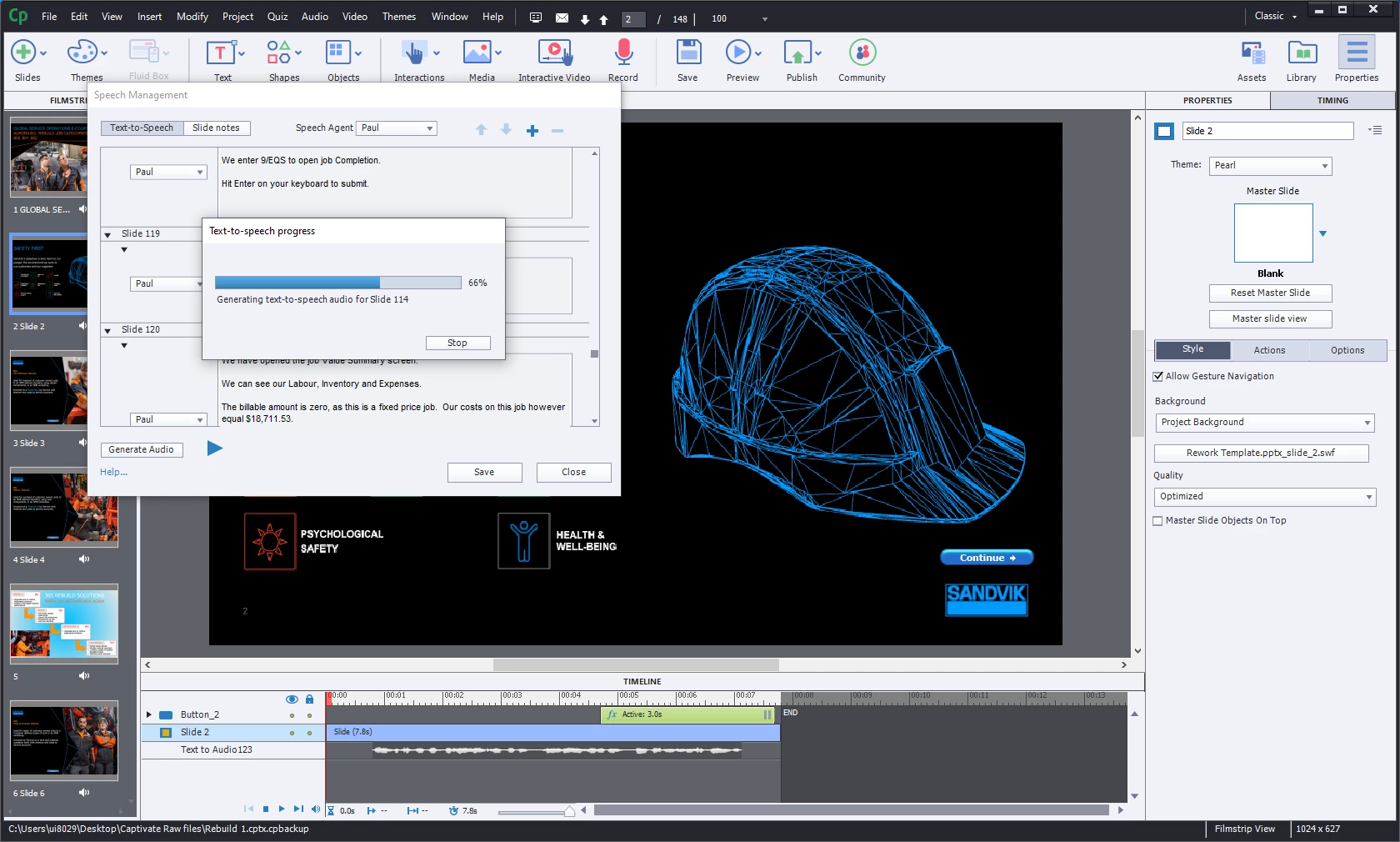
It seems to get stuck on the speech to text ... any clues why? 


Can sometimes be due to certain characters you may have added in the TTS.  Best to avoid any characters that are also used in programming.


This may have corrupted some slides.


Try taking a copy of your project to experiment on and then deleting groups of slides you messed with. If you find that removing a certain slide (or group of slides) allows you to save without issue, then go through the TTS on those slides and look for any unusual characters or symbols.

1 reply

RodWard
Community Expert
Community Expert
May 31, 2022

Does this happen if you just open a new blank CPTX file and try to make changes before saving?  


If so, then the issue may be due to corrupted Preferences.  Try resetting your Preferences.  You can do this by navigating down into the Adobe Captivate installation directory, then Utils folder, then double-clicking the CleanPreferencesWin.bat file there (if you are on Windows).

Participating Frequently
May 31, 2022

Hi Rod,

Thank you for responding.  I just followed the steps and double clicked the clean preferences as per your screenshot.  
Afterwhich I tried to open my project I want to to work on, but I got the same messaging.  


RodWard
Community Expert
Community Expert
May 31, 2022

Did you find out yet whether this issue occurs with all projects (even a new blank one) or just the project you were working on?