

Question
Captivate shows message to deactivate PopupBlocker
I use in Captivate the action "open URL" (in new window) with a button. I generate the e-learning in SCORM 1.2 HTML5. I publish the e-learning in the LMS "Success Factors". When I am testing in Internet Explorer 11 on Windows 10 there shows up a popup-Window in the e-learning after klicking the "open URL"-Button.
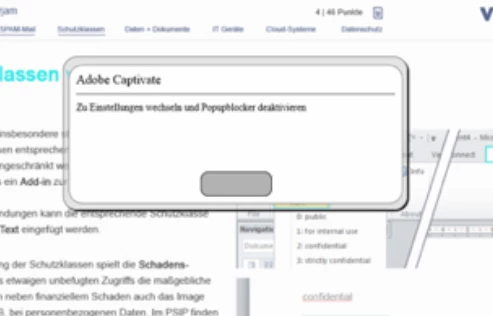
(I translate the message to english: "Adobe Captivate Change to settings and deactivate poup-blocker".)
If I click "OK" in this window, everything works fine, ther is no popupblocking on the part of the browser. If I am testing the e-learning package in Chrome, there is not such a message.
Is there a chance to get rid of this message? Or at least to change the text of the message?
Thanks anybody who can help!
 AdChoices