
John_Meidl
Inspiring
January 27, 2017
Answered

Clicking email link opens two windows in Cornerstone LMS

  • January 27, 2017
  • 1 reply
  • 384 views

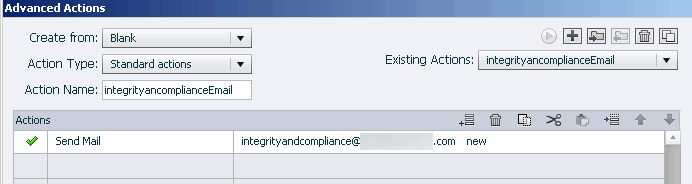
In our course we've used several advanced actions to open various emails -- see Adv Action image below.

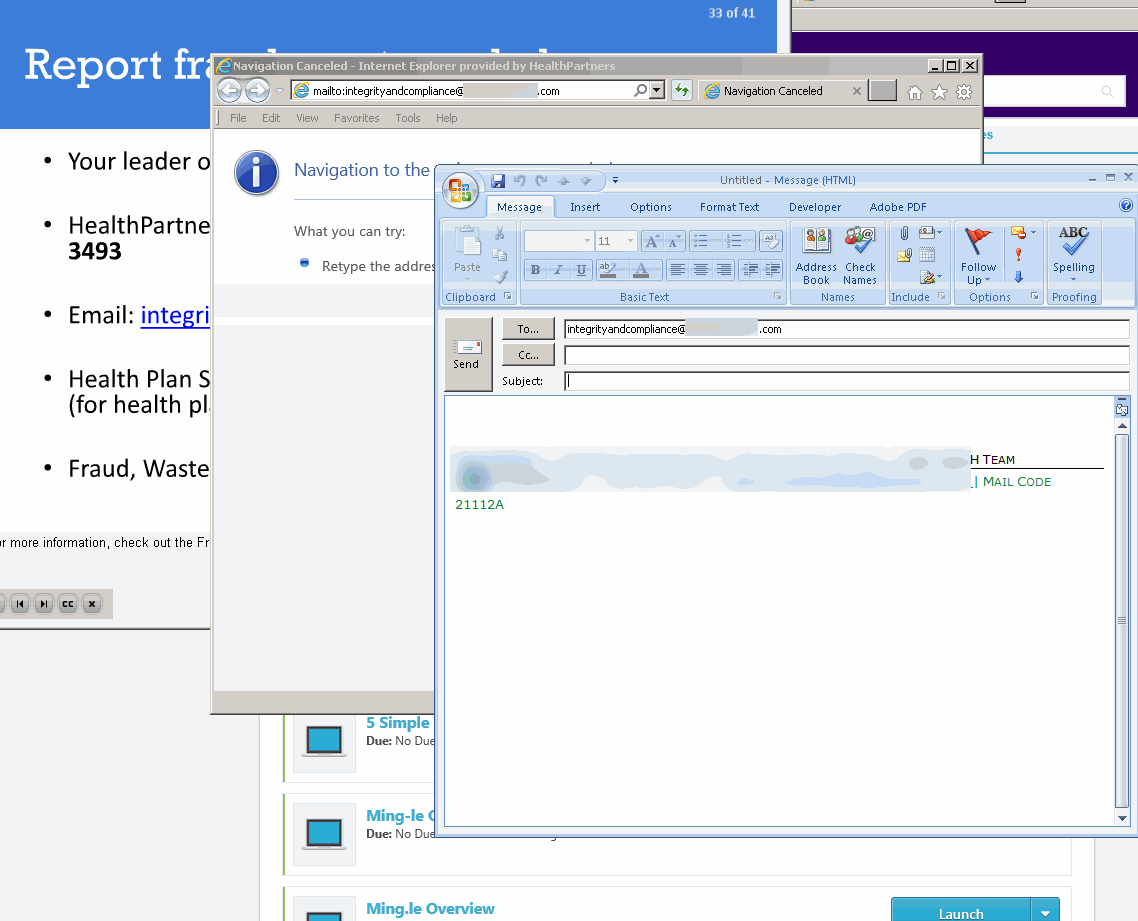
Recently the LMS (Cornerstone - stage) is opening an extra window instead of just the email window -- see below.

Is there anything I can do to prevent Internet Explorer / Cornerstone from opening the window with "mailto..." ?
I'm using Captivate 8.

Thank you! I'd greatly appreciate a quick response, so that we can stay on schedule.

    This topic has been closed for replies.
    Correct answer John_Meidl

    We discovered the solution to the browser opening an extra window when it was supposed to open only the email window:

    -->  When programming the Advanced Action in Captivate for EMAILs, in the "Select window" field, we needed to select "Top" (NOT "New").

           (Note: For the links that are URLs, however, we need to select "New.")

    Jan

    1 reply

    Paul Wilson CTDP
    Community Expert
    Community Expert
    January 28, 2017

    I am not certain but it looks like you are running this on an older version of Internet Explorer. Perhaps upgrading to a newer browser might help. 

    Paul Wilson, CTDP
    John_Meidl
    John_MeidlAuthorCorrect answer
    Inspiring
    February 15, 2017

    We discovered the solution to the browser opening an extra window when it was supposed to open only the email window:

    -->  When programming the Advanced Action in Captivate for EMAILs, in the "Select window" field, we needed to select "Top" (NOT "New").

           (Note: For the links that are URLs, however, we need to select "New.")

    Jan

    Paul Wilson CTDP
    Community Expert
    Community Expert
    February 15, 2017

    I'm glad you found the solution.

    Paul Wilson, CTDP