

Drag and Drop Captivate 2017 - not allowing users to drag more than one item before continuing.
In Drag and Drop (Captivate 2017) I have successfully created and previewd a project containing drag and drop question pages. However, when I publish this in SCORM (1.2 and 2004) and embed onto Moodle (version 2.3.1), the drag and drop question pages are not allowing users to drag more than one item before continuing to the next slide.
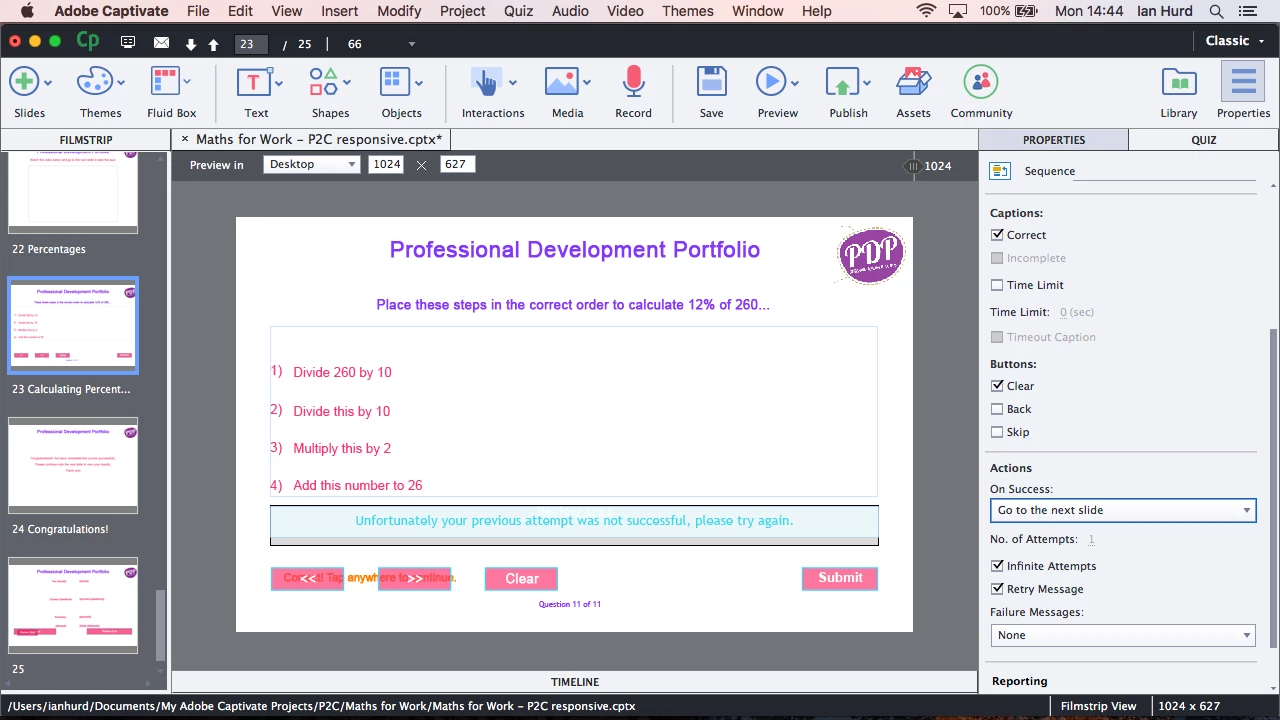
I have not changed anything in the properties inspector from the standard template and settings; although I did try changing the actions to On Success: Go to the next slide from "Continue" - but with either option I get the same result.
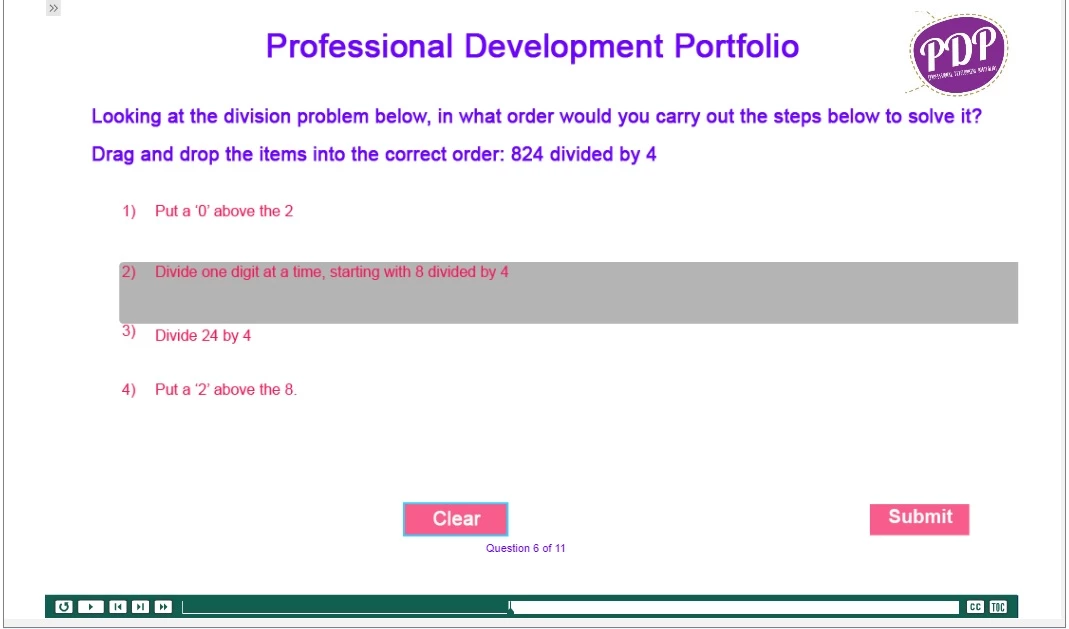
I have attached two images. The first shows one question page - as I said, I select and hold down with the mouse, the slide moves on before I can drag all the items into the correct order.
The second image shows the Actions setting for another question page (same settings on both) though.
Any help with this would be very much appreciated.
Many thanks,
Ian
 AdChoices