
Drag and Drop targets misaligned
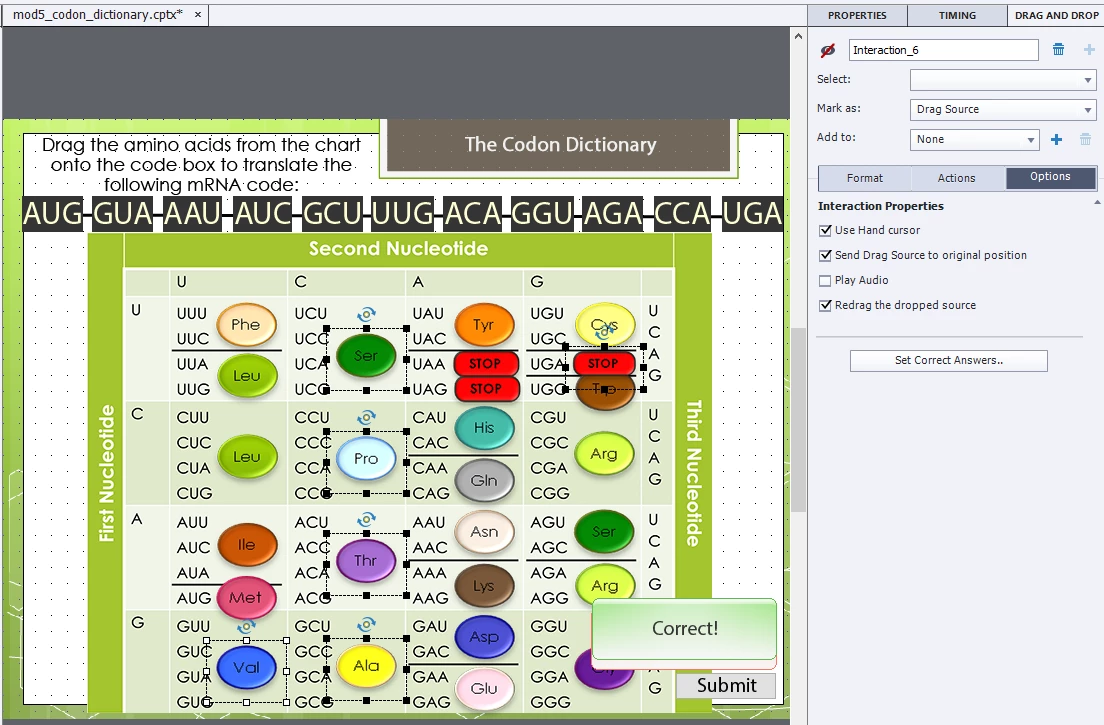
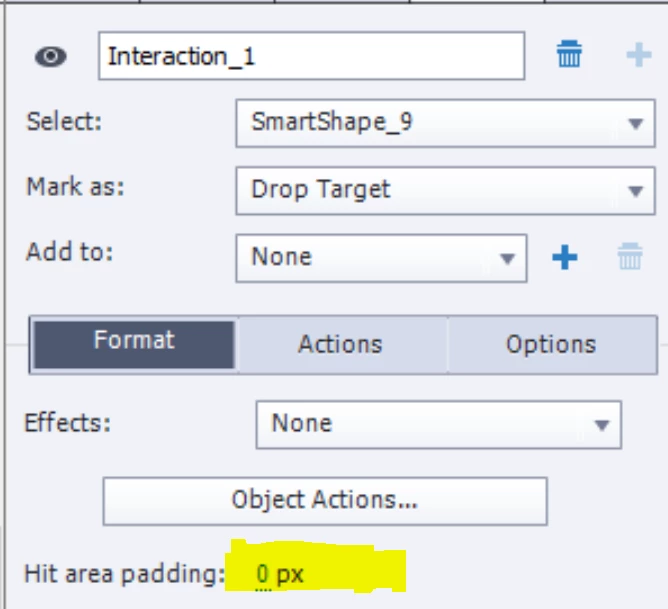
I have created a drag-and-drop interaction on a slide, and when I preview it in html5, the targets are misaligned. If I drop a shape directly on its intended target, it snaps back to its original position. In order to get the shape to land on its target, I have to drop it just to the left of the target. If I drop it to the left, it snaps onto the center of the target, right where I initially tried to drop it! Obviously, this would be aggrivating for users and look unprofessional, but worse, my targets are lined up in a row, so having to drop an object to the left of its intended target means having to drop it on the adjacent incorrect target in order to get it to land on the correct one.
Any idea why it's doing this or how to correct it?
Many thanks!
-BSR-
 AdChoices