bradj251
Participant
May 3, 2018
Question

Edit Slide At Time With Motion Paths

  • May 3, 2018
  • 1 reply
  • 372 views

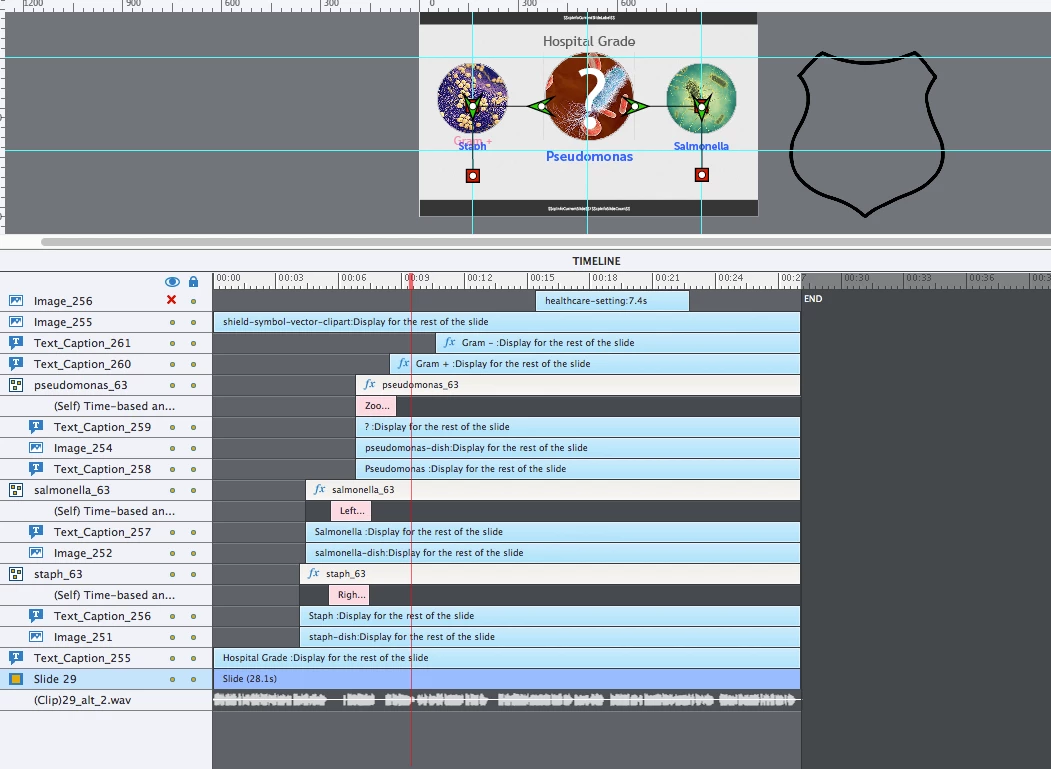
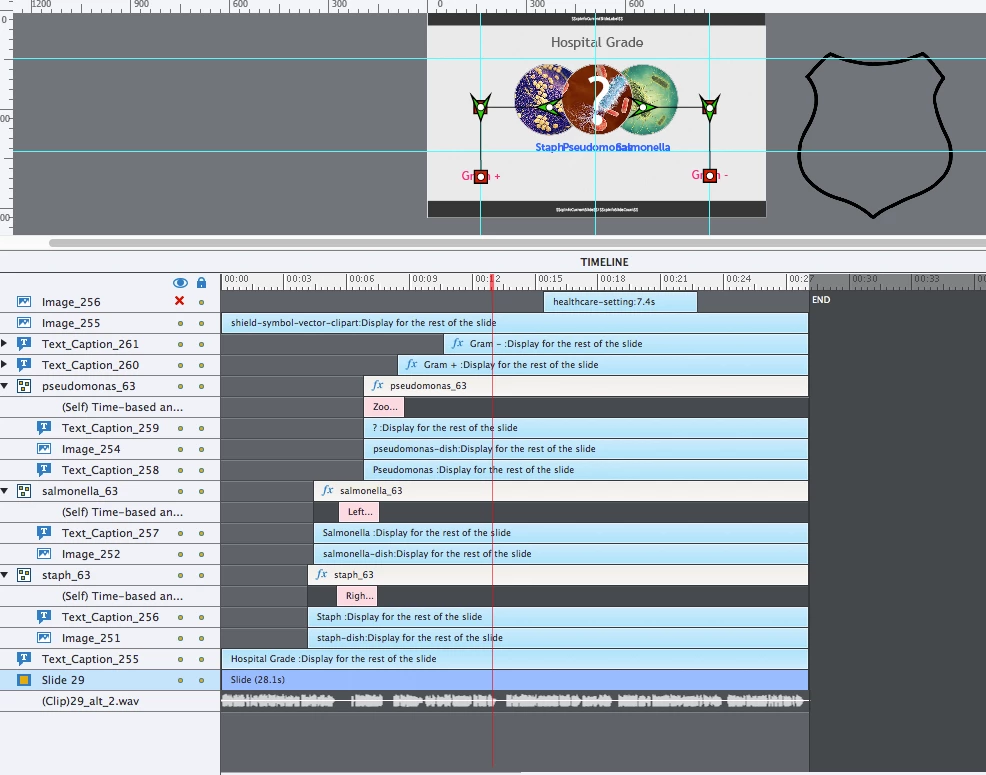
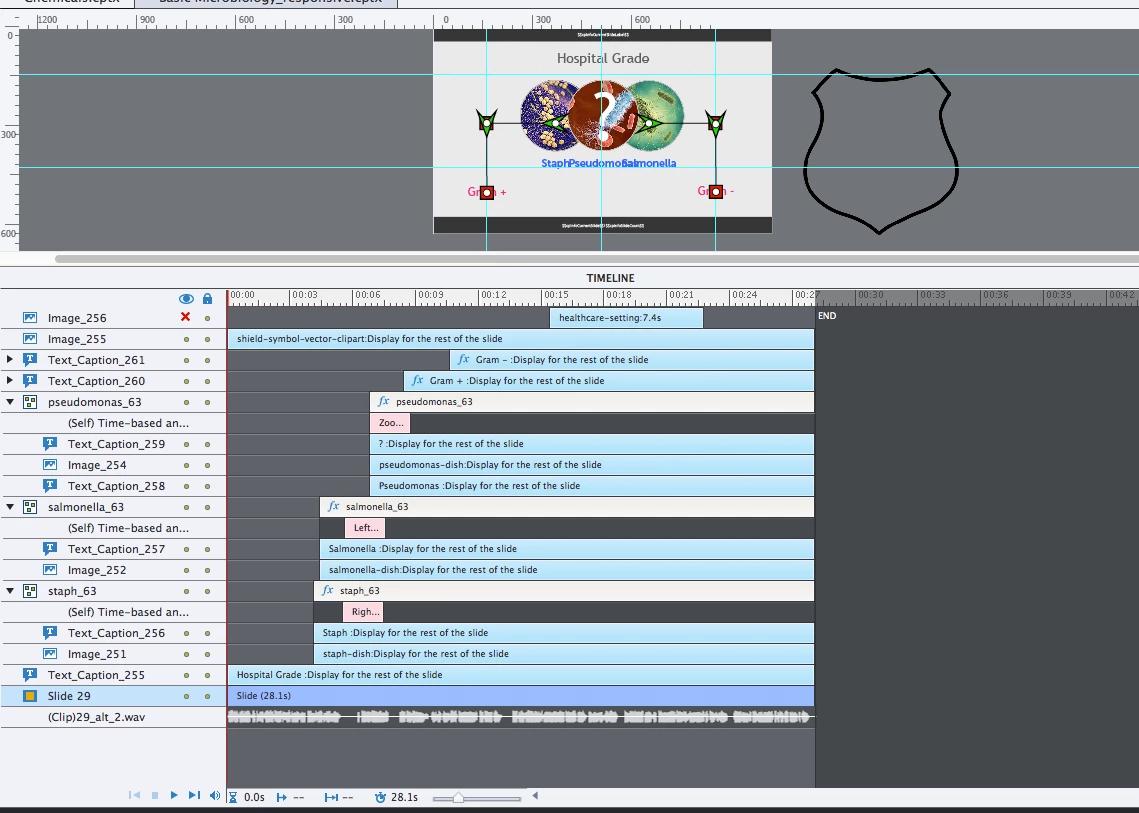
See images below. Image 1 is paused at T=0. Image 2 is during live playback and Image 3 is paused at T=13ish.

I need to put the shield around the middle circle at T=23 but the middle circle goes through a zoom before then so at T=23 it's larger (and on other slides in different locations even).

Currently I just try to use guides and adjust it through trial and error but it would be nice to know if this is normal.

Is there a way to pause the preview and edit the slide with all the elements in place? Is it normal that they snap back to their original positions when paused in the editor?

Thanks!
    This topic has been closed for replies.

    1 reply

    bradj251
    bradj251Author
    Participant
    May 14, 2018

    Nothing? Am I the only one who uses captivate to animate items on the screen? It's very frustrating and really slows down workflow to have to eyeball where things are going to be for placing later elements. Surely there is just a keyboard shortcut or something that would allow me to pause the slide and edit it at a location in time.

    Lilybiri
    Legend
    May 14, 2018

    There is no shortcut key. When I have to set up something like you describe I start setting up guides before creating the motion paths. It can be very annoying not to be able to exactly define and see the different points in a motion path. For that reason I will sometimes create a motion path with several segments (using the zigzag path) to be able to put the different points in exactly the wanted location.  

    I wanted to upload an image to show that path, but I'm again not able to add media, sorry about that. You can look at the movie of this game: the motion path is timed for 33 seconds and there are 33 equal segments in the motion path:

    Game