

kimberlyu44812036
Inspiring
July 30, 2020
Answered

effects only once

  • July 30, 2020
  • 1 reply
  • 428 views

Hey everyone!

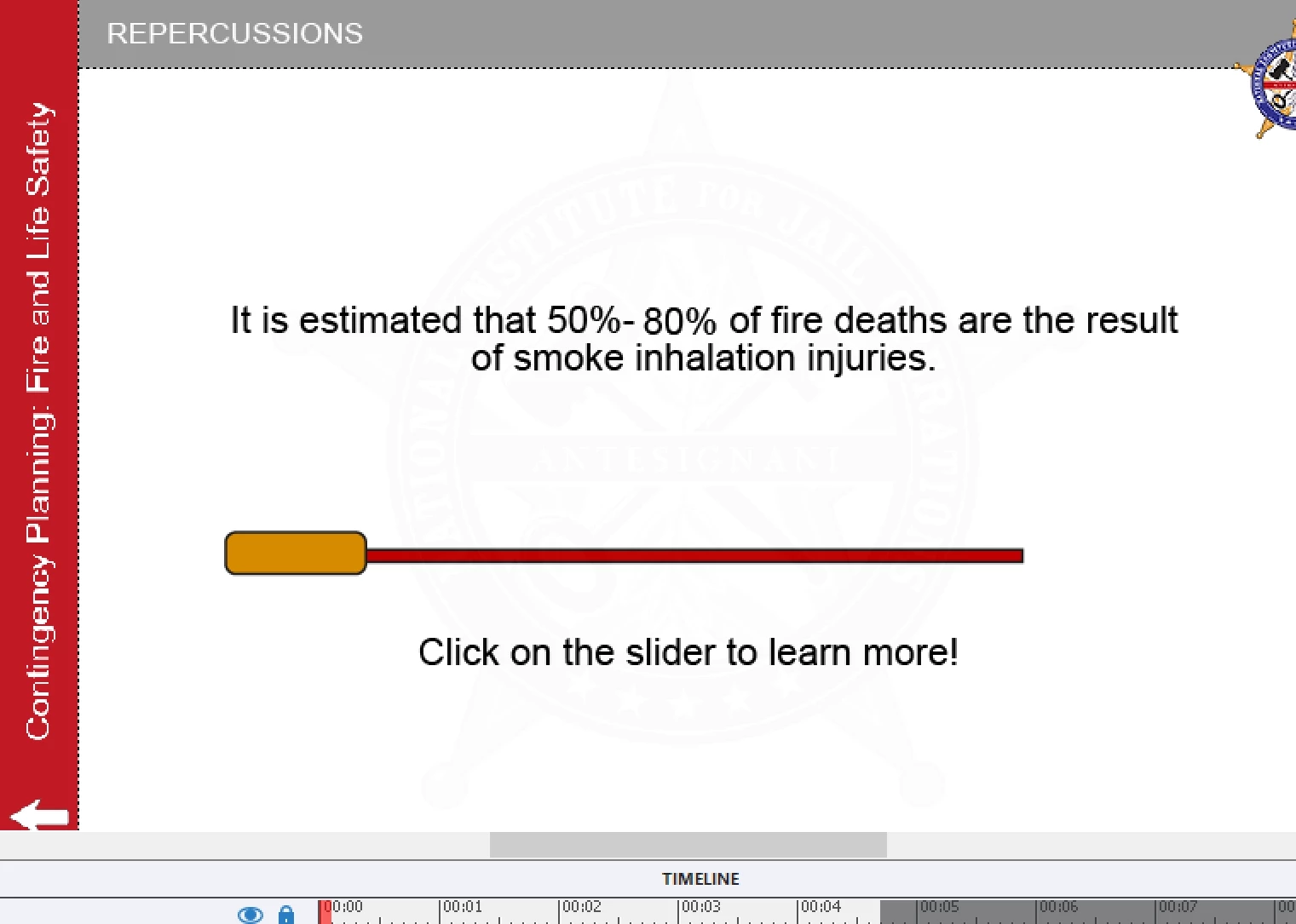
I have a question that I'm not sure there is a solution to. I have a slide where the user clicks on the slide bar and it slides to the right, shows the 80% and shows the next button (all in advanced actions). However, I am able to click it twice and it slides even further alomost off the screen. My client doesn't like this. Is there a way to ensure that it can only be clicked once?
 

Thanks!!!!

    This topic has been closed for replies.
    Correct answer RodWard

    Stagprime's suggestion is an easy fix.  I might also suggest hiding the button as well, because if the button is still visible on the slide then the user may still try to click it.

    1 reply

    Stagprime2687219
    Legend
    July 30, 2020

    You should be able to add a disable command to your advanced action for the button.

    RodWard
    Community Expert
    RodWardCommunity ExpertCorrect answer
    Community Expert
    July 30, 2020

    Stagprime's suggestion is an easy fix.  I might also suggest hiding the button as well, because if the button is still visible on the slide then the user may still try to click it.

    Lilybiri
    Legend
    July 30, 2020

    But don't forget to create an On Enter action if you allow the learner to revisit the slide. If you forget that, the button will remain disabled and maybe the pla;y head will move quickly through the slide without pausing. Demonstrated this in my recent presentation for the Adobe World Conference about 'Deep dive into Captivate with Shared and Advanced action'.