
Feedback Box Behind MCQ text
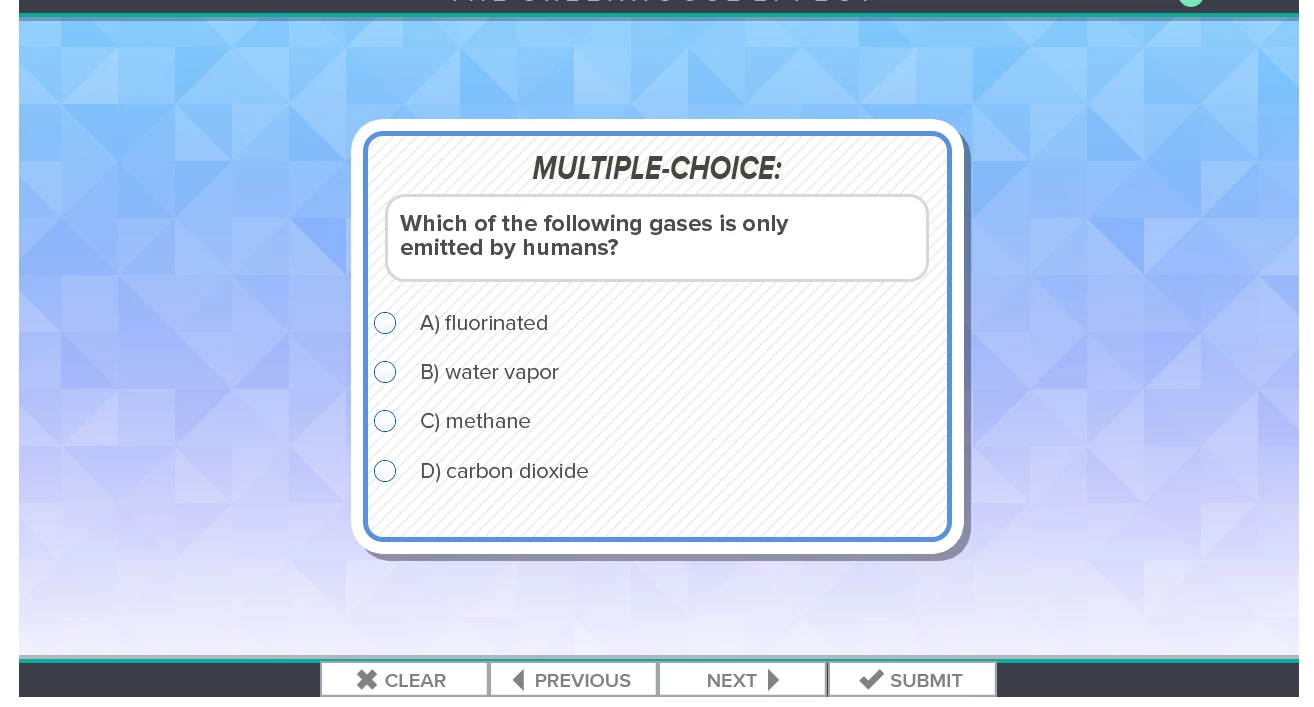
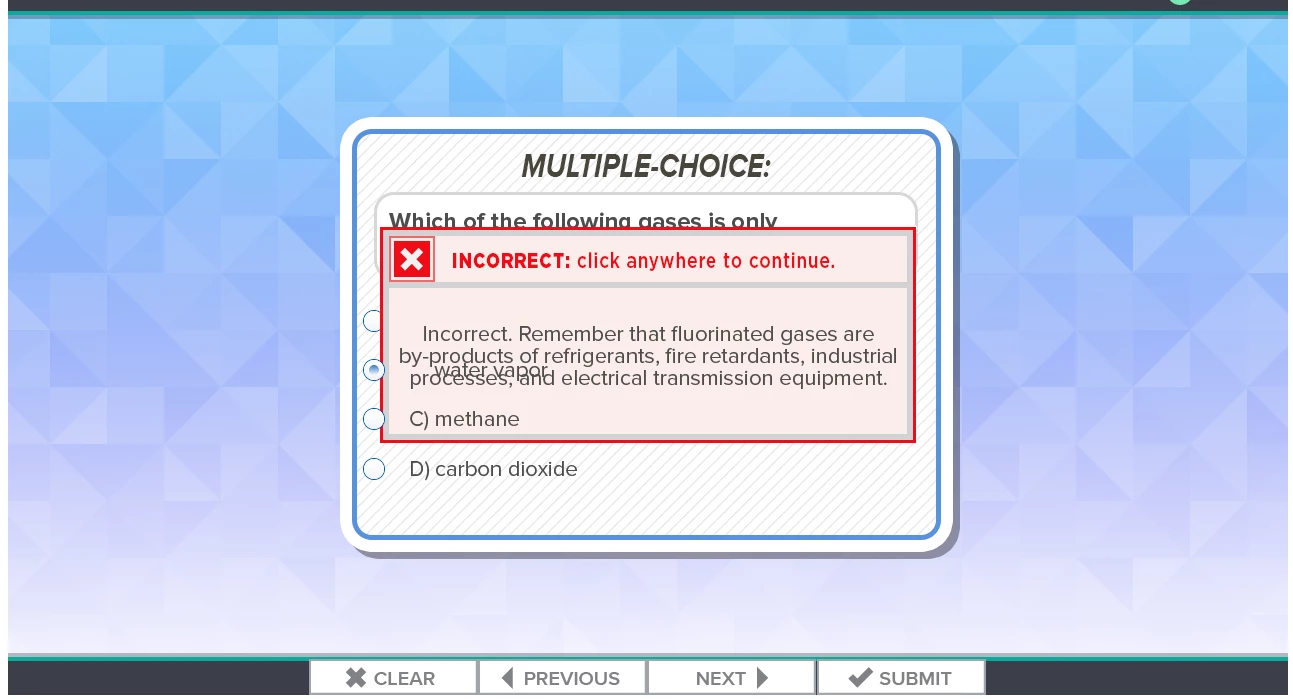
I have a MCQ slide. No matter what I do the feedback answer displays behind the MCQ answer text when previewed in HTML. It also displays under the question text. As you can see in the image below it is not even all of the text. It is random and some feedback may look alright but others are behind. I ahve tried 3 different ways. 1) I select and answer>properties, check advanced, No action, check show feedback message. From here I have tried 3 different options. First, right click select revert to text caption. I then select a .BMP that we have been using and am able to put text over. 2)All things equal for the second attempt but I created a .PNG that was hidden. Then selected action, show "incorrect_feedbackQ1". 3)I also tried just the normal feedback
text box that opens when "Show feedback Message" is checked and it also shows up behind the text.
Captivate 9.0.1.320 / Windows 7 Professional
Thanks in advance
 AdChoices