

Question
Fill in the Blank User Input Box displaying answer
I have made a fill in the blank slide with a user input box. I have entered the possible answers here but they are inconsistently showing and being hidden on slides. The first time I previewed the slide (using Next 5 slides) it worked fine. But then when I previewed it in the browser, the answers were displayed.
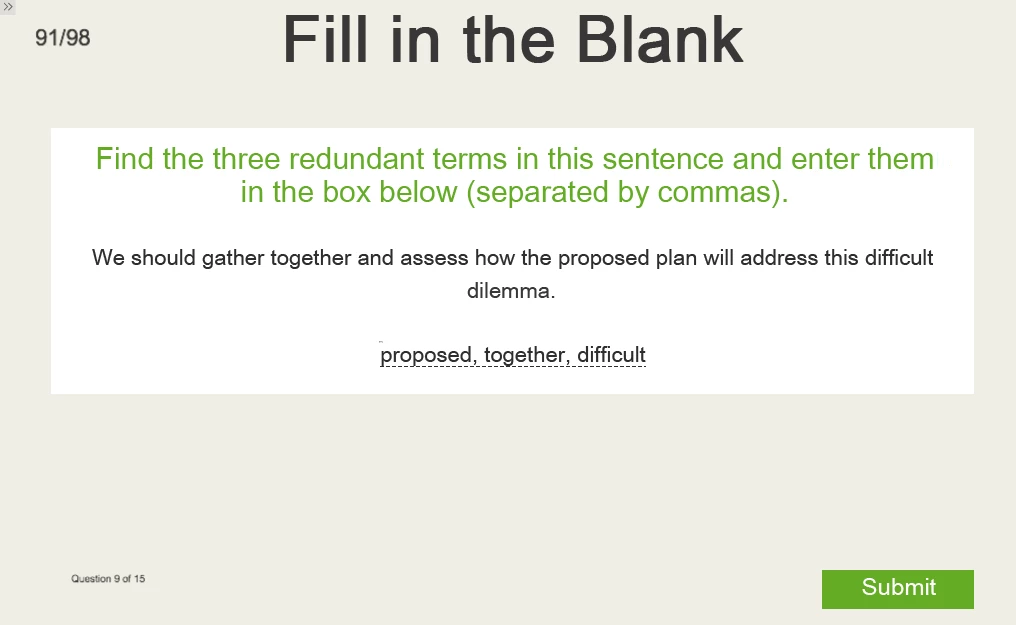
Any idea why this is happening?
Also, now when I go back to 'Preview Next 5 slides', it appears as above, but without the white background smart shape:
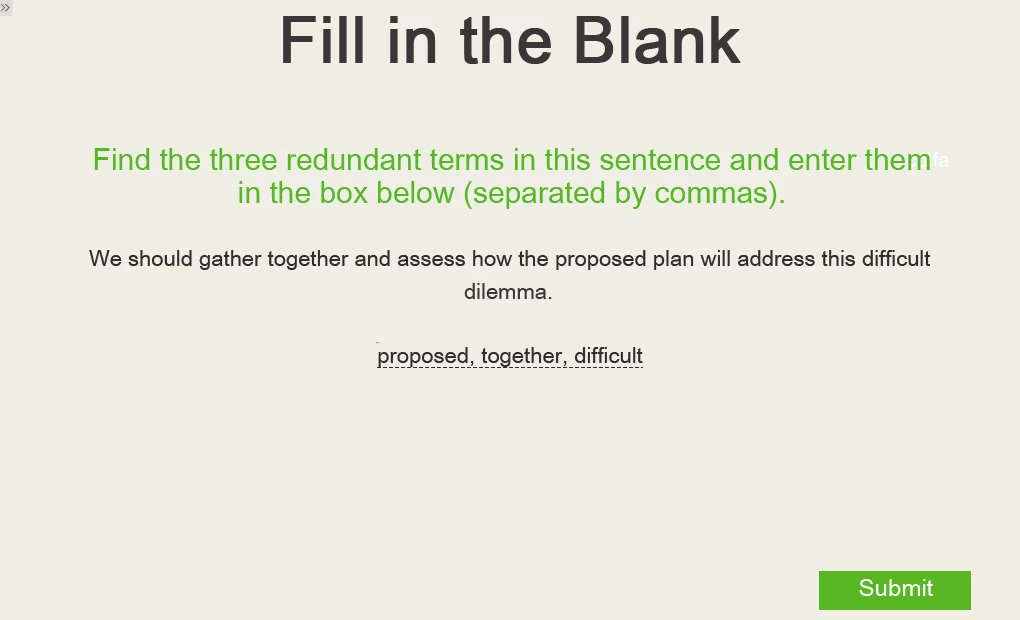
I already tried deleting the slide and inserting a new one but the same thing happened.
Hope someone can help!
 AdChoices