
Answered
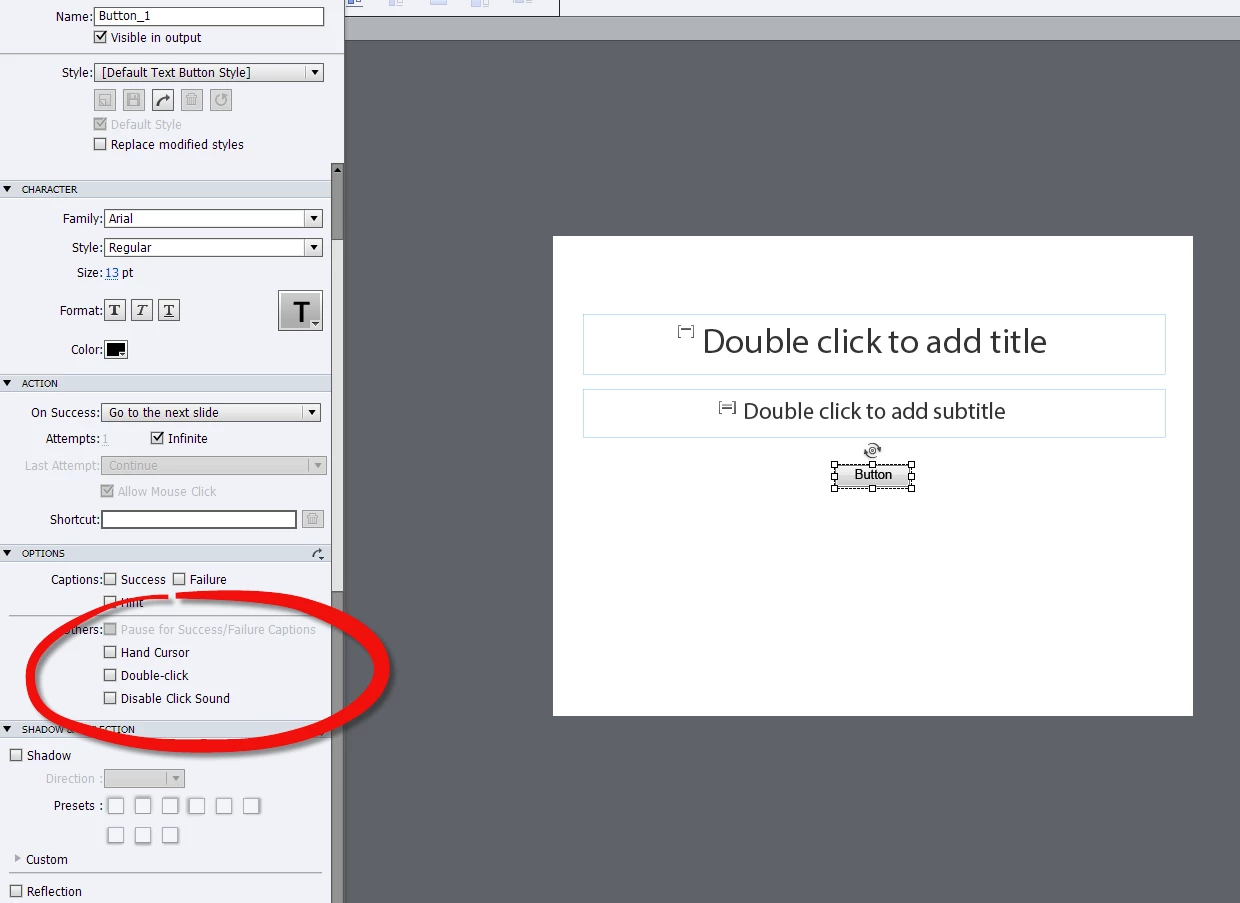
How do I remove the default click sound for navigation actions?
I have an Adobe Captivate 7.0 project for which I've created custom navigation buttons. I have used "standard" commands such as "Go to the next slide" and "Go to the last slide visited," as well as more complex Advanced Actions that end with a "Jump to slide" command.
I would like this navigation to happen silently, but I can't find a place to remove the default "click" sound.
Other threads discuss renaming KeyClick.mp3 so Captivate can't find it, but this only seems to affect mouse clicks in simulations. I want to silence the clicks for all navigation within the project.
Can anyone point me in the right direction?
Thanks, in advance.


 AdChoices