
Participant
December 4, 2019
Answered

HTML5 Page Stuck at Infinite Loading

  • December 4, 2019
  • 2 replies
  • 5737 views

So maybe this started with the new Chrome update, but my HTML5 publication is stuck infinitely at the loading screen. Works perfectly though for Edge, Firefox etc.
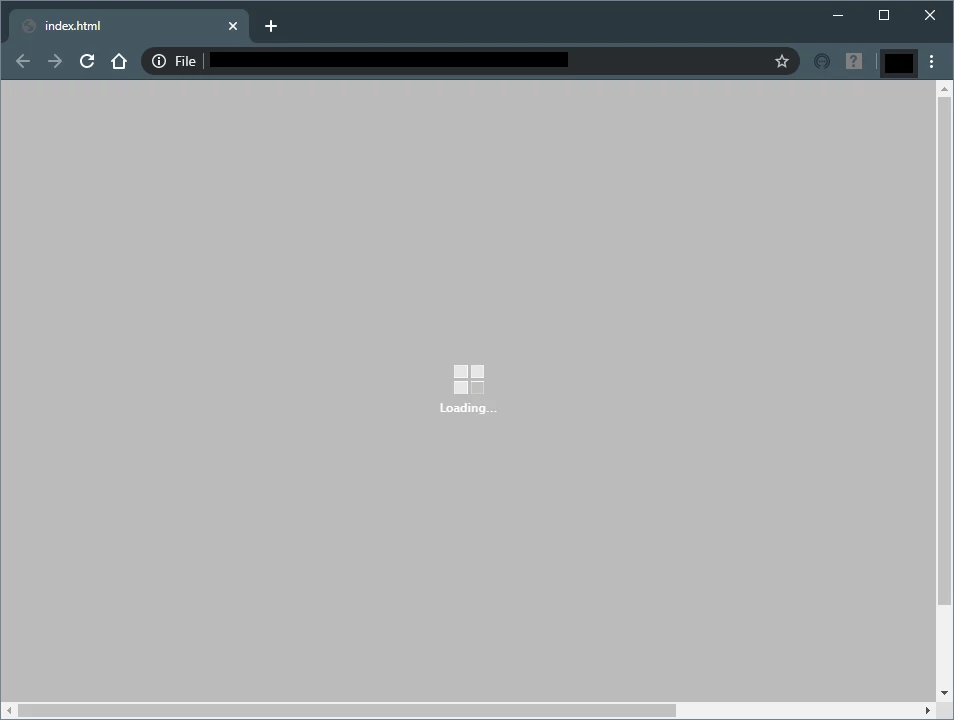
 

Is it me or is anyone else affected? I have seen users face similar but I am 99% sure this is not due to any local setting/security enforcement. Console logs reveal that the resources are not being loaded.


What gives?

This topic has been closed for replies.
Correct answer Stagprime2687219

Are you trying to run this locally or through a web server?

For overall best results, using a web server is recommended.

For local testing, I have had the best results to date with Firefox.


It could be that Chrome "fixed" something for you in an update.

2 replies

thisguy4xapi
Inspiring
December 4, 2019

Open the development console and post a screen shot of the error that is there.   The image you show usually happens when it can't find the appropriate files in the dr folder (which contains a compressed version of all the images and text in Captivate)....but a console log will tell us  (command opt J) on mac

Participant
September 5, 2022

Hi, I revive this thread as I got the exact same problem, but could not find a solution after checking the error fro mthe console as @thisguy4xapi mentioned. 

What I'm getting from the Chrome console are a bunch of messages like:

**** drawing failed. img incomplete dr/19481GrTr70.png

...

Any hints on how to solve this?

I get the error when loading a published module on the local machine with Chrome and Edge, Firefox works ok. 

If I upload the module to Scorm Cloud, even Chrome and Edge work fine. 

Lilybiri
Legend
September 5, 2022

Local testing could work, if you get the invite after publishing (without zipping) the course. However in many cases trying to repeat that local testing will not work, you need to upload to a webserver (for non-SCO) or a LMS (for SCO).

Stagprime2687219
Stagprime2687219Correct answer
Legend
December 4, 2019

Are you trying to run this locally or through a web server?

For overall best results, using a web server is recommended.

For local testing, I have had the best results to date with Firefox.


It could be that Chrome "fixed" something for you in an update.