Participant
October 15, 2020
Question

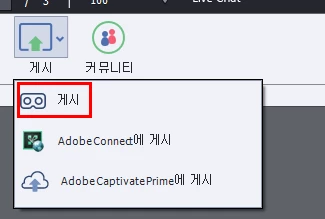
I have a question about publishing Adobe Captivate. Please tell us. I am desperate

  • October 15, 2020
  • 2 replies
  • 210 views

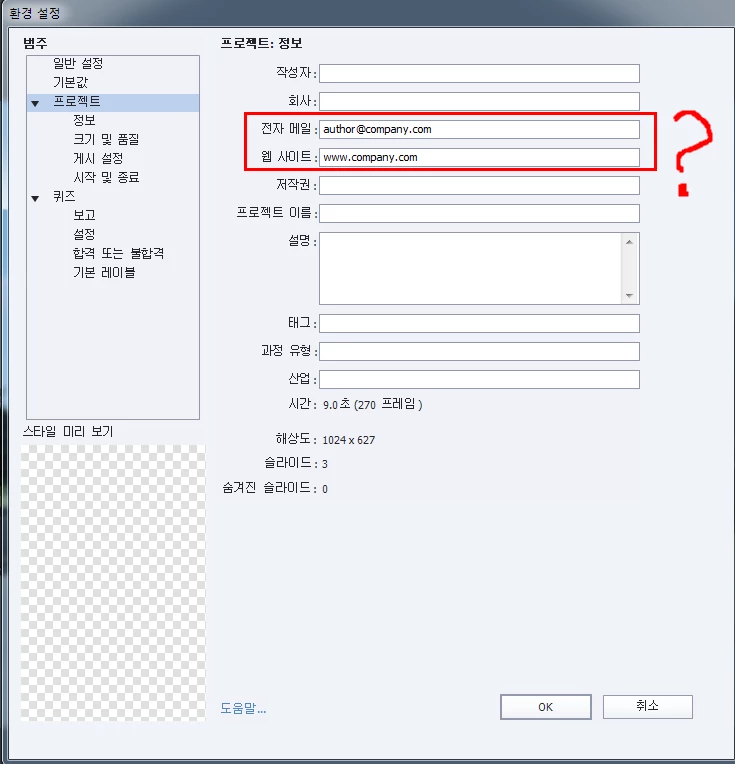
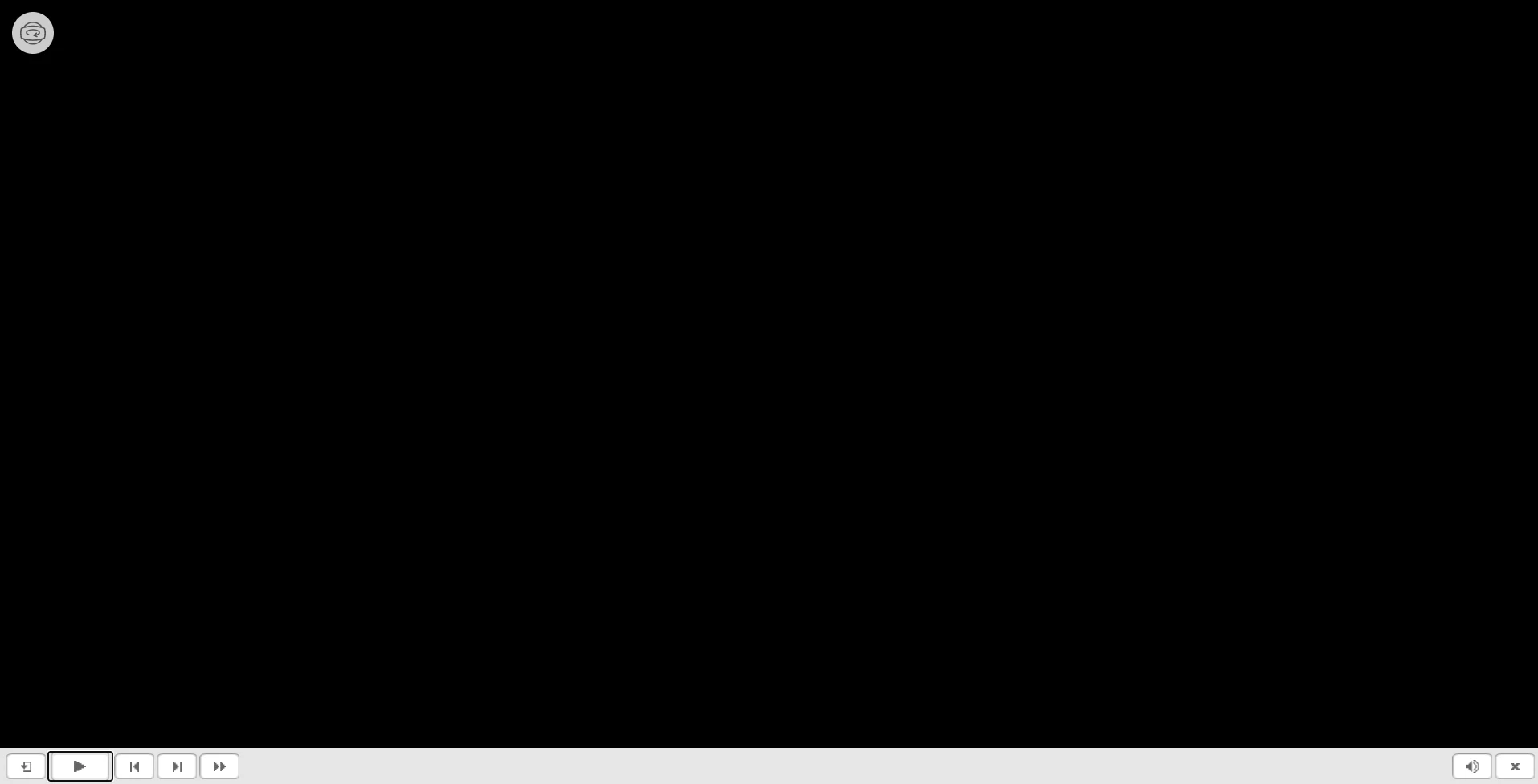
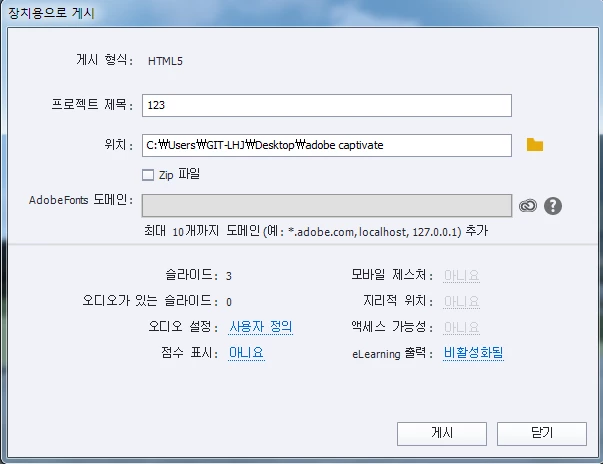
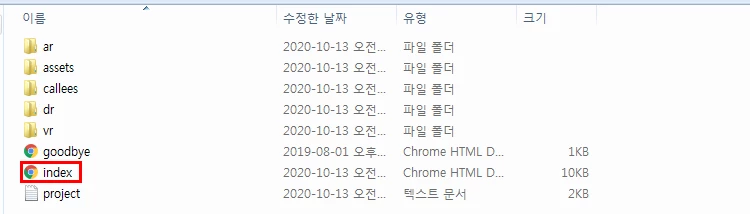
Hello, I am very interested in Adobe Captivate, I am trying to reproduce VR virtual reality. As a preview of the work after completion of the work, it works fine like a local host, but when I open the html index created after posting the device (chrome), a black screen appears. No matter how much I search and find the reason, I don't know. Explain in detail. I've looked into the community a lot, but I don't understand. I'd really appreciate it if you let me know. I will attach an image of the working procedure.
    This topic has been closed for replies.

    2 replies

    RodWard
    Community Expert
    Community Expert
    October 15, 2020

    Captivate's VR output must be placed on a web server to work properly.  It will not work correctly if you just place the files on your hard drive, or a Local Area Network (LAN) drive, and attempt to launch playback by double-clicking the index.html file.


    So, you must upload your published output files to a web server, or to a Learning Management Solution (LMS), which is also a web server.


    If these things are too complex for you, then I suggest you must find someone who does understand them and ask them to help you know what to do.  If possible, perhaps there are training courses for Captivate in your area, or YouTube videos available in your language about how to use Captivate.

    Inspiring
    October 15, 2020

    Sign Up for a free SCORM Cloud account and upload your project to that service for testing.


    /Jacob

    Participant
    October 15, 2020

    I am facing the same issues too!! Hopefully someone has a solution to this.