
Image from master slide disappears when loaded
I've got a responsive project designed in Captivate 9 that works fine in preview, but encounters problems when published.
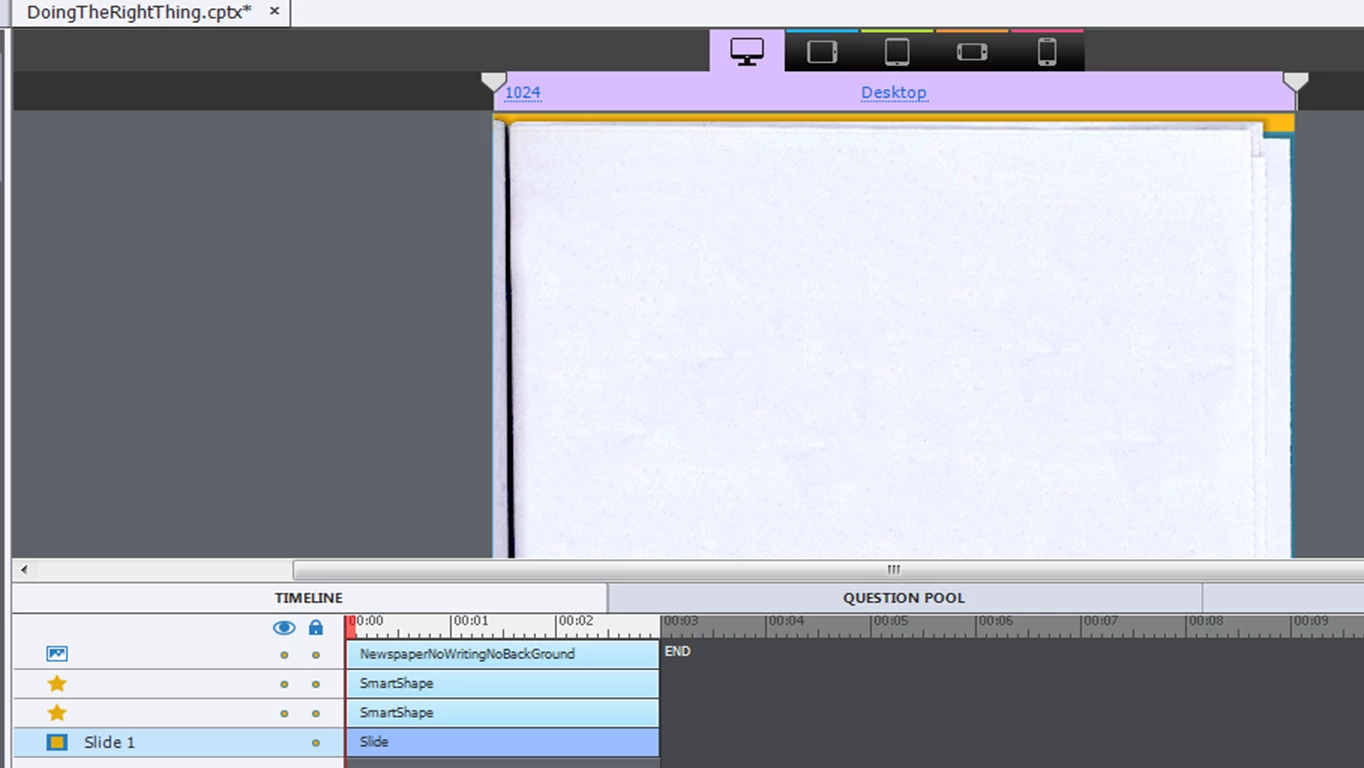
The background image (a 500kb .png positioned on the master slide on top of two smartshapes) for the desktop break point doesn't appear when loaded (the smartshapes do). I've tested with both SCORM Cloud and our LMS with the same results, I've also tried multiple browsers and machines with the same results. The image appears when loading on other devices, or if the window on a desktop PC is resized.
The same file is used on all breakpoints, just resized to fit (100% width, Auto height on all breakpoints). The image file itself is sized to the same width as the desktop breakpoint (1024px), with a height longer to account for resizing at other breakpoints. I've tried different sized images, adding it as a project background instead, adding to the first slide and showing for the rest of the project... all to no avail.
Any help would be great because I'm at the point where I'm totally stumped...
 AdChoices