
Image Masking/Clipping Masking in 11.8
Hi all,
New Captivate user (as necessitated by a work contract), 10+ Creative Suite user....
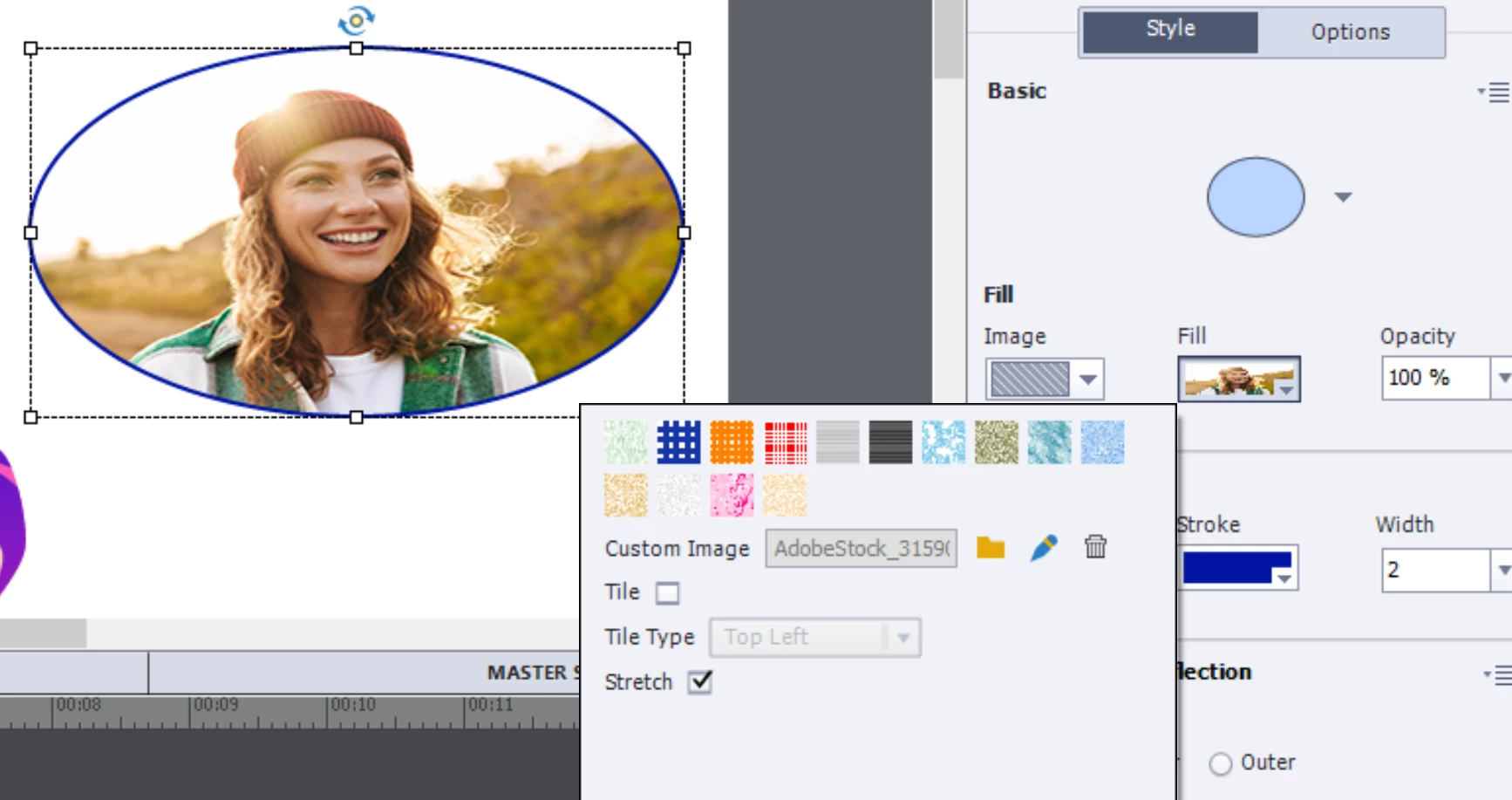
I am wondering if I'm doing something wrong - trying to create a Master Slides template for a contract so that they can re-use it without a designer on board. I added placeholder images here and there throughout a my 50+ wireframe template...and realized when I was in Filmstrip view that if I added an image to the placeholder image it squashes/stretches said image. This is highly unusal, right? Is there a button I'm not toggling or something to get the image to stay in place, but not automatically conform/stretch an image to whatever shape it gets framed in?
Also I am coming from Adobe products, as an experienced PPT user point of view if that helps anyone find mental equivalents to make explanation easier. So far my work-around has been to screenshot my Captivate screens and place them into PPT, then go into master slides and add Placeholder Images, then exit to main view and have users import an image into the placeholder object, then save it to their computer, then put it back into Captivate. Would be pretty embarassing for adobe if that's really the workflow they're expecting people to use for $33 a month that involves using a competitor program to achieve something basic, LOL! Please help me !
Thanks all.
(captivate 11.8 btw)
 AdChoices