Exit
  • Global community
    • Language:
      • Deutsch
      • English
      • Español
      • Français
      • Português
  • 日本語コミュニティ
  • 한국 커뮤니티
0

In quiz options spacing inconsistent across all devices.

New Here ,
Nov 07, 2022 Nov 07, 2022

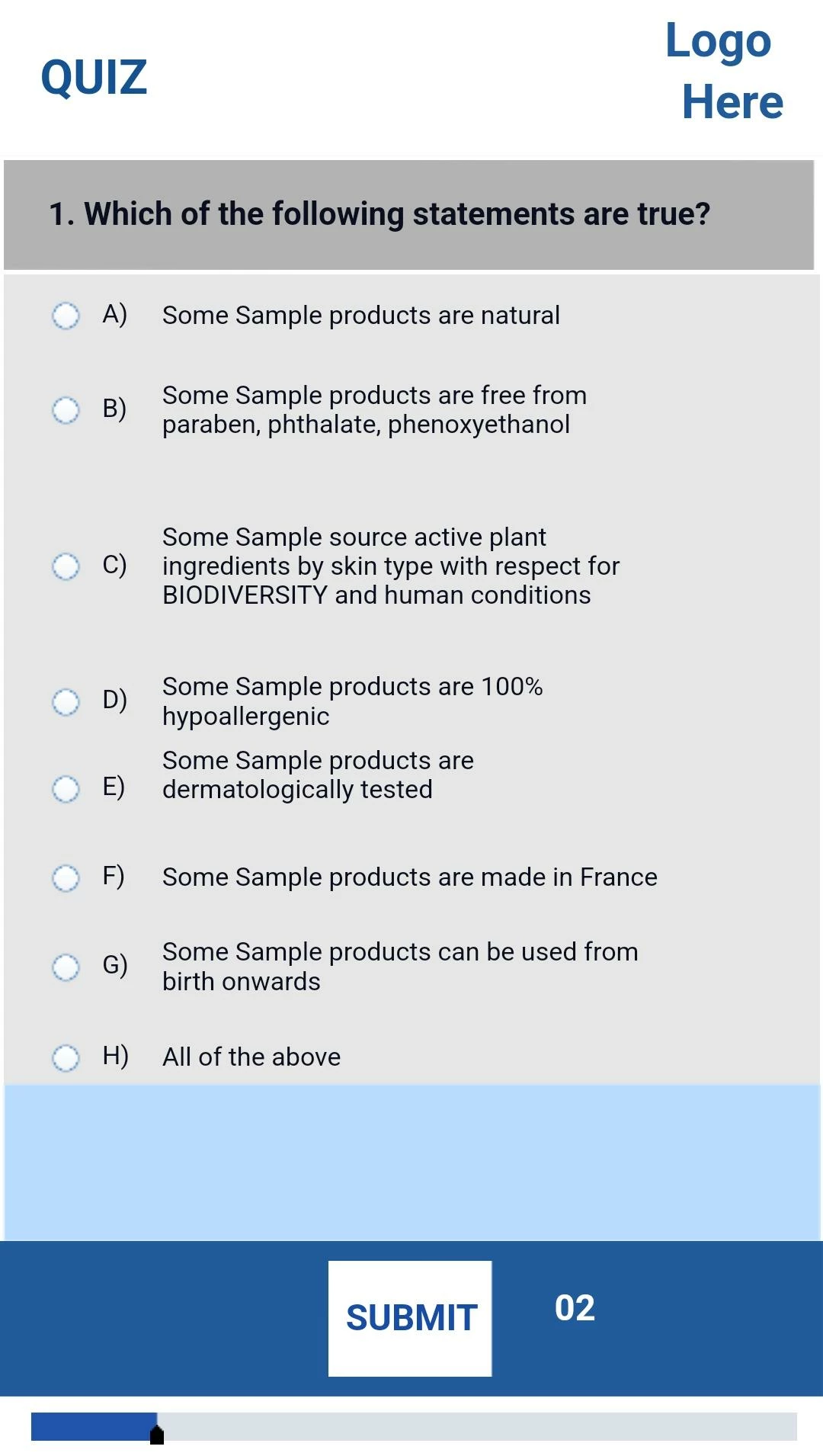
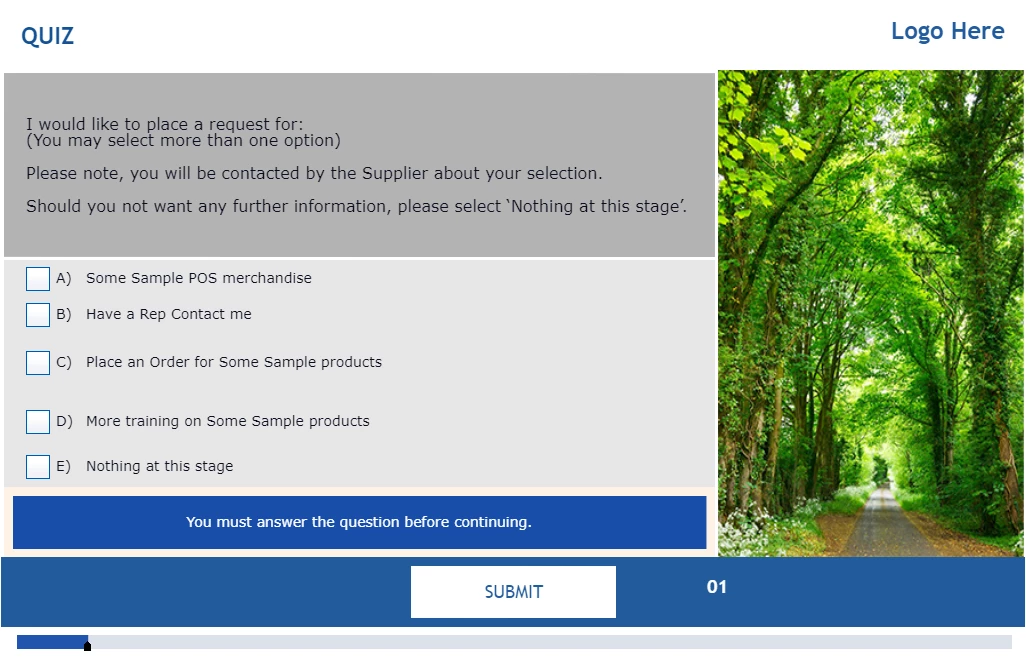
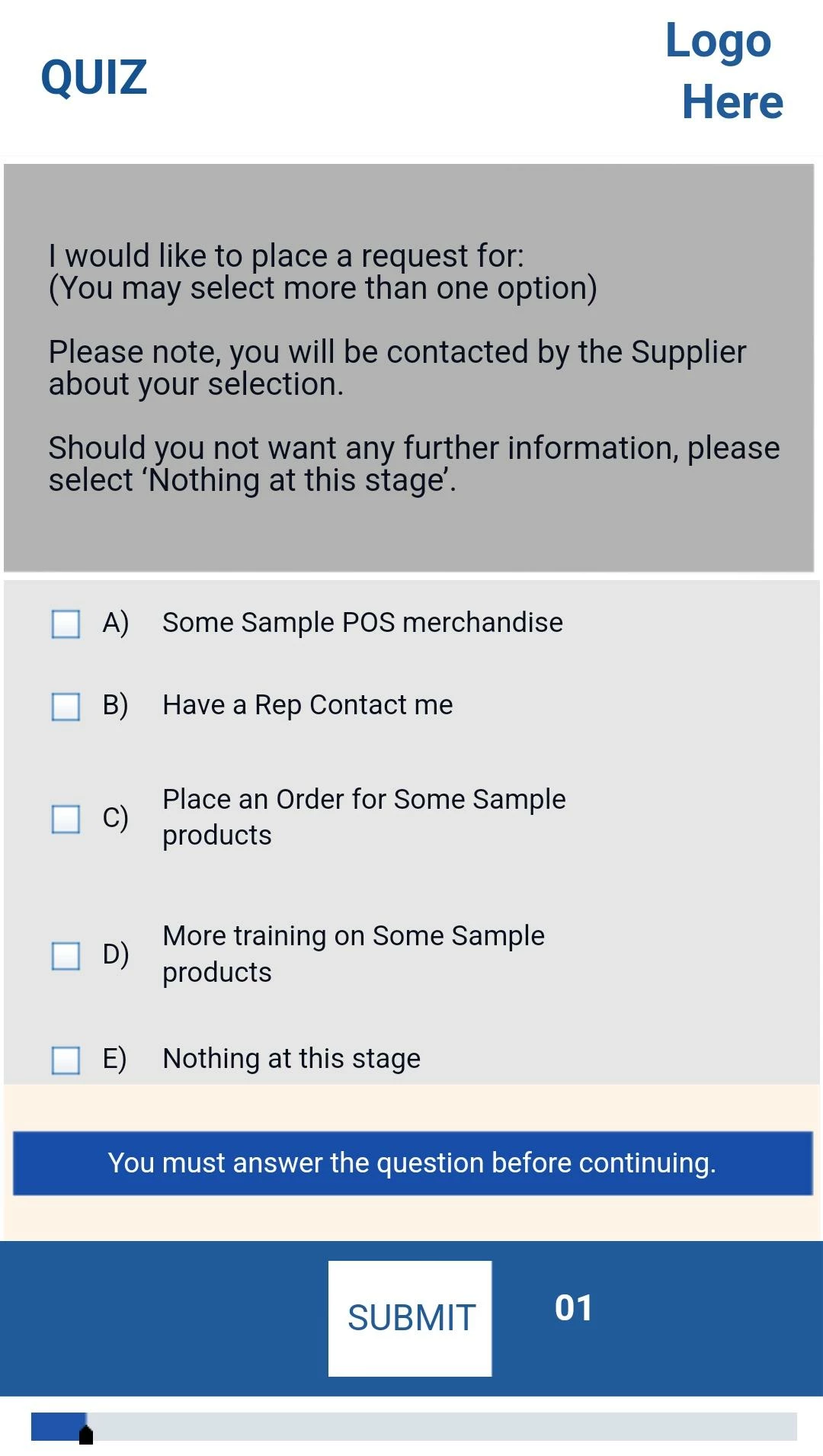
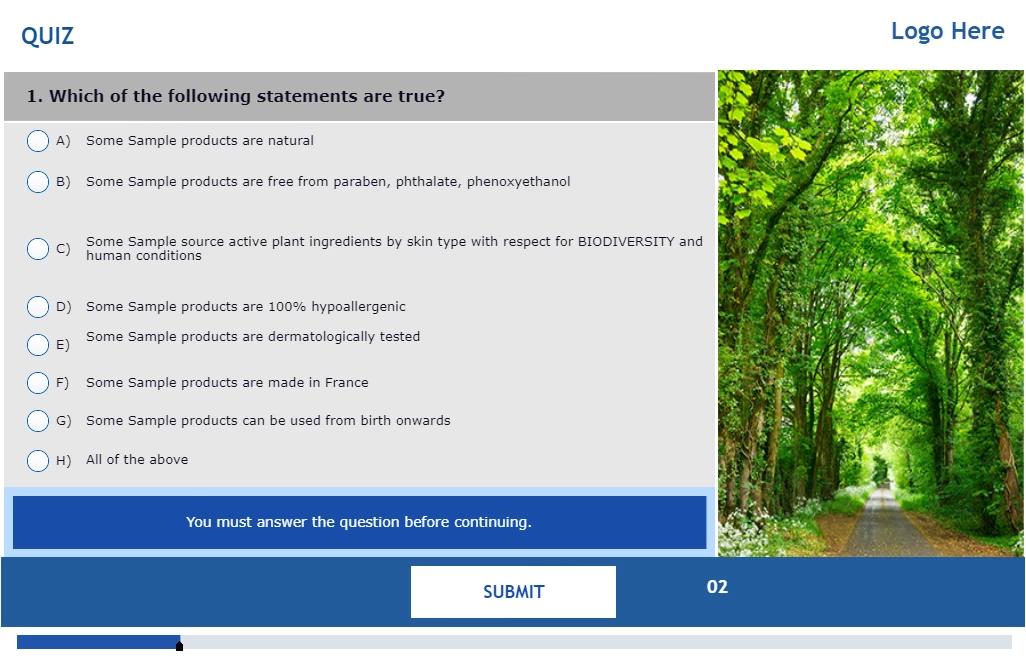
We have created quiz questions in Adobe Captivate using fluid boxes and aligned the space between options on mobile view. But, when we moved to desktop view, the alignments are inconsistent. Please let us know if is there any solution to fix this spacing inconsistent issue across all devices, attached screenshots for your reference.image_2022_11_07T10_51_44_157Z.pngprocessed-42ecc7aa-b19e-4670-a2be-cad58d5d4f9c_uNHlGVWI.jpegimage_2022_11_07T10_51_19_576Z.pngprocessed-6564a591-142f-42eb-aed3-51e76d764e7f_jaUm6Kn3.jpeg
116
Translate
Report
Community guidelines
Be kind and respectful, give credit to the original source of content, and search for duplicates before posting. Learn more
community guidelines
LEGEND ,
Nov 08, 2022 Nov 08, 2022
LATEST

Thanks for all the screenshots, they show the problem clearly.

However I need to ask 'How did you set up the spacing between the individual answers'? It is not possible to do so in the quizzing master slide, it needs to be done individually on each quiz slide, very cumbersome. Did you check the quizzing master slide used? I don't recognize the theme, so it is probably a custom theme. Some embedded objects have been removed as well. Maybe these blog posts could clarify a little bit:

https://blog.lilybiri.com/tips-for-fluid-quiz-slides

https://blog.lilybiri.com/quiz-slides-with-fluid-boxes


Translate
Report
Community guidelines
Be kind and respectful, give credit to the original source of content, and search for duplicates before posting. Learn more
community guidelines
Resources
Help resources