
jackb93304284
Known Participant
June 20, 2019
Answered

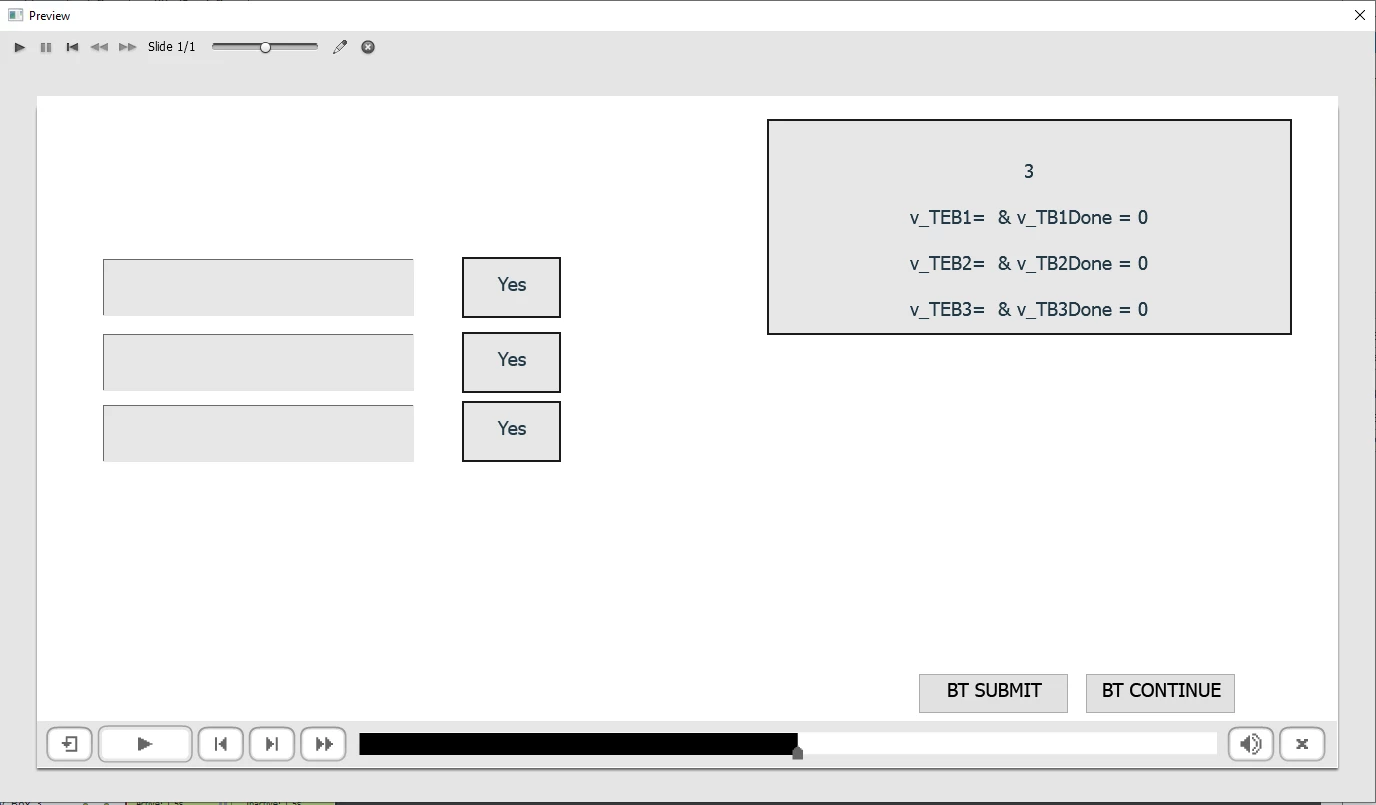
Multiple text entry boxes with one submit button.

  • June 20, 2019
  • 1 reply
  • 1394 views

Hi,

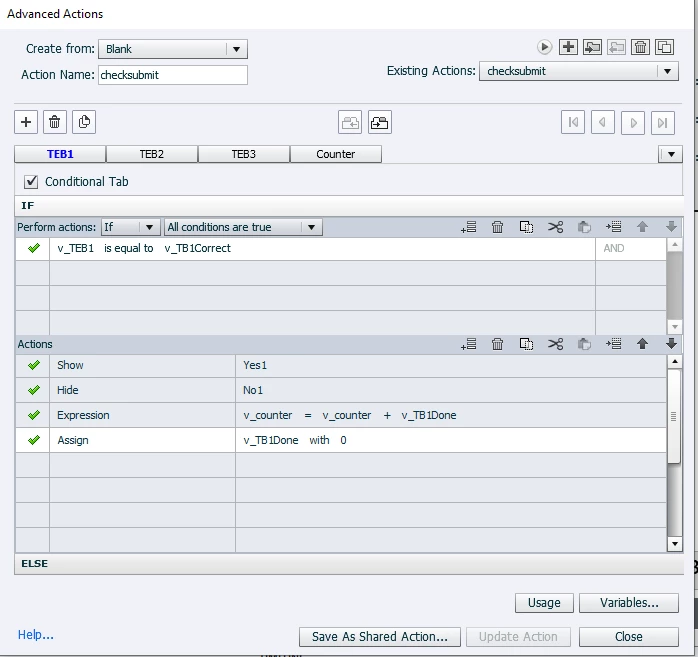
I have been trying to follow create an activity with multiple text entry boxes with one submit button. I have been studying this blog post Multiple TEB's - one Submit

and mine project looks exactly like the blog but it's producing different results. The text entry boxes need no validation and the person can put whatever they like into the TEB, they just can't leave it blank. I'm working on Captivate 9.

Any help would be appreciated.
    This topic has been closed for replies.
    Correct answer Lilybiri

    Thanks for letting me know


    Post not fully ready (have issues with uploading embedded example, provided a link), but you can read the workflow:

    Scrolling Text Interaction to replace Text Entry Box - Captivate blog

    Still no news from moderation in portal, where embedding is lot easier. Need a different way of publishing, media insertion and CSS for both sites, hence the amount of time needed.

    1 reply

    Lilybiri
    Legend
    June 20, 2019

    Whow.... an article I wrote over 10 years ago for Captivate 4 and 5...

    So much has changed since that time.

    Do you,want HTML5 output? Are you on 9.0.2? I don't have that version anymlore, I am on 11.5.0.476

    You cannot use the workflow in that post, since it was meant for validated TEB''s.

    You will need to check if the entry is not blank. For that reason check this blog post:

    Where is Null in CP2017? - Captivate blog

    It was written for CP10, which means slight changes in the Advanced Actions dialog box.

    What exactly do you want to happen when the Submit button is clicked:

    • iif all TEB's are filled
    • if they are not (all) filled
    jackb93304284
    Known Participant
    June 20, 2019

    Hey Lilybri,

    Thanks for replying, your blog was one of the only things relevant to what I am trying to achieve so I assumed I'd be able to achieve the same results.

    I will want HTML 5 output and I am also on version 11.5.0.476.

    If all TEB's are filled then it will just be simple action to show a buttton to move on to the next slide. If they are not filled then it will be an action to show a smartshape with text stating that all boxes need to be filled. I've not come across that other blog you posted so I'll check that out and see if I get a solution.

    Lilybiri
    Legend
    June 20, 2019

    The problem with HTML5 output, contrary to SWF output is that it is not so easy to rewind the playhead before the pausing point of the TEB to allow another entry in the TEB.

    Since you do not need validation, I would consider using Scolling Text Interaction to replace the TEB's which are interactive. Scrolling Text ineractions are static, have an associated variable, you can allow to have the learner type in textt and you wouldn't have to rewind the playhead.

    I will create an example, and explain in a short post. Please have some patience.