
Copy link to clipboard
Copied
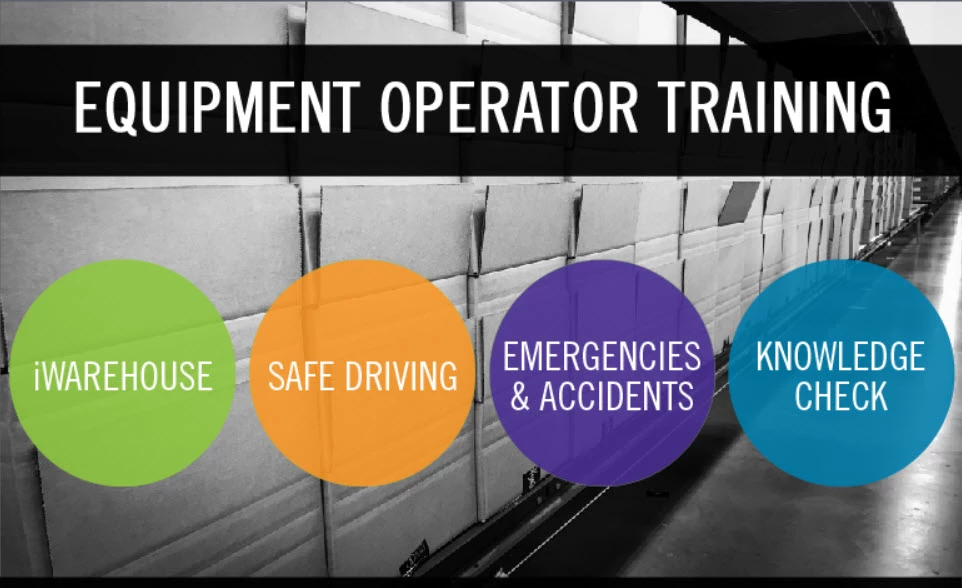
I am needing to make each of these open each specific corresponding course. I know that you can either hyperlink or make them buttons and set them to open the courses, but I am needed to add these to an LMS system. I assume that when in the LMS they will try to open as a Captivate course, but no one has Captivate except me. I thought about having them open PDF versions, but there are videos in some of these, which won't play in a PDF. I also thought about adding them all into one course (which would be simple) but it would be super tedious because the look of all the slides will change and I will have to spend a ton of time changing them. Do they have to be attached to a specific type of file in order to work in LMS, or is there an easy work-around for this?
Copy link to clipboard
Copied
They should be able to open published Captivate files just fine.
The issue you will run into is SCORM tracking with separate courses acting as one.
Copy link to clipboard
Copied
You are confusing cptx-files, which are the 'raw' files used by the developer with the published files (html or scorm folder). To edit and develop a course you need Captivate on your system. To view and engage with published courses you only need a web browser, whether it is published to a webserver or to a LMS. Nothing else is needed.
Be careful with publishing to interactive pdf's which are SWF-based. They are interactive, can even report to a LMS but probably EOL.
It is possible to combine many courses into one SCORM object, but I would not recommend that at all. Let the LMS manage the courses, not Captivate.
Get ready! An upgraded Adobe Community experience is coming in January.
Learn more