
Participant
February 16, 2018
Answered

Project publishing/display issue

  • February 16, 2018
  • 1 reply
  • 276 views

Good day everyone,

Please, i am having issues publishing my new adobe captivate 2017 projects on my learnpress website. I have tried all i could to follow the publishing settings and tutorials provided by adobe, but to no avail. After uploading my zipped projects on the site, it does display. This issue began recently, because i had previously published

some projects successfully.

The link and extension for the one that displayed is quite different from that of the one that did not display.

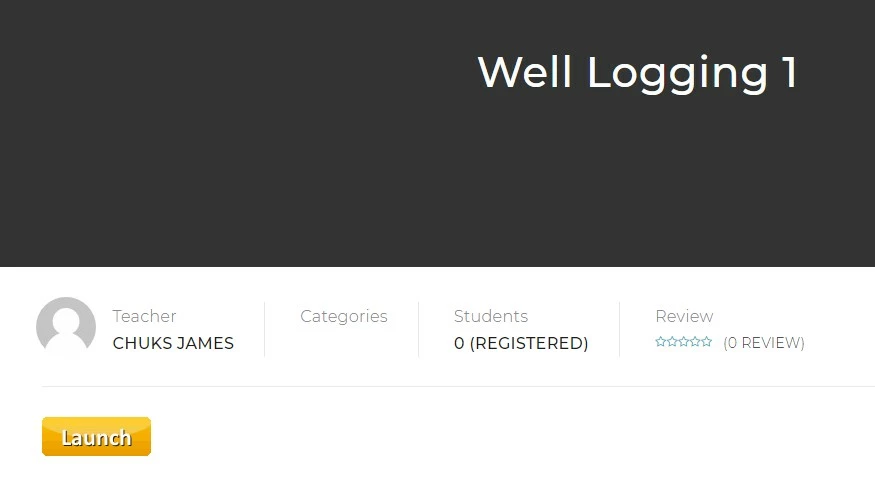
The project titled "Chuks" showed well with the extension.....index_scorm.html

It displayed well as:
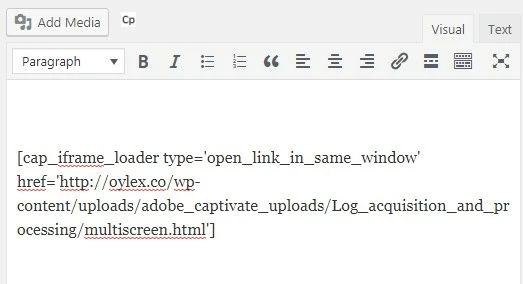
But the new projects not displaying has this "multiscreen.html" extension.
And the display was like this...
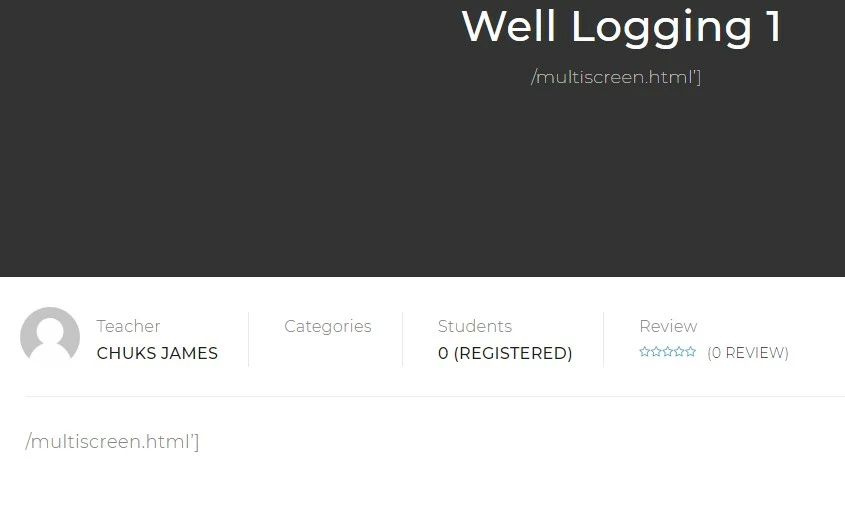
What do you think the issue is?

    This topic has been closed for replies.
    Correct answer Lilybiri

    The multiscreen.html means that you have published to both SWF and HTML in Captivate. That workflow used to work well, but since 9 it is no longer the case. Try to publish only to HTML?  You'll get an 'index.html' file instead of the multiscreen.html. It is also possible that your site only accepts SCORM packages, and not normal packages. I know that is the case with some LMS's. That means you would have to turn on and configure reporting.

    1 reply

    Lilybiri
    LilybiriCorrect answer
    Legend
    February 16, 2018

    The multiscreen.html means that you have published to both SWF and HTML in Captivate. That workflow used to work well, but since 9 it is no longer the case. Try to publish only to HTML?  You'll get an 'index.html' file instead of the multiscreen.html. It is also possible that your site only accepts SCORM packages, and not normal packages. I know that is the case with some LMS's. That means you would have to turn on and configure reporting.

    Participant
    February 17, 2018

    Thks. very much, I think the problem is from our website... I remember that your solution above was what gave me the right display previously. Thks.