We could make these quiz slides, but there would also be non-quiz slides where the sprite and score bar would need to be checked and updated.
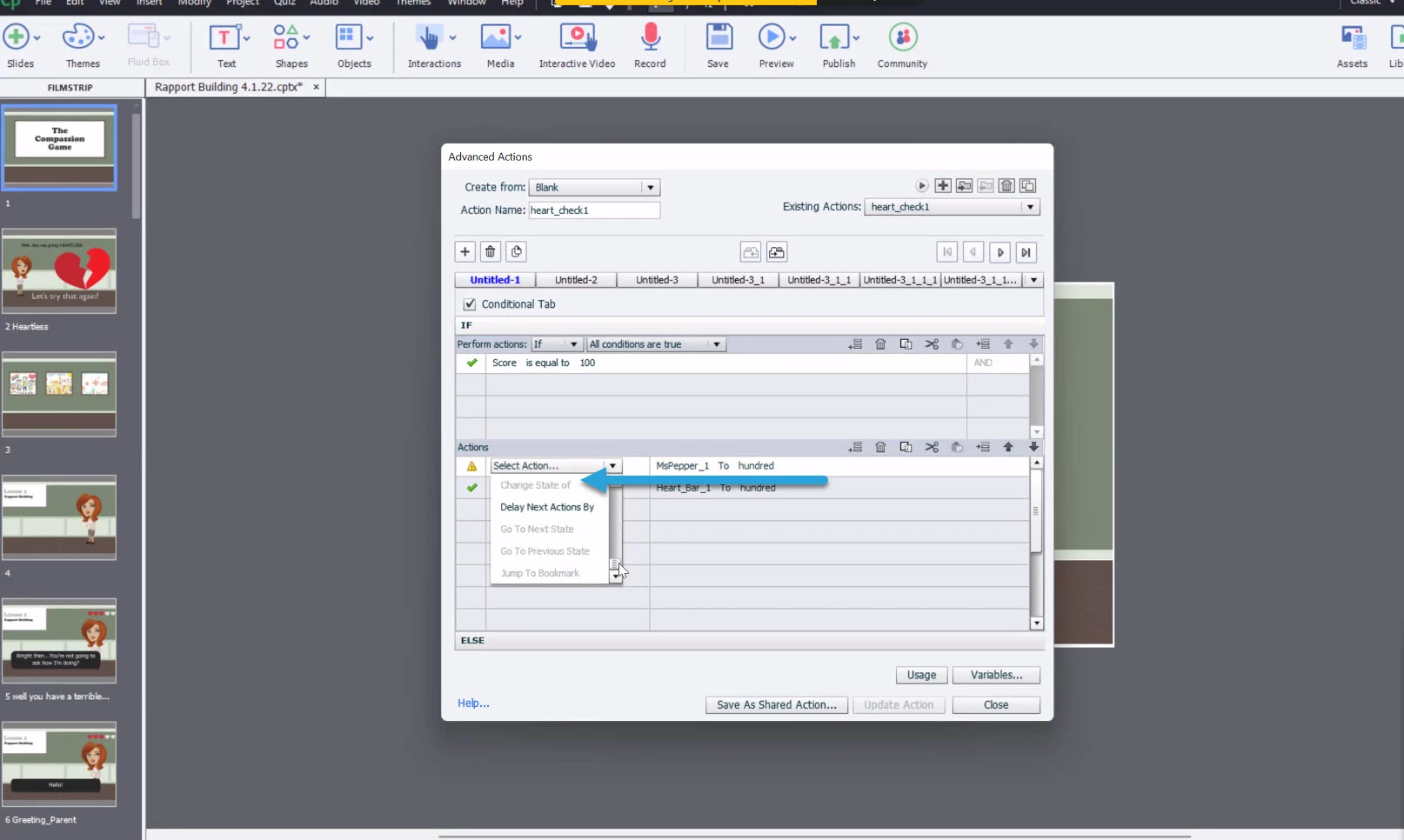
Yes, we've disabled the playbar, because this is a branching piece where different answers take you to different responses. So yeah, we also have advanced actions tied to each of the answer options that jump to the corresponding slide and update the score accordingly.
Can you explain or point to an online resource that would show us how to make the same sprite appear on multiple slides with the one unique ID?
I use Timing for the rest of the project all the time. It is an alternative not only for your situation, but also when you cannot use an object on the master slide because it needs an ID. Have a look at this blog:
http://blog.lilybiri.com/popups-on-quiz-slides
It is the same popup on all the slides, and uses variables to change the content.
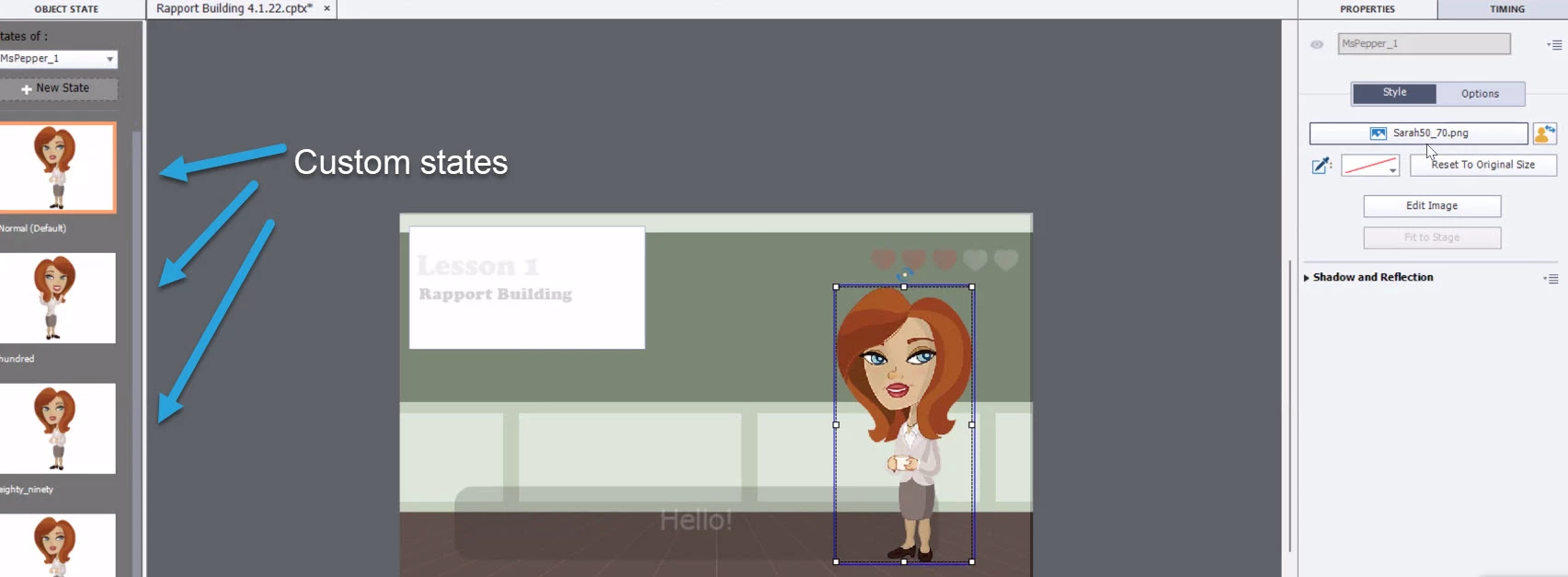
You can also attach scores to interactive objects, not only to quiz slides. Those scores can be included in the quizzing variables as well. Once a multistate object has gotten to a new state, since it is clearly based on previous successes, do you need to turn back to a previous state? That would be the only reason to not use 'Go to Next State'. Here is another post:
http://blog.lilybiri.com/about-state-commands-and-a-progress-bar

 AdChoices