Not too late to the party -- all help is welcome!
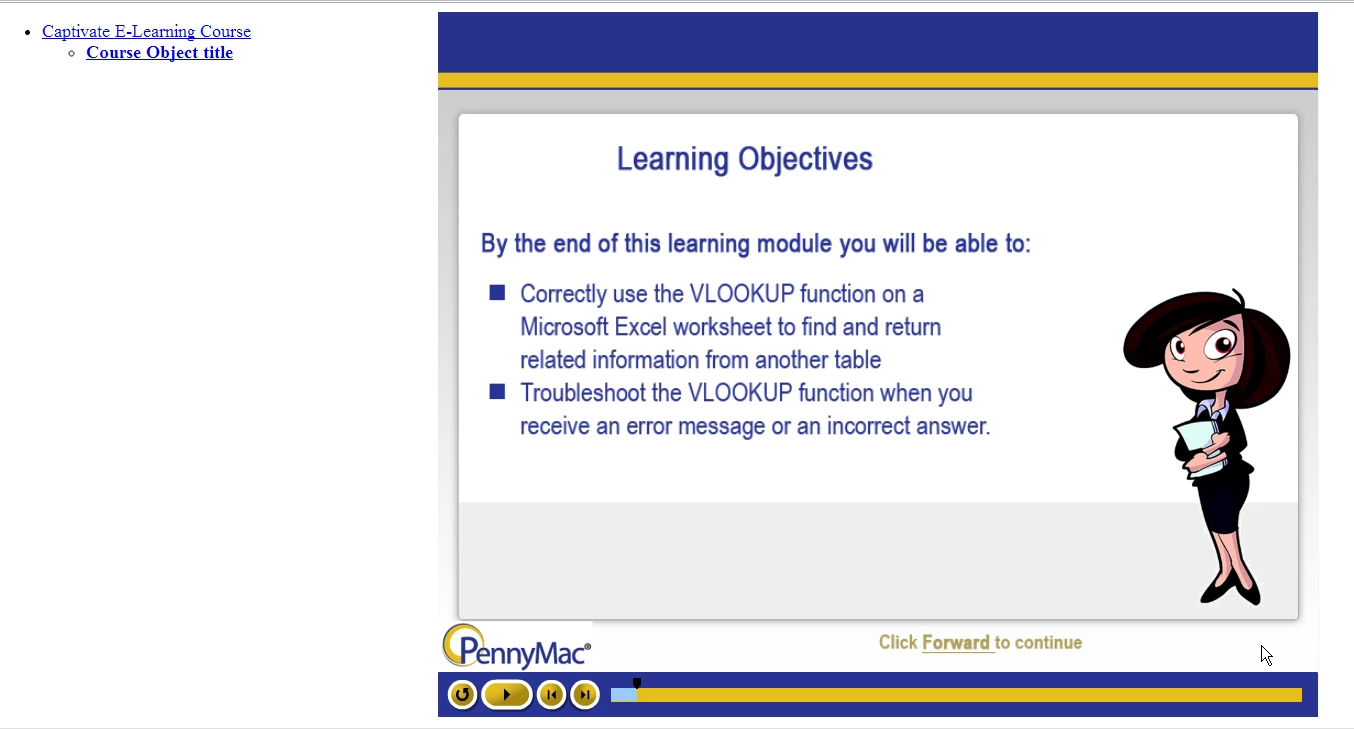
1) Brain got backwards; I meant my "other right." You are correct that I am referring to the window at the LEFT of the course screen.
2) Whether I have the course and module titles entered in Captivate does not seem to make a difference here (I have tried adding them, and removing them) -- the window still shows, it just either shows the names, or some default text. It's not formatted, and frankly, kind of ugly when you compare it to the nicely formatted course.
3) Cornerstone does not give us an option to launch the content in a new window or embedded in the page. The default is to open in a new window, but still shows the frame at the left. BUT -- only when I publish using SCORM 2004.
4) As for the last, I am referring to some of the other discussions, where it is suggested that to fix the tabbing issue, I/we add a line of text to HTML file generated by Captivate. However, the code that I'm supposed to look for does not exist. The HTML code looks like it just calls up the Javascript for the SWF, so not much help.
THAT SAID -- I have tested a few combinations, and I think I found one that works.
SWF, SCORM 1.2, DISABLE ACCESSIBILITY
Disabling Accessibility may have taken care of the tabbing issue. I'm in the process of having other people test the course, so I'll keep my fingers crossed.
Hello jnifferg,
Looking at Cornerstone's "Course Publisher", it states: "Cornerstone supports all properly formatted SCORM v1.2 courses up to 250MB..."
Perhaps you can contact your Client Success Manager and see if they are capable of publishing SCORM 2004?
Hope it all works out!
-Michael GJ


 AdChoices