Hi,
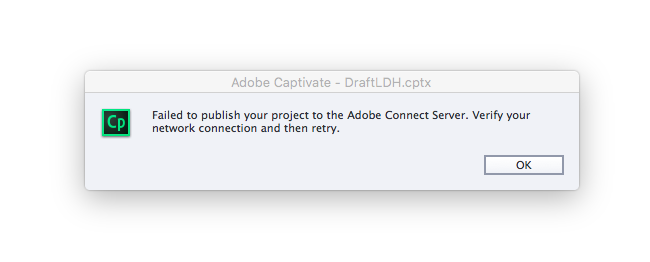
We have a hotfix available to fix the issue
Download the hotfix zip from the following location:
https://www.dropbox.com/s/oqxqhlzecc5j5ap/hotfix2017.zip?dl=0
1)Unzip the folder.
you may consider taking backup of the following files(and folder) from the Captivate installation folder:
- CPPublic.dll
- CPPublish.dll
- CPHTMLPublish.dll
- sdk folder
2)Copy the contents and replace it in the Adobe Captivate 2017 installation folder C:\Program Files\Adobe\Adobe Captivate 2017 x64.
(sdk folder contents will be merged with the existing path in installation folder. you need not copy the contents and path separately)
3)Clear preferences from C:\Program Files\Adobe\Adobe Captivate 2017 x64\utils. Launch Captivate and verify.
Regards
Himanshu

 AdChoices